- Applications
- Education
Anti Theft Alarm: Phone Guard

| Install | 4.4 K |
| From 5 Rates | 2.6 |
| Category | Education |
| Size | 13 MB |
| Last Update | 2026 June 17 |

| Install | 4.4 K |
| From 5 Rates | 2.6 |
| Category | Education |
| Size | 13 MB |
| Last Update | 2026 June 17 |
Images

Introduction
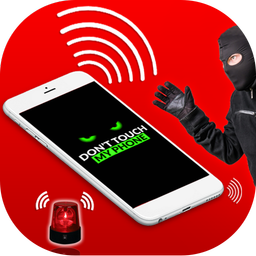
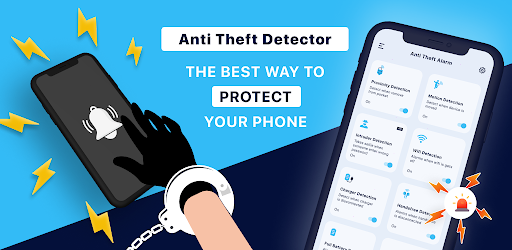
Protect your phone in everyday situations with Anti Theft Alarm: Phone Guard. Activate the protection mode you need and receive a loud alert if someone moves your phone, removes it from your pocket or bag, or disconnects it from its charger.
Whether your phone is on a café table, charging in a public place or inside your pocket while traveling, Phone Guard helps you notice unwanted movement quickly.
KEY PHONE PROTECTION FEATURES
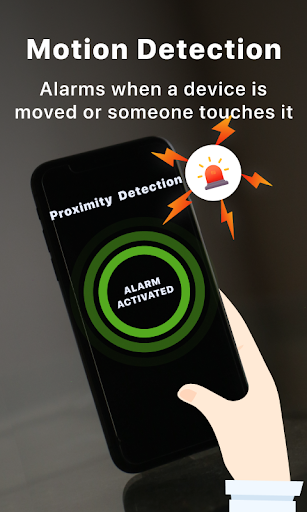
• Motion alarm
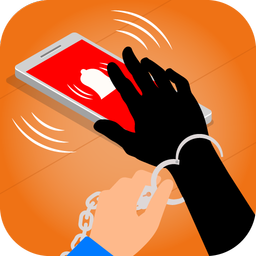
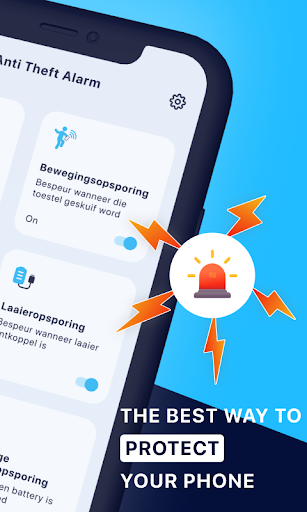
Place your phone on a table or desk and activate the motion detector. If someone picks up or moves the device, a loud phone alarm is triggered.
• Pocket removal alarm
Use pocket protection in crowded places, on public transport or while shopping. The anti-pickpocket alert can notify you when the protected phone is removed from your pocket or bag.
• Charger unplug alert
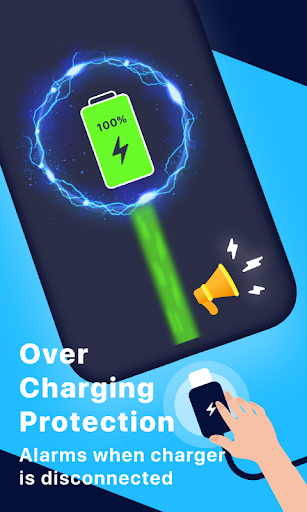
Protect your device while it is charging. When charger protection is active, the alarm can sound if the charging cable is disconnected.
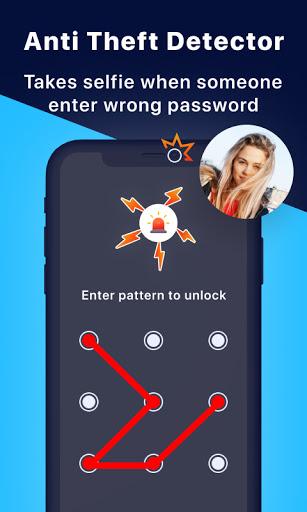
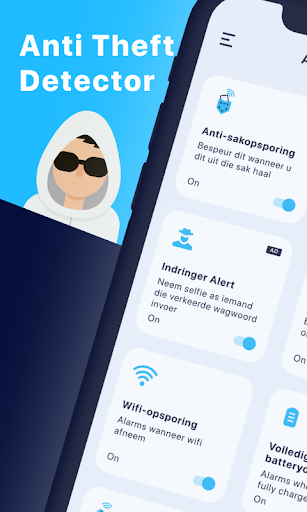
• Intruder selfie alert
Use the supported intruder alert feature to capture an image after an unauthorized unlock attempt. Availability can depend on your device, Android version and granted permissions.
• Custom alarm controls
Choose from available alarm sounds and adjust supported settings such as delay, vibration, flashlight and volume for the protection mode you use.
• Additional smart alerts
Access supported Wi-Fi, earphone and full-battery alerts from one convenient phone security app.
HOW TO USE PHONE GUARD
1. Open the app and select a protection mode.
2. Allow only the permissions required for that feature.
3. Adjust the alarm sound, delay and other available controls.
4. Test the selected mode before relying on it.
5. Activate protection and keep the armed status visible.
USE IT WHERE YOUR PHONE NEEDS ATTENTION
• On a table at a café, office, library or shared space
• In a pocket or bag while traveling or shopping
• At a public charging point, airport or waiting area
• At home when you want to know if someone moves your phone
Anti Theft Alarm: Phone Guard is designed to provide audible alerts and convenient phone-protection controls. It does not guarantee theft prevention and does not replace your Android screen lock, account security or device-recovery tools. Feature behaviour can vary by device, Android version, permissions and system power settings.
Activate the mode you need, test the alarm and give your phone an extra layer of awareness.

Related Applications






Users Also Installed