- Applications
- Tools
QR Code Reader Barcode Scanner

| Install | 1.4 K |
| From 4 Rates | 4.2 |
| Category | Tools |
| Size | 32 MB |
| Last Update | 2026 September 11 |

| Install | 1.4 K |
| From 4 Rates | 4.2 |
| Category | Tools |
| Size | 32 MB |
| Last Update | 2026 September 11 |
Images

Introduction
QR Code Scanner - Scan Barcode is your all-in-one tool for scanning, creating, and managing QR codes and barcodes. Whether you need to scan a QR code, read a barcode, generate a custom QR code, or process multiple codes at once, this app brings every tool into one fast, simple interface. With QR Code Scanner - Scan Barcode, everyday scanning and code creation finally live in one place.
<font color="#1a73e8">QR Code Scanner</font>
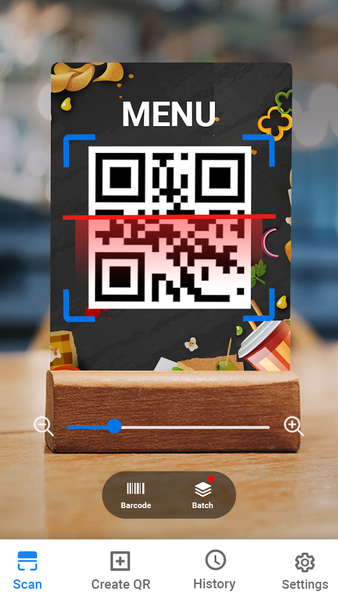
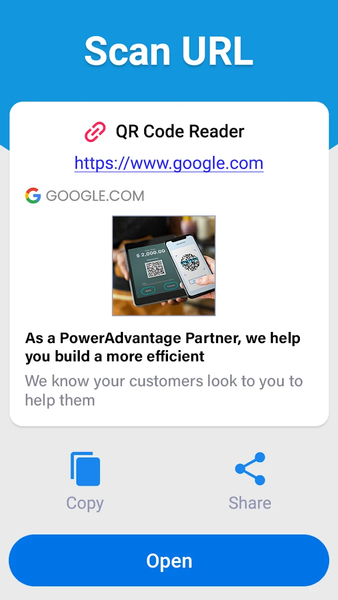
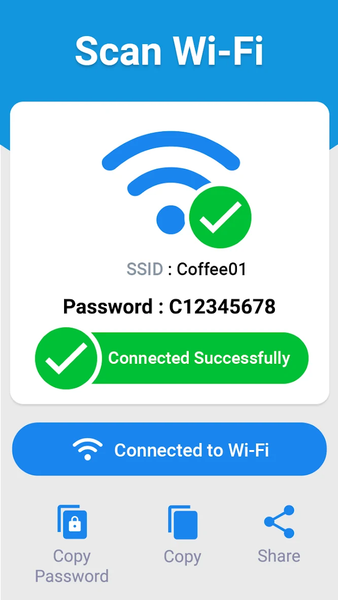
Point your camera at any QR code and get instant results. The QR code scanner reads links, contact details, WiFi networks, text, and more in under a second, accurate, fast, and built for everyday use, whether you're at home, at work, or on the go.
<font color="#e8710a">Barcode Scanner</font>
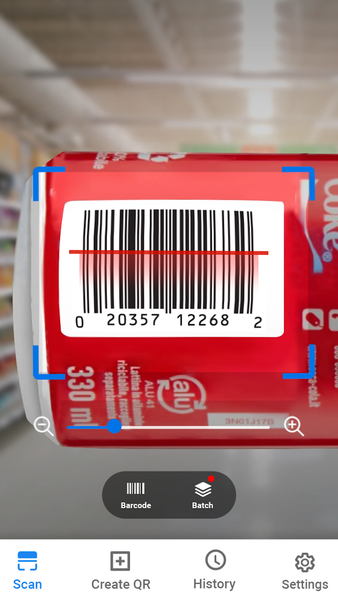
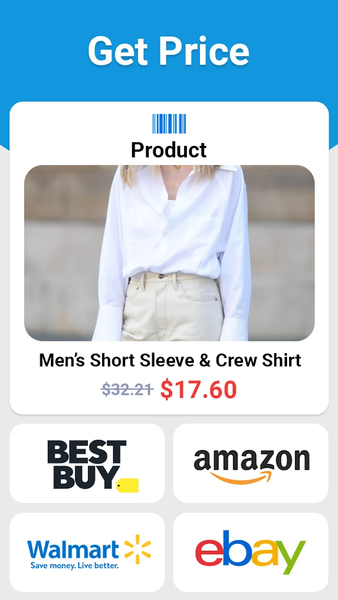
Scan product barcodes to check prices, details, or inventory instantly. The barcode scanner supports all major retail and shipping formats, making it a reliable barcode reader for shopping trips, stock-taking, or quick everyday lookups without any guesswork.
<font color="#0f9d58">Batch Barcode Scanning</font>
Need to scan more than one code? Batch scanning lets you scan multiple QR codes or barcodes back-to-back without restarting the scanner each time. It's ideal for inventory checks, event check-ins, warehouse work, or organizing several codes quickly and efficiently.
<font color="#d93025">Create your own QR Code/ Barcode </font>
The QR code generator built into QR Code Scanner - Scan Barcode lets you create a QR code for almost anything in seconds:
- Website links and clipboard text
- Contact cards, phone numbers, and email addresses
- WiFi networks (scan-to-connect, no typing passwords)
- Location (Geo) pins and calendar events
- Plain text and custom messages
- Barcodes in EAN-8, EAN-13, UPC-A, and Code 39 formats
Whether you're making a QR code for a business card, sharing your WiFi password, or generating a product barcode for inventory, the QR code maker in QR Code Scanner - Scan Barcode gives you a ready-to-use code instantly. It's completely free, with no limit on how many codes you create.
<font color="#9334e6">Import QR’s from Gallery</font>
Can't scan live with your camera? Import from Gallery lets you scan any QR code or barcode straight from a saved photo or screenshot. Perfect for codes sent to you in messages, emails, screenshots, or saved images from anywhere.
<font color="#12b5cb">Scan Every Format, Instantly</font>
QR Code Scanner - Scan Barcode supports all widely used QR and barcode formats, including ISBN, EAN, UPC, Data Matrix, Maxi Code, Code 39, Code 93, and Codabar. Every scan works completely offline, so you get accurate, reliable results with no internet connection needed — anywhere, anytime, without delay.
<font color="#f9a825">Track your QR’s Code History</font>
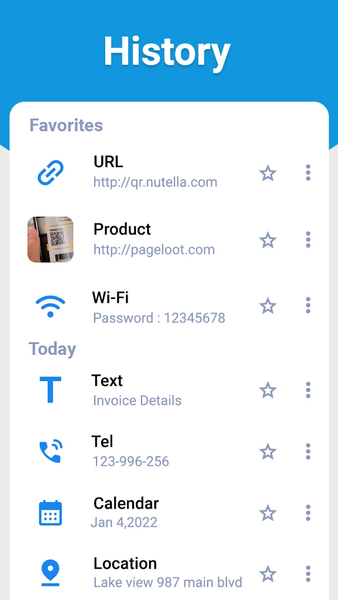
Every QR code and barcode you scan is automatically saved to your scan history, so you can revisit, reuse, or reference a past scan anytime without having to scan it all over again.
<font color="#188038">Privacy & Performance</font>
QR Code Scanner - Scan Barcode is built to be lightweight and privacy-safe. The app requests only the permissions it actually needs to scan and generate codes. No unnecessary access, no bloated background processes, no intrusive tracking. Just a fast, focused tool that respects your privacy while doing exactly what you need it to do.
<font color="#c2185b">Download QR Code Scanner - Scan Barcode today</font> and get a single, reliable app for scanning, generating, and managing every QR code and barcode you need — fast, offline, private, and completely free.

Related Applications







Users Also Installed