- Applications
- Education
Files To Computer: PC / NAS
| Install | 160 |
| From 1 Rates | 1 |
| Category | Education |
| Size | 8 MB |
| Last Update | 2026 October 26 |
| Install | 160 |
| From 1 Rates | 1 |
| Category | Education |
| Size | 8 MB |
| Last Update | 2026 October 26 |
Images


Introduction
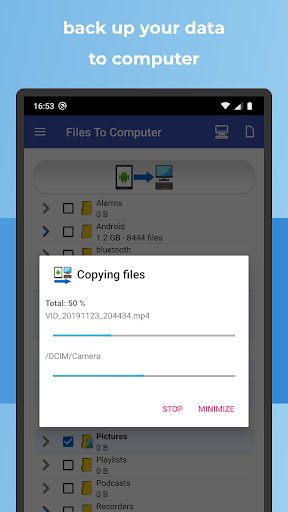
Send photos, videos, music and documents from your Android phone to your computer over Wi-Fi. No USB cable needed.
Not a tech person? Use QR code transfer: select your files, tap copy and a QR code appears. Scan it with another device, or type the shown address into any web browser, and download your files. No SMB, SFTP or FTP setup required.
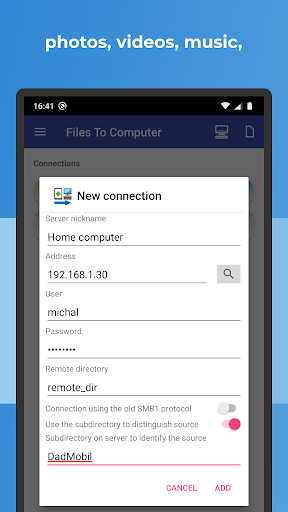
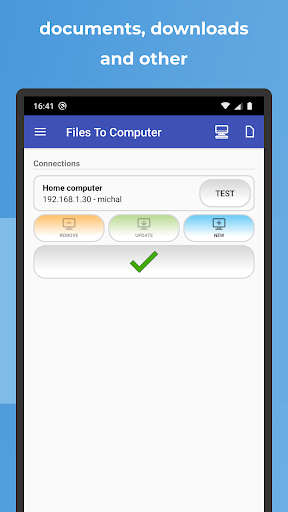
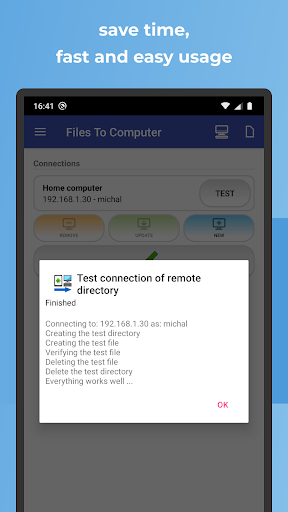
Want full control or automatic backups? Connect to your PC, NAS or server using SMB, SFTP or FTP, on your home network or over the internet.
Two ways to transfer
◆ QR code or URL (easiest)
Your phone becomes a temporary web server on your local Wi-Fi network. Select files, scan the QR code with another device or type the displayed URL into any browser, then download the files. Works with any device that has a web browser. No app, cable or configuration needed on the other side.
◆ SMB, SFTP and FTP (for regular transfers and backups)
Transfer files to Windows shared folders, NAS devices, computers and remote servers using standard protocols.
Key features
◆ Transfer files to PC, NAS or server
Copy files directly from your Android phone or tablet to your computer, network storage or server.
◆ Photos, videos, music and documents
Transfer photos, videos, audio files, documents and other files stored on your Android device.
◆ Android file backup
Keep copies of important photos, videos, documents and other files on your computer, NAS or server.
◆ Skip existing files
Files that already exist at the destination can be automatically skipped during repeated transfers and backups.
◆ Delete transferred files
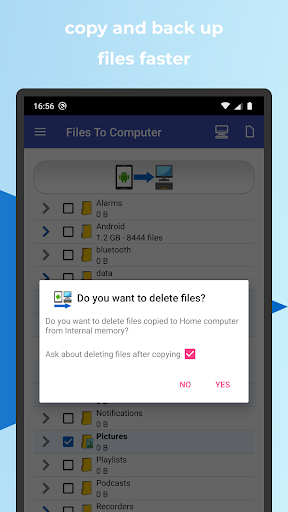
After a successful transfer, you can choose to delete copied files from your Android device and free up storage.
◆ Selective file transfer
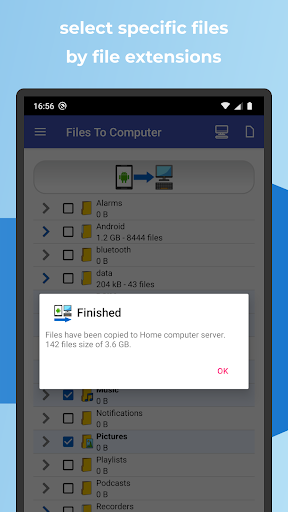
Choose individual files, directories or specific file types instead of transferring everything.
◆ Wireless transfer
Move files without connecting your Android device to your computer with a USB cable.
Useful for
• Backing up photos and videos to a computer
• Freeing up storage on your Android device
• Copying Android files to NAS storage
• Transferring documents from Android to a PC
• Sending files to a remote server
• Regular backups using SMB, SFTP or FTP
• Quick file sharing using a QR code
• Managing files on devices without an SD card slot
Files To Computer combines Android file transfer, backup, NAS access, server connections and QR file sharing in one app.

Related Applications







Users Also Installed