- Applications
- Tools
S Music | Music Player

| Install | <10 |
| From 0 Rates | 0 |
| Category | Tools |
| Size | 4 MB |
| Last Update | 2026 September 29 |

| Install | <10 |
| From 0 Rates | 0 |
| Category | Tools |
| Size | 4 MB |
| Last Update | 2026 September 29 |
Images
Introduction
S Music | Music Player for Android
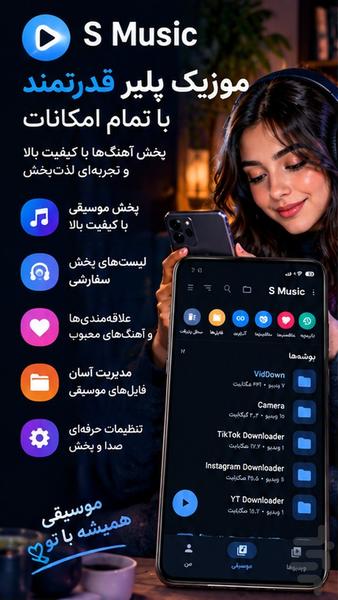
Enjoy your favorite songs with S Music, a powerful and elegant music player for Android designed to play and organize your local music collection.
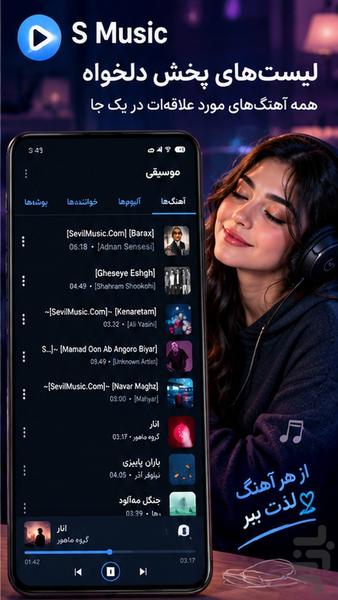
Browse your music by songs, albums, artists, genres, folders, and playlists. Create your own playlists, mark favorite tracks, customize audio settings, and control playback with a clean and intuitive interface.
✨ Key Features
🎵 Powerful Music Player
Play your locally stored music with a fast and smooth audio player.
🎧 Multiple Audio Formats
Play common audio formats such as MP3, AAC, and FLAC.
💿 Album View
Browse and manage your music by album.
🎤 Artist View
Find all songs from your favorite artists in one place.
🎼 Genre View
Browse your music collection by genre.
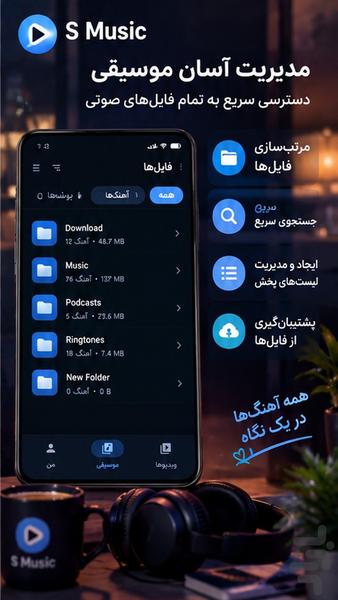
📁 Folder View
Play music directly from folders on your device.
⭐ Favorites
Add your favorite songs to a dedicated favorites collection.
📋 Custom Playlists
Create and manage your own playlists.
🔀 Shuffle & Repeat
Shuffle your music or repeat individual songs, albums, or playlists.
⏭️ Full Playback Controls
Control playback, skip tracks, pause music, and move between songs easily.
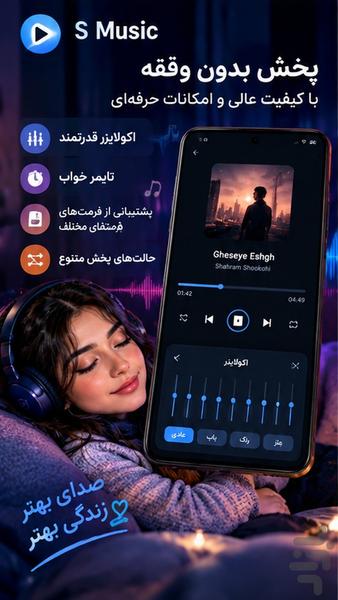
🎚️ Equalizer
Customize your audio experience using equalizer controls.
🔊 Audio Controls
Adjust your listening experience based on your music and audio output.
🎛️ Sound Presets
Use available audio presets or customize your sound settings manually.
🔄 Crossfade
Create smoother transitions between songs with crossfade playback.
⏰ Sleep Timer
Set a timer to automatically stop music after a selected period.
⚡ Playback Speed
Adjust playback speed when needed.
🔔 Notification Controls
Control your music directly from Android playback notifications.
🔒 Lock Screen Controls
Control playback from the lock screen when supported by your device.
📱 Music Widget
Access playback controls quickly through the home screen widget.
🔎 Fast Music Search
Quickly find songs, albums, artists, and other music in your library.
🗂️ Organized Music Library
Keep your local music collection organized and easy to browse.
🎨 Clean & Intuitive Interface
Enjoy a simple and elegant interface designed for everyday music listening.
🔥 Perfect for:
✔ Android Music Player
✔ Music Player App
✔ MP3 Player
✔ Offline Music Player
✔ Local Music Player
✔ Audio Player
✔ Music Library
✔ Album Player
✔ Artist Player
✔ Folder Music Player
✔ Music Player with Equalizer
✔ Music Player with Playlists
✔ Music Player with Sleep Timer
✔ Music Player with Crossfade
✔ FLAC Music Player
✔ AAC Music Player
💎 A Powerful Music Player for Android
With S Music, all your local music is organized in one convenient library.
Browse songs by album, artist, genre, folder, or playlist, create custom playlists, save favorite tracks, customize the equalizer, use playback controls, and enjoy your music the way you like.
S Music is designed to provide a music-player experience inspired by the clean and organized approach of popular Samsung music players while remaining a standalone application.
S Music — your music, your way.
Related Applications










Users Also Installed







Similar Applications