- Applications
- Education
Opus to Mp3 Converter

Images

Introduction
What's OPUS audio?
An OPUS file is an audio file created in the OPUS format, an audio format developed for Internet streaming.
Opus to Mp3 Converter Audio app converts Opus to Mp3 file. Opus to Mp3 Converter is easy and simple to use. Opus to Mp3 Converter is totally offline app.
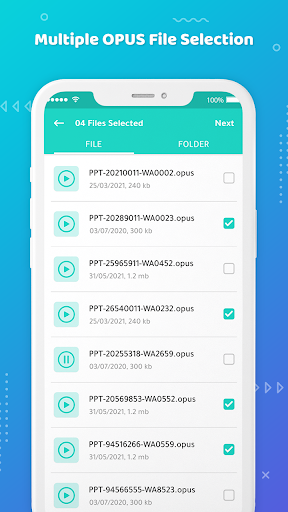
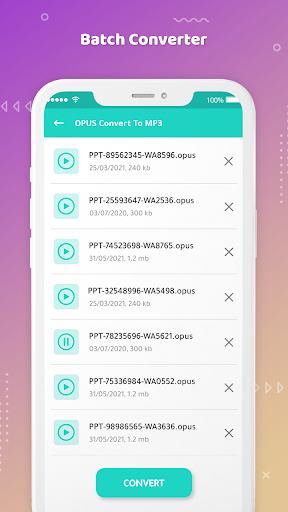
On a single moment you can convert single as well multiple OPUS audio to MP3 format, You just have to select the OPUS audio and convert them.
Steps to Convert Opus to Mp3
1. Click on 'Select File'.
2. Select the single OR multiple OPUS file from All Files Or can select from Folders.
3. Click on Next and convert, to convert Opus to Mp3 format.
4. You will get audio quality options like 320 Kbps, 256 Kbps, 192 Kbps and 128 Kbps to convert it into MP3 format.
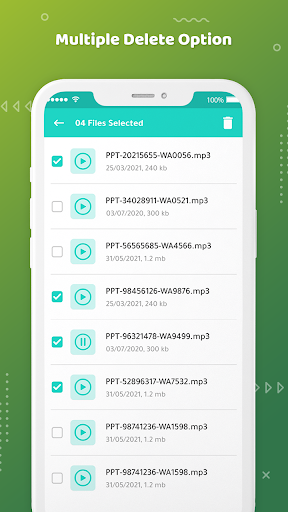
5. The converted files will be found in the Saved MP3.
Feature:-
1. Easy and simple app.
2. App is free to use.
3. App is Offline.
4. No extra permission required.
Related Applications