- Applications
- Education
Recover Lost Files and Photos

Images

Introduction
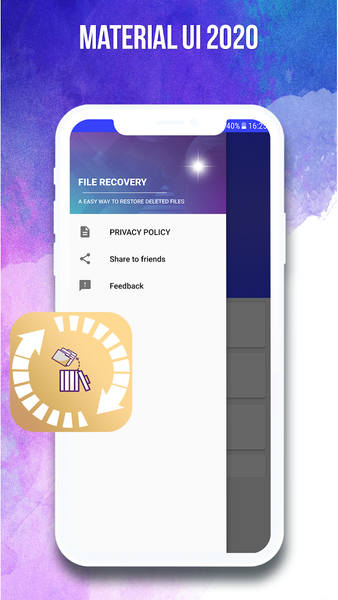
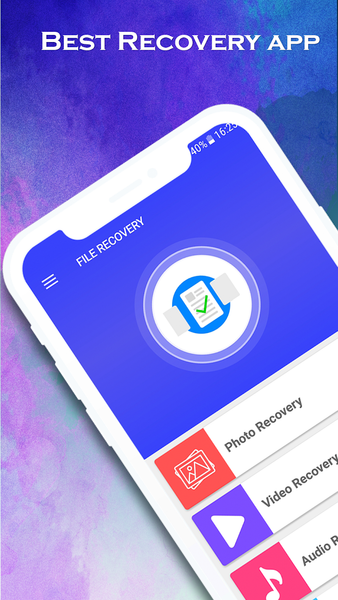
Need to recover deleted files Android right now? This Android file recovery app is the photo recovery app Android that lets you restore deleted photos Android, recover deleted videos Android, and undelete files Android in minutes. It’s a complete file recovery Android tool that also helps you recover WhatsApp deleted files Android and restore deleted files Android no root, giving you true data recovery Android power straight from your phone.
With support to recover deleted photos from SD card Android and internal storage, this app also lets you restore deleted videos Android free, making it the go-to Android file recovery app when you accidentally wipe media. You can recover lost files Android fast, use it as a deleted photo recovery Android scanner, and even restore deleted documents Android like PDF, DOC, XLS, PPT, and TXT. Need to recover audio files Android? It retrieves MP3, WAV, M4A, FLAC, and more. It’s built to be the best file recovery app Android for everyday users who want to recover permanently deleted files Android without any technical hassle.
How to restore deleted files Android no root step by step:
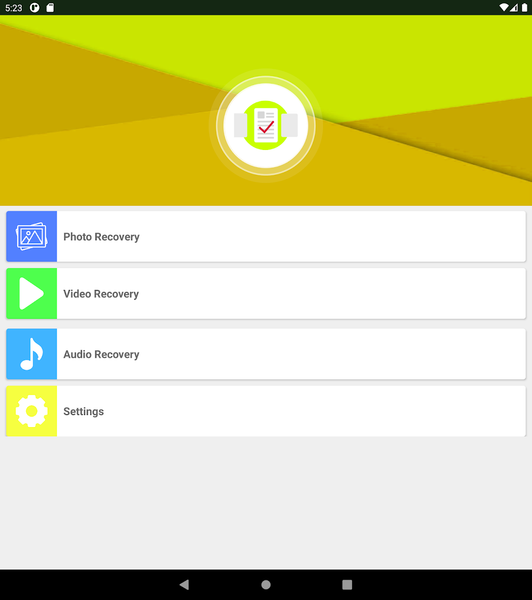
Download and launch the app.
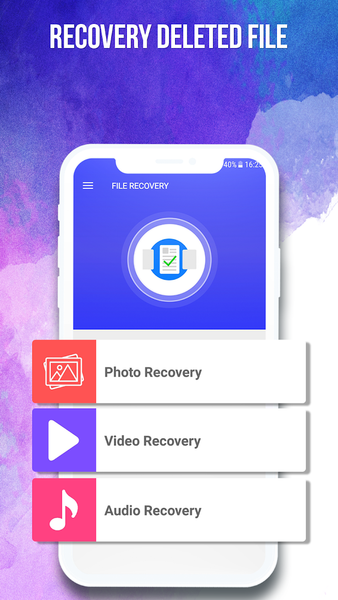
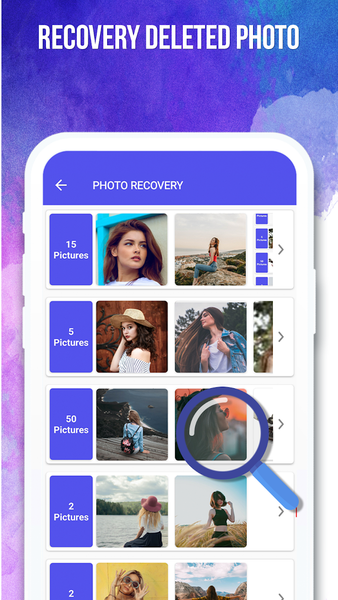
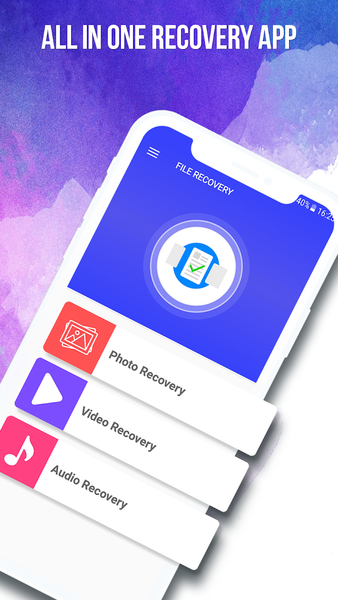
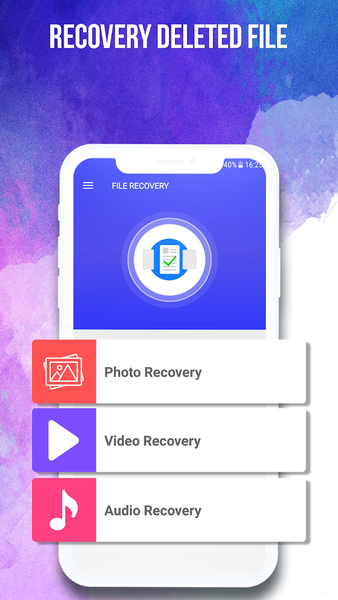
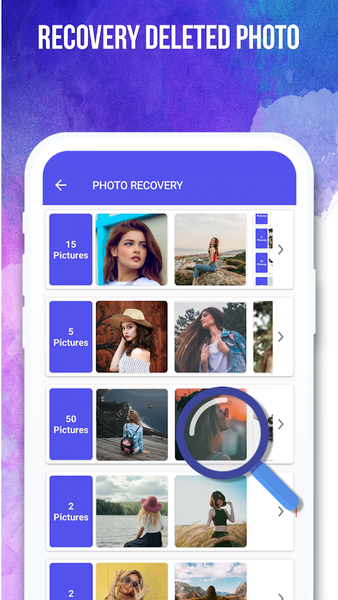
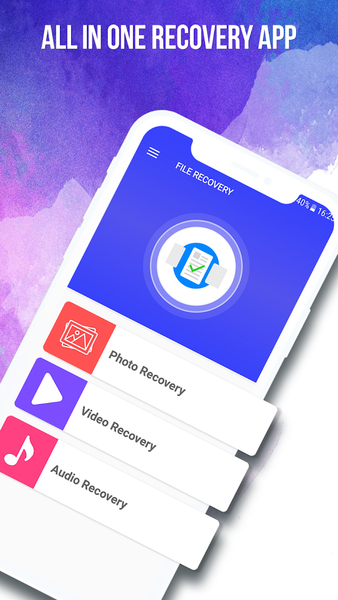
Tap "Photo Recovery" to restore deleted photos Android.
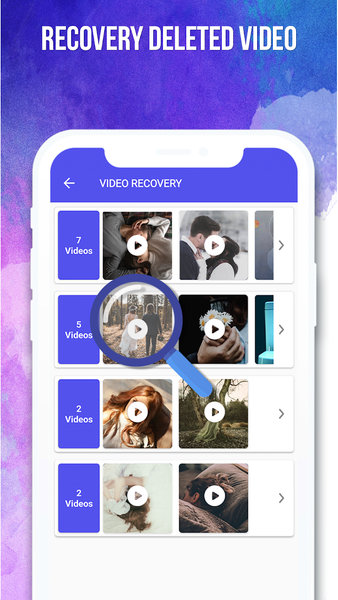
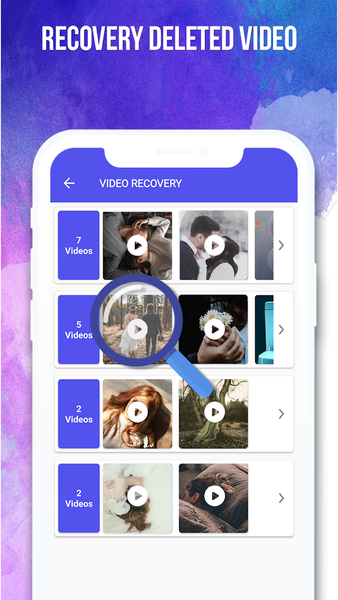
Use "Video Recovery" to recover deleted videos Android free.
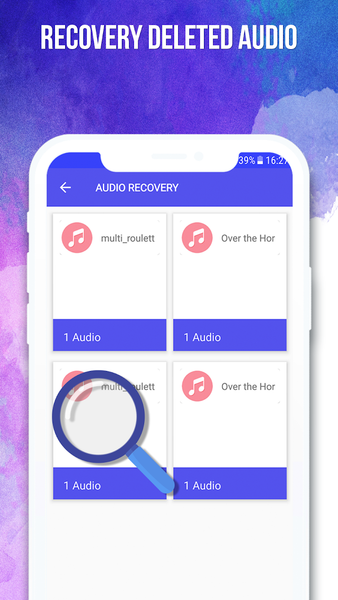
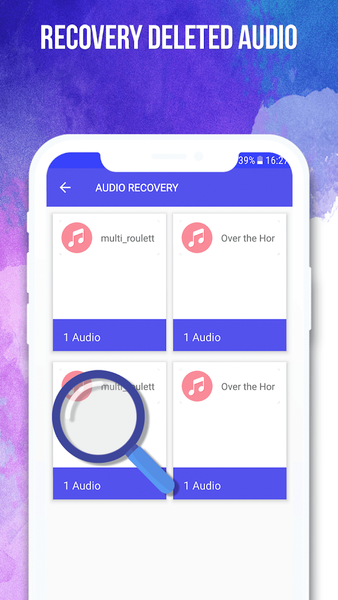
Choose "Audio Recovery" to recover audio files Android.
Select "Document Recovery" to restore deleted documents Android.
Pick "WhatsApp Recovery" to recover WhatsApp deleted files Android.
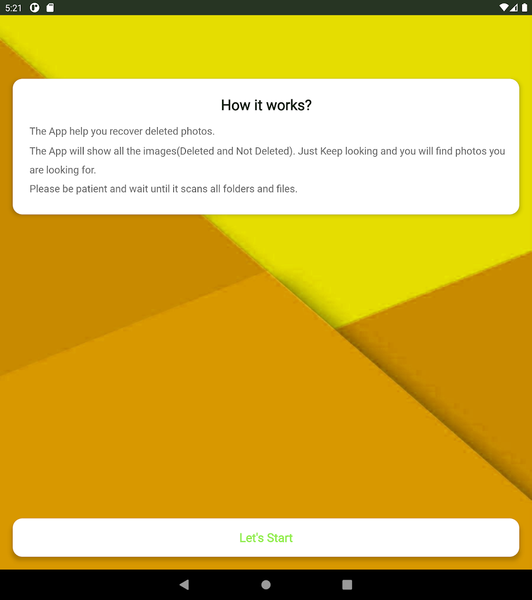
Scan results appear; tap to undelete files Android instantly.
Can this really recover deleted photos from SD card Android?
Yes, the app scans both internal memory and external SD cards. Just choose the SD card option when you need to recover deleted photos from SD card Android or retrieve lost videos.
Is this truly data recovery Android without root?
Absolutely. It offers Android data recovery no root, so you never risk voiding your phone’s warranty. The deep scan accesses recoverable traces left by deleted files using standard Android APIs, making it a safe restore deleted files Android no root solution.
What about WhatsApp? Can I recover WhatsApp deleted files Android?
Yes, you can recover WhatsApp deleted files Android including photos, videos, voice notes, and documents. It also handles restore deleted WhatsApp media Android from chats as long as the files were saved on your device before deletion.
Will it recover lost files Android from social apps?
Yes, media deleted from Messenger, Instagram, Facebook, and Snapchat can appear in scans if they were downloaded to your storage. This makes it a powerful Android file recovery app for social content.
Why do users call it the best file recovery app Android?
Because it combines photo recovery app Android features with video, audio, and document recovery in one lightweight tool. It attempts to recover permanently deleted files Android with high success rates when used promptly after deletion.
Important tips for successful recover lost files Android sessions:
Start a scan immediately after deletion.
Avoid saving new files, taking photos, or updating apps until recovery finishes.
Keep your battery charged above 50%.
Preview files before restoring to confirm the correct items.
What file types does this file recovery Android tool support?
Images: JPG, PNG, GIF, BMP, WebP. Videos: MP4, AVI, MKV, MOV, FLV. Audio: MP3, WAV, WMA, FLAC, M4A, OGG. Documents: PDF, DOCX, XLSX, PPT, TXT. This wide support makes it a comprehensive Android data recovery no root app.
Note: Recovery cannot guarantee results after factory reset or formatting. For the best chance to recover deleted files Android, use this data recovery Android app immediately. Download now and let this deleted photo recovery Android expert bring back your lost memories.
Related Applications




Users Also Installed





Similar Applications