- Applications
- Tools
Secure Eraser: Wipe Free Space

| Install | 710 |
| From 4 Rates | 4.2 |
| Category | Tools |
| Size | 4 MB |
| Last Update | 2026 October 30 |

| Install | 710 |
| From 4 Rates | 4.2 |
| Category | Tools |
| Size | 4 MB |
| Last Update | 2026 October 30 |
Images


Introduction
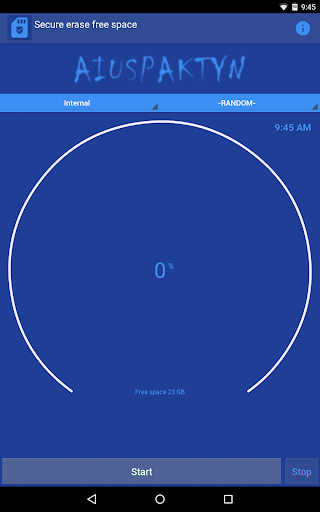
Secure Eraser overwrites the free space on your device, so the files you have already deleted become much harder to recover with data recovery tools.
When you delete a photo, a document or a chat on Android, the data often stays on the storage until something overwrites it. Secure Eraser fills the free space with a temporary file written with the method you choose, then deletes it and gives you the space back. Your existing files and apps are never touched.
★ MAIN FEATURES
• Wipes only the free space: your files, photos and apps stay safe
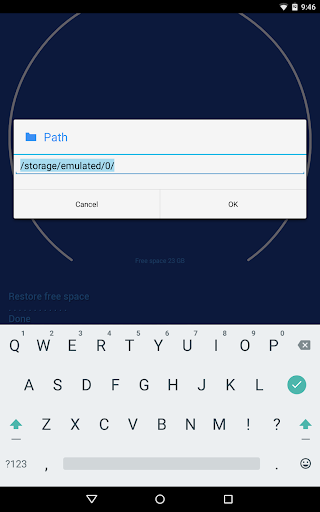
• Internal memory, SD card or a custom folder of your choice
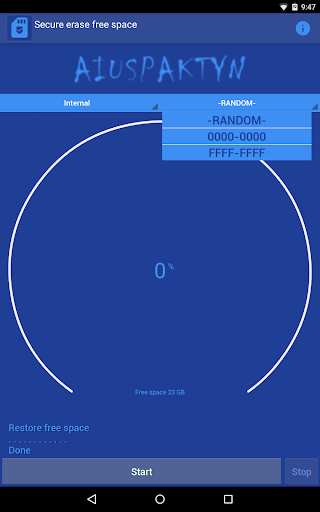
• 5 writing methods: random data, zeros (0000-0000), ones (FFFF-FFFF) and patterns inspired by DoD 5220.22-M and Gutmann
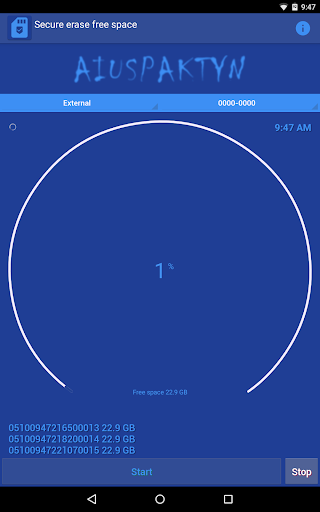
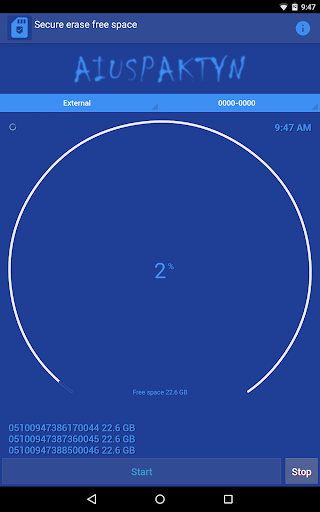
• Circular progress indicator with percentage and free space
• Real-time write speed and detailed activity log
• Runs in the background with a progress notification
• Free space automatically restored at the end or when you tap Stop
• Low battery warning when the device is not charging
• Light, dark or system default theme
• Available in 10 languages
★ WHEN TO USE IT
• Before selling, donating or giving away your phone or tablet
• After deleting sensitive photos, videos or documents
• Periodically, as part of your privacy routine
★ HOW IT WORKS
1. Choose the writing path: Internal, External or a custom folder
2. Choose the type of writing
3. Tap Start: the time needed depends on the amount of free space and on the speed of your memory
4. When it's done, the temporary file is deleted and the free space is restored
★ TIPS
• Keep the device on charge during long operations
• Random data offers the best balance between speed and security
Note: on flash memory, wear leveling may keep some blocks out of reach of any app. For maximum protection before selling a device, use Secure Eraser together with device encryption and a factory reset.


Related Applications








Users Also Installed








Similar Applications