- Install
- <100
- Category
- Tools
- Last updated
- 2026 November 3
- Size
- 8 MB
View antivirus results
checking the app
App screenshots

About this app
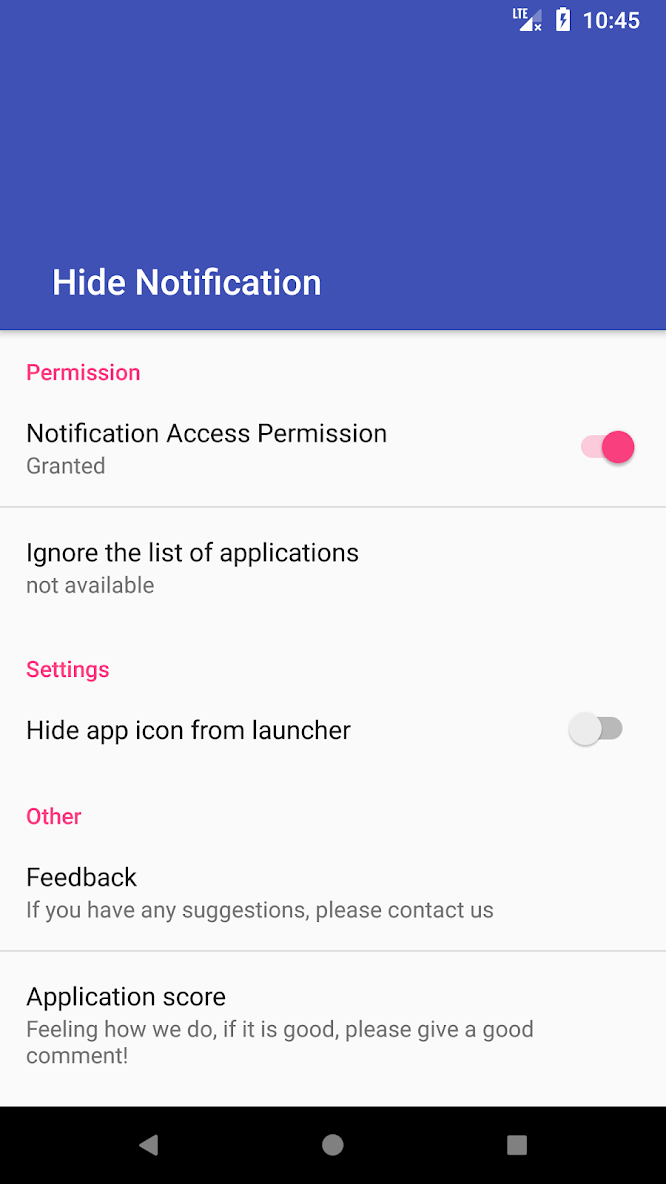
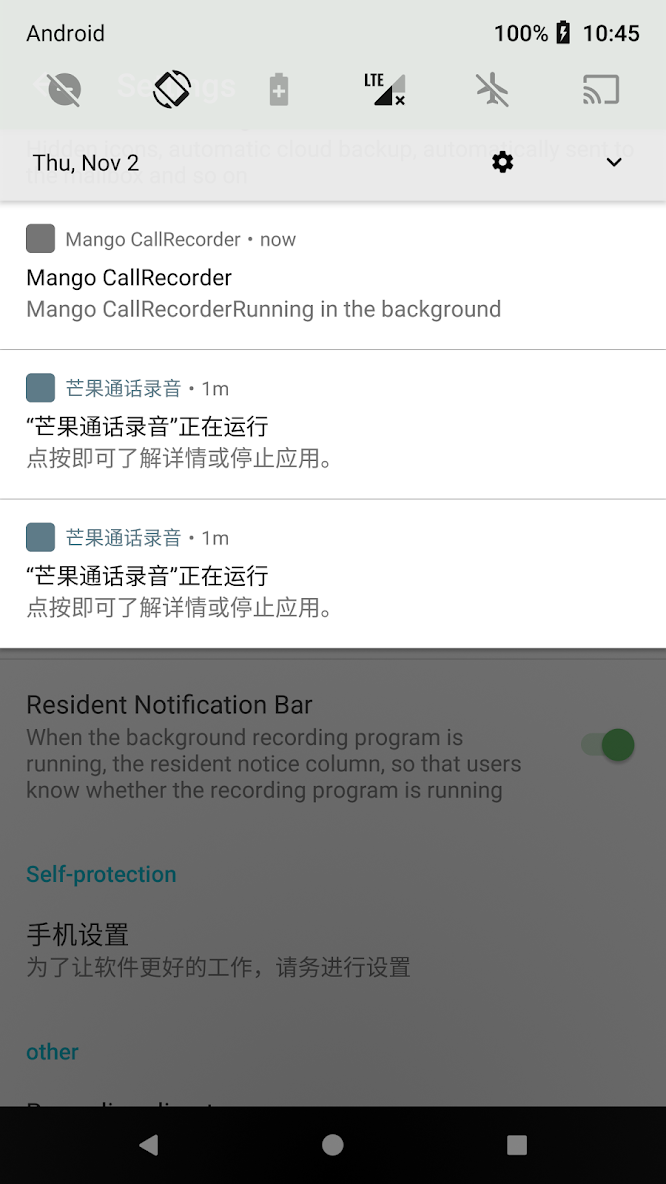
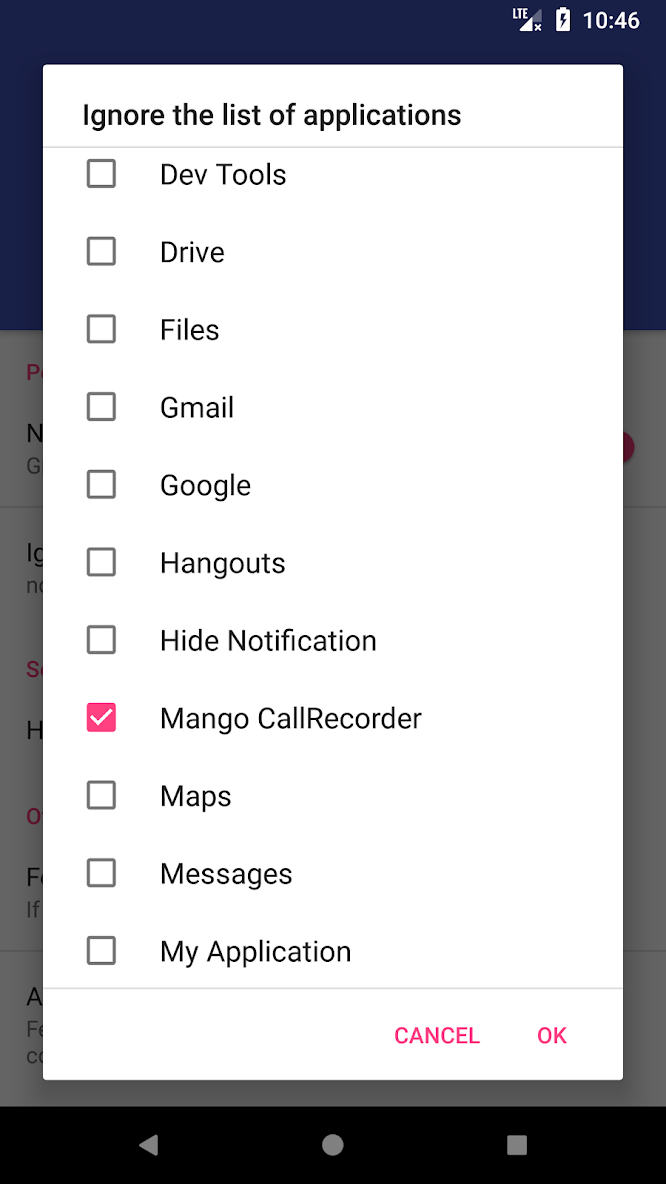
Choose which apps should stop showing notifications in your status bar. Hide Notifications removes matching notifications from view and saves them in a private on-device history for later review.
Grant Android notification-listener access, select at least one app, and run the built-in test notification to verify that access is working. Matching notifications are then hidden automatically while remaining available in the app's local history.
WHAT YOU CAN DO
• Hide notifications app by app
• Filter by notification title, text, or channel
• Review a private history of hidden notifications
• Restore notifications when Android still allows it
• Pause hiding for a set amount of time
• Create recurring schedules
• Use the Quick Settings tile and home-screen widget
• Add a separate Notification history tile to open history from Quick Settings
• Check permission, service, rules, and recent activity with built-in diagnostics
• Export and import your configuration
PRIVATE BY DESIGN
Notification content is processed on your device. No account is required, Android backup is disabled, and you control how long history is retained.
GET STARTED
1. Grant notification access.
2. Select the apps you want to quiet.
3. Keep using your phone—matching notifications will be hidden automatically.
Android requires notification-listener access for this feature. Protected ongoing notifications and playback controls may remain visible. Some manufacturers show media controls separately from notifications. Use Android's app notification settings if you also want to change sounds or banners.
What’s new
• VIP senders always stay visible, even in hidden apps.
• Review hidden notifications by app and sender.
• Your own snoozed notifications stay snoozed when hiding turns off.
• Restarts no longer override your pause.
• The app warns you before too many notifications are hidden.
• We fixed a startup freeze, a blank screen, and crashes.