- Applications
- Tools
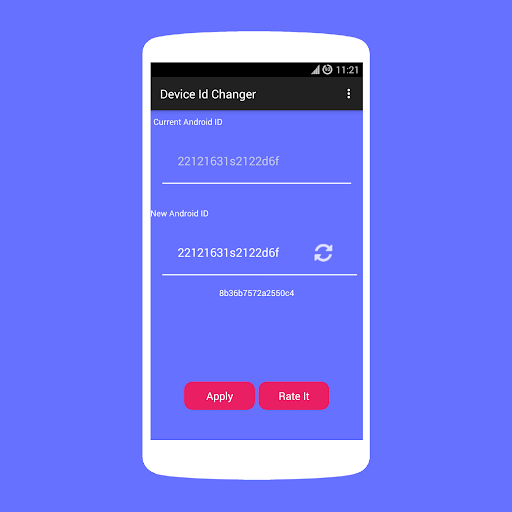
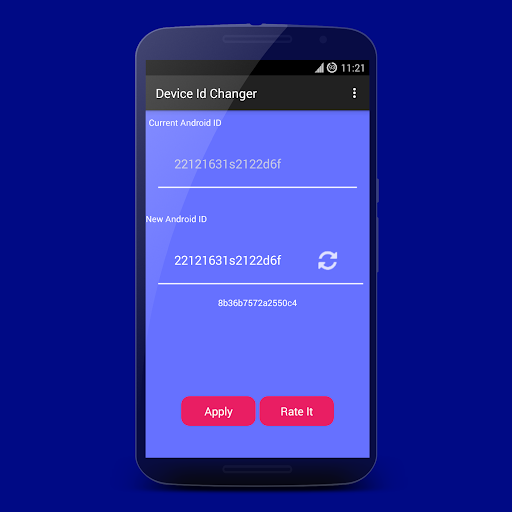
Device Id Changer [ROOT]


View the antivirus scan results
Images

Introduction
More Info
You need Root permission.
Features:
* Random Option
* One Click Apply
* No reboot needed
* You backup and restore original id.
What's Device Id?
Settings.Secure.ANDROID_ID is a 64-bit number (as a hex string) that is randomly generated on the device's first boot and should remain constant for the lifetime of the device.
For Non-Root users,Only option available is to reset your device from Settings.
To check your phone information,we had an open source app GETID (https://play.google.com/store/apps/details?id=makeinfo.com.getid).
This app will give detailed information about your Phone IMEI,IMSI,SIM SERIAL,GSF Key and Wifi Mac Address.
User Reviews - 0 Rates
0 from 5
5
4
3
2
1