

- Install
- <100
- Category
- Tools
- Last updated
- 2026 November 1
- Size
- 12 MB
View antivirus results
checking the app
App screenshots



About this app
Photo to Word in one tap 📷 → 📄
Turn pictures into Word documents: combine several images into one .docx, or recognize the text on a photo and get an editable Word file.
✨ NEW: image to text (OCR)
Photograph a page, a contract, a letter or lecture notes – the app recognizes the text and puts it into a DOCX you can edit, copy and format. No more retyping.
👍 Features
• converts JPG to Word, PNG to Word and any photo to DOCX
• combines multiple pictures into one multi-page Word file – pages follow the order you select them
• AI text recognition: one or several photos become an editable multi-page .docx
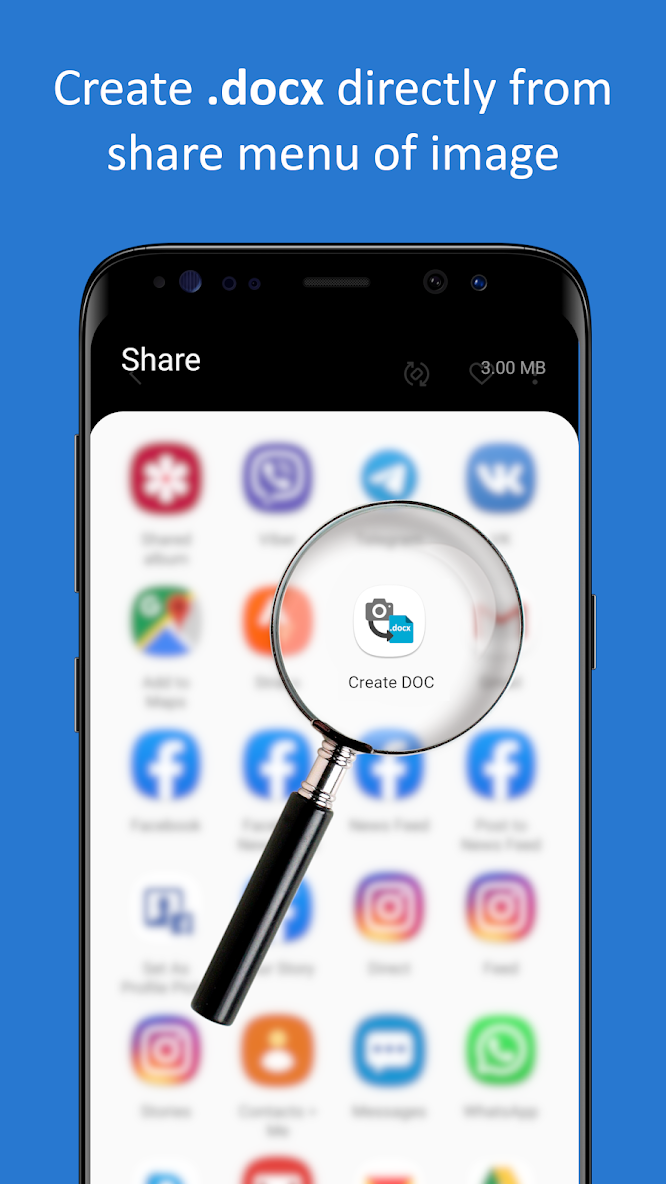
• turns any picture to a document from the gallery or from the Share menu of any app
• portrait or landscape page orientation
• open and check the document before sending
• choose where to save each file, quick access to the last one
• custom file name and your own text in the page header, e.g. name or email
• sends DOCX by email, messenger or cloud storage
• standard .docx (Office Open XML) – opens in Microsoft Word, Google Docs, WPS Office, LibreOffice and other editors
✔️ How to convert a photo to Word
1. Take a photo – or tap Gallery and pick one or several images.
2. Share or save the ready .docx.
That's all – your Word document is ready.
🔤 How to get editable text from a picture
1. Switch the camera to OCR mode.
2. Take a photo of the text and tap Recognize – or pick several pages in Gallery.
3. Open or share the editable DOCX.
💼 Handy for
• students – lecture notes, handouts and book pages
• office work – contracts, letters, forms and receipts
• anyone who needs a quick scan to Word on the go
📜 Free Simple Apps
We are a small team that makes one-task apps for everyday jobs – simple, light and without clutter. Tell us what you think or what we should build next: https://fb.com/free.simple.apps
Thank you! 🙏
What’s new
• Preview DOCX before sending - to see it, disable immediate sending in the settings
• Image compression has been drastically improved. DOCX takes up three times less memory with default settings.
• Combine multiple images into DOCX with high-speed image picker 🚀 DOCX pages match the order of selected images
• Choose where to save each created DOCX
• Easy access to last created file
• Don't forget to change paper orientation – this works for both camera shots and images from gallery


