- Applications
- Tools
AppLocker: App Lock & Privacy
Images
Introduction
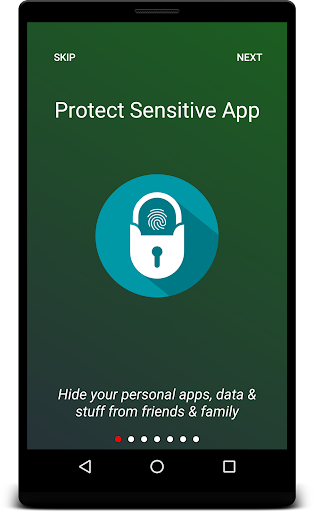
Lock any app on your phone with a fingerprint, PIN, pattern — or your face. AppLocker keeps your chats, photos, messages and payment apps private, even when the phone is in someone else's hands.
🔒 LOCK ANY APP
Protect WhatsApp, Instagram, Facebook, Messenger, Snapchat, Telegram, Gallery, Photos, Messages, Gmail, Chrome, YouTube, Google Pay, your banking apps — anything installed. You can also lock the recent-apps screen, Android Settings and the Play Store, so nobody can quietly switch protection off or uninstall AppLocker. Install something new and AppLocker offers to lock it on the spot.
👆 THREE WAYS TO UNLOCK
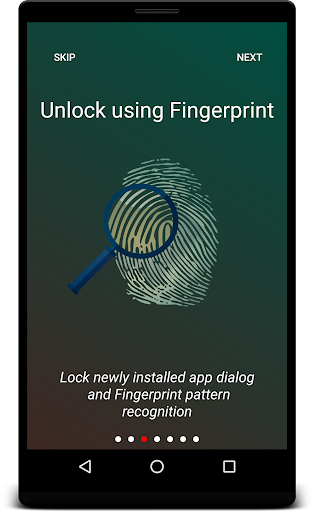
• Fingerprint or face — whichever biometric your phone already uses
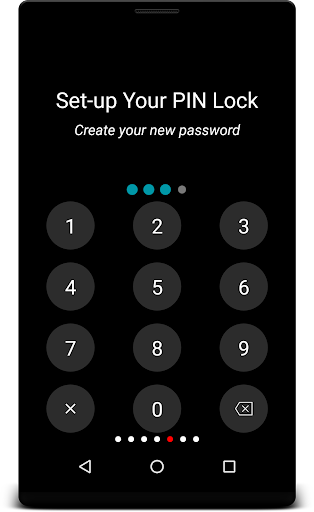
• PIN — 4 to 8 digits, your choice of length
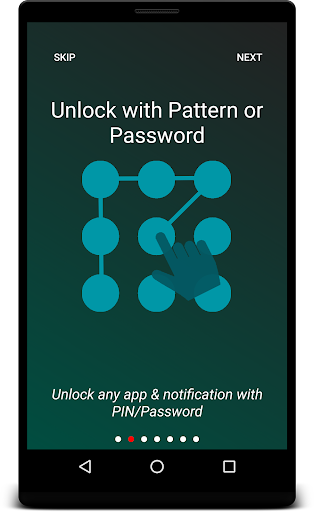
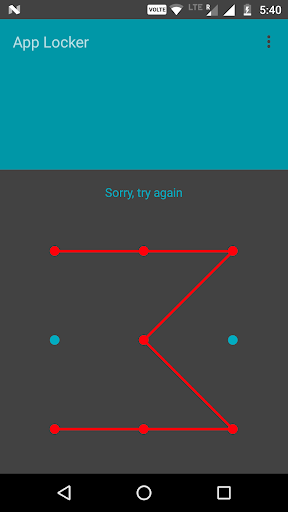
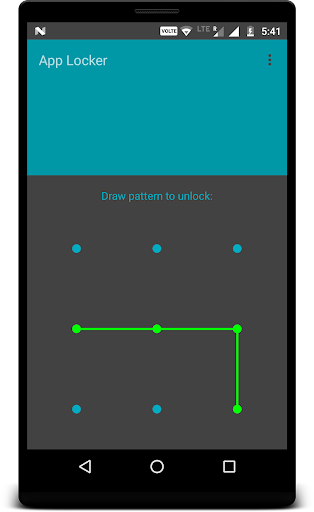
• Pattern — draw to unlock
Switch method any time, straight from the lock screen.
📸 INTRUDER SELFIE
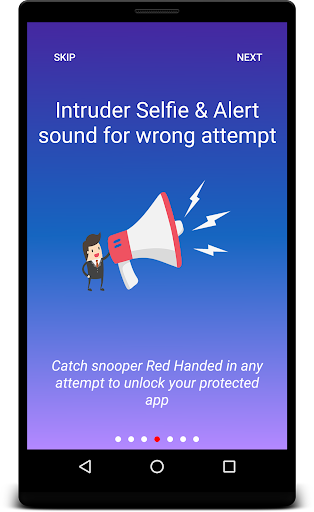
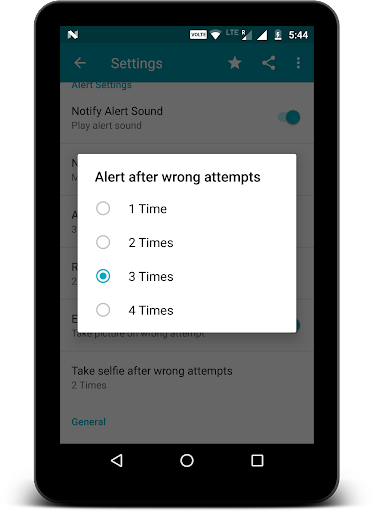
Get the lock wrong and AppLocker silently takes a photo with the front camera. No shutter sound, no preview, nothing on screen. You decide whether it fires after 1, 2, 3 or 4 wrong tries. Captures land in a gallery grouped by day, each one labelled with the app they tried to open, the time, and the lock they failed. Open, share or delete them. They stay on your phone.
🚨 IT ESCALATES
AppLocker doesn't just say "wrong password" forever:
• A quiet warning first — one more try before this attempt is logged
• Then the silent capture
• Then an alarm siren, at the volume and for the length you choose, from 15 seconds to 5 minutes
• Then a lockout that grows with every failure — 30 seconds, then a minute, up to five — and survives a reboot
🕶️ NOBODY CAN PEEK
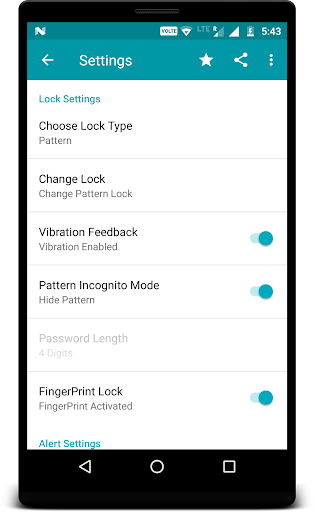
• Pattern incognito — the line stays invisible as you draw it
• Shuffle keypad — the digits move every time, so nobody learns your PIN by watching your fingers
⏱️ RE-LOCK ON YOUR TERMS
Choose when a locked app asks again: immediately, the moment the screen turns off, or after 15 seconds, 30 seconds, 1, 2, 5 or 10 minutes.
🔑 YOU WILL NEVER BE LOCKED OUT
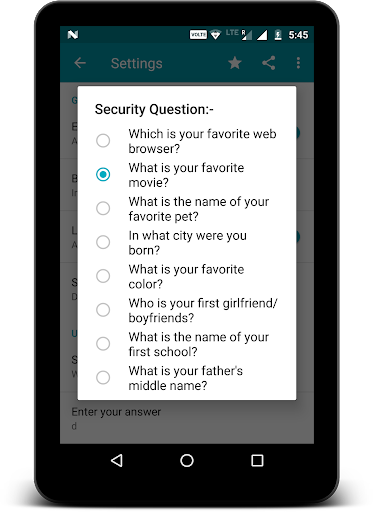
Forgotten your code? Unlock with the same PIN, pattern or biometric you use for the phone itself. No screen lock set? Answer a security question — pick one of ours, or write your own.
🌙 CLEAN AND MODERN
Material 3 throughout, a real dark mode that follows your system setting, a lock screen that shows the icon of the app it's guarding, right-to-left layouts, and around 60 languages.
🎁 FREE, WITH NOTHING TO PAY FOR
AppLocker is ad-supported and has no paid tier. Watch one short video and you get 7 days with no banner ads, plus intruder video clips instead of stills, your own alert sound, and Google Drive backup of your captures. Do it again whenever you like.
⚙️ PERMISSIONS, AND EXACTLY WHY
• Usage access — to see which app just opened, so the lock can appear
• Display over other apps — to draw the lock on top of it
• Camera — only for intruder captures, only if you switch them on
• Notifications — Android needs a permanent notification, or the system kills protection
AppLocker asks for nothing else. Your PIN, pattern, captures and settings stay on your device unless you turn on Drive backup yourself.
🔐 HONEST ABOUT WHAT THIS IS
AppLocker blocks the person holding your phone. It is not protection against someone with your Google account or a computer.
❓ FAQ
I forgot my lock → tap "Forgot" on the lock screen and use your device credential or security question.
Why is there a notification I can't swipe away? → Android stops background apps that don't have one, and your protection stops with it.
Fingerprint isn't offered → enrol one in Android Settings first.
Lock apps with a fingerprint, PIN, pattern or password. Free, private, and it stays out of your way.
Related Applications







Users Also Installed





Similar Applications