- Applications
- Tools
NX Player | Video & Music Player
| Install | <10 |
| From 0 Rates | 0 |
| Category | Tools |
| Size | 5 MB |
| Last Update | 2026 September 30 |

| Install | <10 |
| From 0 Rates | 0 |
| Category | Tools |
| Size | 5 MB |
| Last Update | 2026 September 30 |
Images
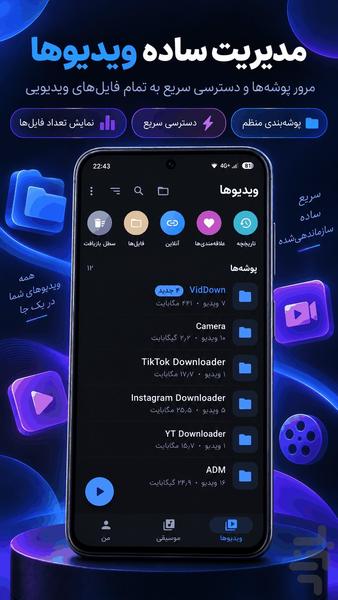
Introduction
NX Player | Video Player & Music Player for Android
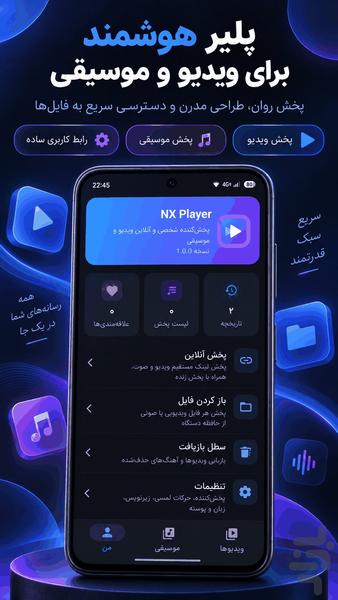
Enjoy a powerful all-in-one video player and music player with NX Player.
Play videos, movies, TV shows, music, and local media with advanced playback controls, professional subtitle tools, hardware acceleration, gesture controls, audio features, network playback, privacy tools, and media management.
🎬 Advanced Video Player
⚡ Hardware Acceleration
Use hardware-accelerated decoding on supported devices and compatible video files.
🚀 Multi-Core Decoding
Take advantage of multi-core decoding support for compatible playback workloads.
🔍 Pinch to Zoom, Zoom & Pan
Zoom into videos and pan across the screen with intuitive touch controls.
👆 Gesture Controls
Control brightness, volume, seeking, and other playback actions with gestures.
↔️ Fast & Precise Seeking
Move quickly to any point in a video using the timeline and playback controls.
🔒 Screen Lock
Lock the player during playback to prevent accidental touches.
👶 Kids Mode
Limit sensitive playback controls while children are watching videos.
🖼️ Picture-in-Picture
Continue watching supported videos in a floating window while using other apps.
🔊 Audio Boost
Increase and customize playback volume with supported audio controls.
🎚️ Equalizer
Fine-tune your audio experience with equalizer settings.
🔄 A-B Loop
Repeat a selected section of a video continuously.
⏰ Sleep Timer
Set a timer to automatically stop playback.
📝 Professional Subtitle Support
🌐 Subtitle Support
Load supported subtitle files with your videos.
🎯 Subtitle Synchronization
Adjust subtitle timing and keep subtitles synchronized with video playback.
🔤 Subtitle Customization
Change subtitle size, font, color, position, and appearance.
👆 Subtitle Gestures
Use gestures to move between subtitle lines, adjust position, and change subtitle size.
🔄 Subtitle Search
Find and manage subtitles for supported video files.
🎵 Music Player
🎧 Music Player
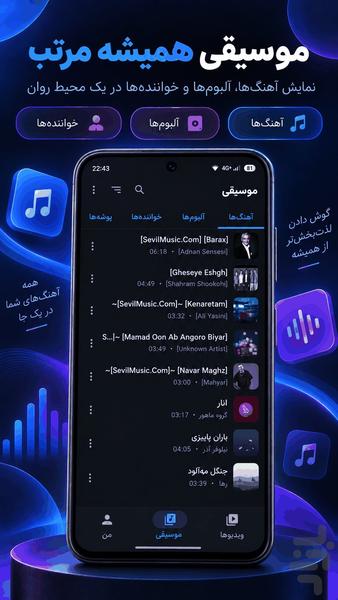
Play locally stored songs and audio files with a smooth music player.
💿 Albums & Artists
Browse your music library by songs, albums, artists, and categories.
📁 Folder Playback
Play audio directly from folders on your device.
⭐ Favorites
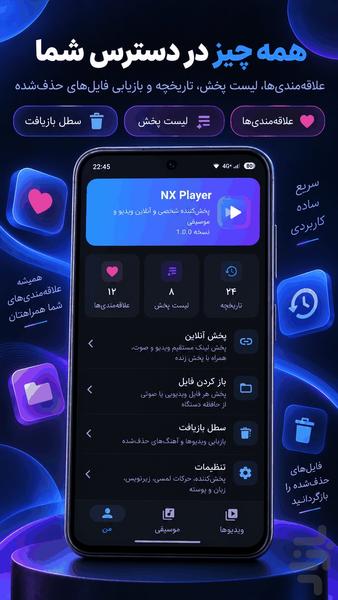
Save your favorite songs and videos for quick access.
📋 Playlists
Create and manage custom playlists.
🔀 Shuffle & Repeat
Shuffle your media or repeat individual songs, videos, albums, or playlists.
📚 Media Library
🗂️ Media Library
Browse all your video and music files from one organized library.
🕘 History
Keep track of recently played videos and audio files.
▶️ Watch Progress
Resume supported videos from where you stopped watching.
🔎 Fast Search
Quickly find videos, movies, songs, artists, albums, and other media.
📌 Favorites
Keep your most important media files in one convenient list.
🌐 Network Player
📡 Network Playback
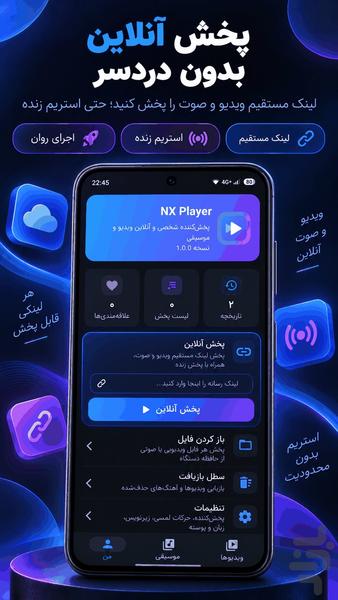
Stream supported media directly from network sources.
💻 SMB / FTP / WebDAV
Access supported network locations and servers.
🔗 HTTP / Network Streaming
Play supported media from HTTP and compatible network sources.
📺 Casting & Connectivity
📡 Chromecast / TV Casting
Cast compatible media to supported TVs and devices.
🚗 Android Auto
Use supported playback functions through compatible Android Auto environments.
💾 External Storage
Browse and play media from accessible external storage.
🔐 Privacy & Security
🔒 Privacy Folder
Keep private videos and sensitive media in a dedicated protected area.
🛡️ Private Media Management
Manage your personal media with additional privacy controls.
📤 File Transfer
⚡ Media Transfer
Transfer supported media files between supported locations and devices.
📱 Device-to-Device Media Management
Manage and transfer videos and audio files using supported transfer methods.
🎨 Customization
🎨 Themes
Customize the appearance of your media player.
🧭 Player Controls
Customize available playback controls and buttons.
📐 Player Layout
Adjust the player interface and control layout to fit your preferences.
🔥 Perfect for:
✔ Android Video Player
✔ Android Music Player
✔ Video Player App
✔ Music Player App
✔ Movie Player
✔ Offline Video Player
✔ Local Music Player
✔ MKV Player
✔ MP4 Player
✔ Subtitle Player
✔ Hardware Accelerated Video Player
✔ Gesture Video Player
✔ Picture-in-Picture Player
✔ Video Player with Equalizer
✔ Video Player with Audio Boost
✔ A-B Loop Player
✔ Sleep Timer Player
✔ Network Video Player
✔ SMB Video Player
✔ FTP Video Player
✔ WebDAV Video Player
✔ Chromecast Player
✔ Android Auto Media Player
✔ Privacy Folder
✔ Kids Mode
✔ Playlist & Favorites
✔ History & Watch Progress
💎 A Complete Video & Music Player
With NX Player, you get a powerful media player designed for both video and music.
From hardware acceleration, multi-core decoding, gesture controls, professional subtitle support, zoom and pan, Picture-in-Picture, audio boost, equalizer, A-B loop, and sleep timer to network playback, SMB, FTP, WebDAV, Chromecast, Android Auto, playlists, favorites, history, watch progress, privacy tools, and media transfer, NX Player brings advanced playback and media management into one application.
NX Player is designed as an independent alternative for users who want a feature-rich Android media player with an experience inspired by professional players such as MX Player. MX Player's current listing documents hardware acceleration, multi-core decoding, zoom/pan, subtitle gestures, Privacy Folder, Kids Lock and PiP, while its official help center also documents network playback and extensive subtitle and interface controls.
NX Player — powerful video and music playback for Android.
Related Applications







Users Also Installed