- Applications
- Photography
Pixel dispersion effect-Editor


Images


Introduction
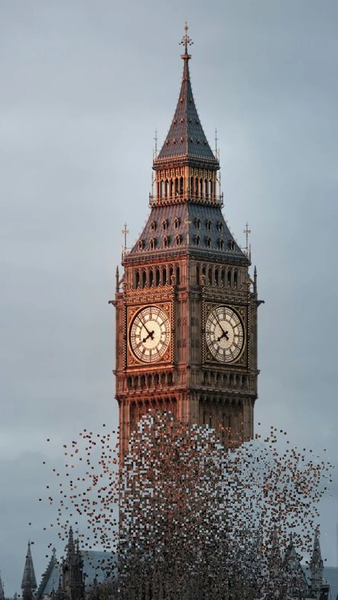
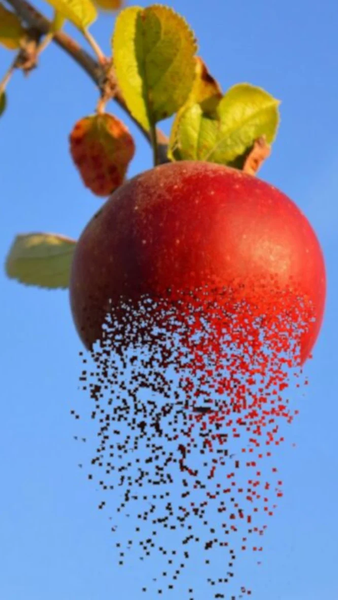
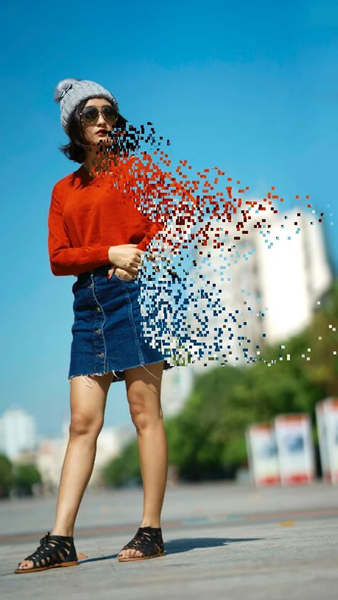
This application will allow you to create a dispersion effect (the so-called pixel effect).
Here’s a step-by-step photo editing tutorial on how to use it.
Features:
1. Select image from gallery or capture image with camera.
2. Use your finger to select the part of your picture where you’d like the photo effect to appear.
3. Tap on the arrow in the top right corner to continue.
4. Use the Stretch, Size and Direction sliders to customize the effect.
5. Share photo to instagram,facebook, messenger and many other sharing platform.
6. Share your created photo on social media or use the app as storage.
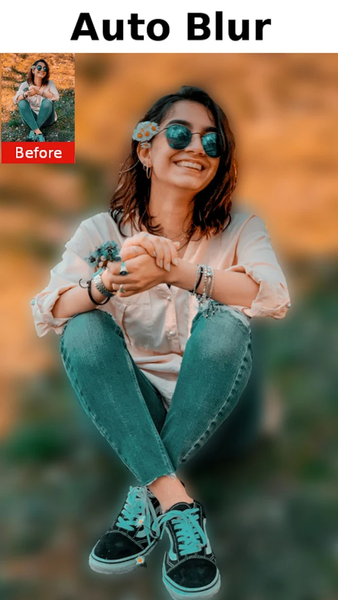
Dispersion(Pixel) Effect Photo Edit is a simple application that also allows you to apply «Light» effects to pictures.
Feedback
- If you like our application please rate 5 stars for us
- If you find any problems with Dispersion(Pixel) Effect Photo Edit please E-mail us
Thanks for using Dispersion(Pixel) Effect Photo Edit.
Related Applications







Users Also Installed







Similar Applications