- Applications
- Tools
ADB Connect
| Install | <10 |
| From 1 Rates | 5 |
| Category | Tools |
| Size | 26 MB |
| Last Update | 2026 October 17 |
| Install | <10 |
| From 1 Rates | 5 |
| Category | Tools |
| Size | 26 MB |
| Last Update | 2026 October 17 |
Images
Introduction
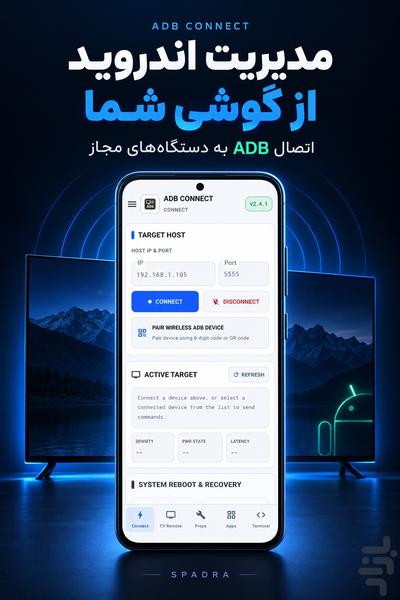
ADB Connect brings Android device-management tools to your phone. Connect to an authorized device over ADB to control an Android TV, manage apps, inspect system properties and troubleshoot issues.
Features:
• Network ADB connections and wireless pairing on compatible devices
• Selection and switching between connected devices
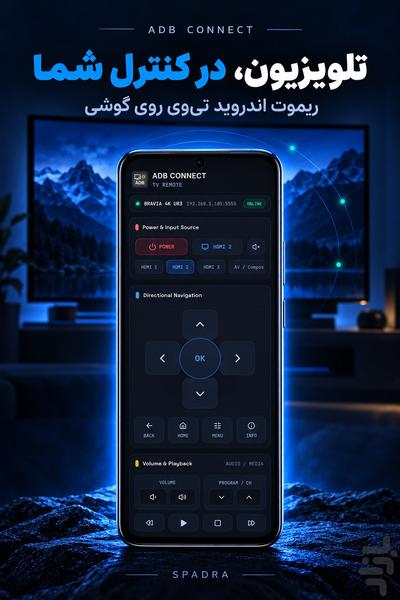
• Android TV remote controls for navigation, volume and media playback
• View, search and export device system properties
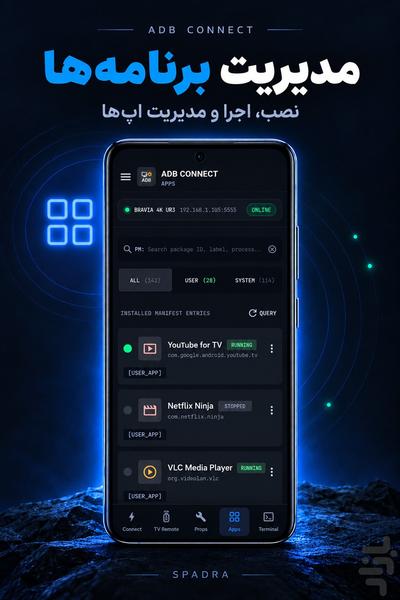
• Browse user and system apps, search packages, and view version and UID information
• Launch, force-stop, disable and uninstall apps where supported
• Select an APK on your phone, transfer it and request installation on the target device
• Capture live logs with keyword, package and priority filters
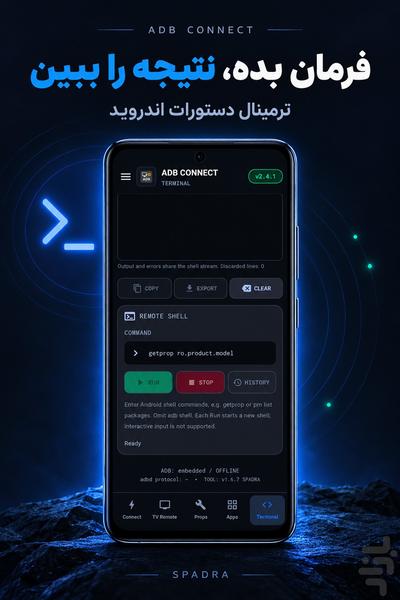
• Run Android shell commands and view their output in the console
• Collect and save device bug reports
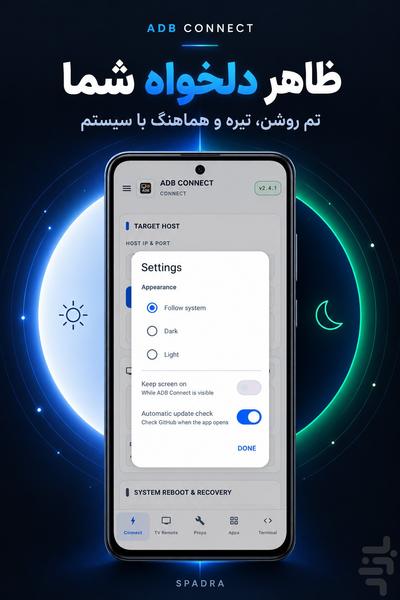
• Light, dark and system themes
• Optional keep-screen-on setting
Requirements:
ADB debugging must be enabled on the target device, and you must authorize the connection on that device. Your phone and target device must be reachable over the network. Wireless pairing and command availability depend on the Android version and device manufacturer. APK installation may require confirmation on the target device.
Only connect to devices you own or are authorized to manage. Shell commands and app-management actions can change settings or data on the target device.
Privacy:
Device logs and reports are not automatically sent to the publisher. Exports are saved to the location you choose. The app does not include publisher advertising or behavioral analytics. Update checks contact GitHub; automatic checks can be disabled in Settings.
Privacy policy:
https://github.com/siavash2006-lab/ADB-Connect-Android/blob/main/PRIVACY.md

Related Applications







Users Also Installed