- Applications
- Tools
PixelFix: Screen Test & Repair
| Install | <100 |
| From 0 Rates | 0 |
| Category | Tools |
| Size | 6 MB |
| Last Update | 2026 September 1 |
| Install | <100 |
| From 0 Rates | 0 |
| Category | Tools |
| Size | 6 MB |
| Last Update | 2026 September 1 |
Images
Introduction
Are you sure about the health of your phone's screen?
PixelFix is an essential and engineering tool for checking the screen, touch and colors of your phone. If you are planning to buy a second-hand phone or feel that the image quality of your phone has decreased, PixelFix will come to your aid like a mobile repairman.
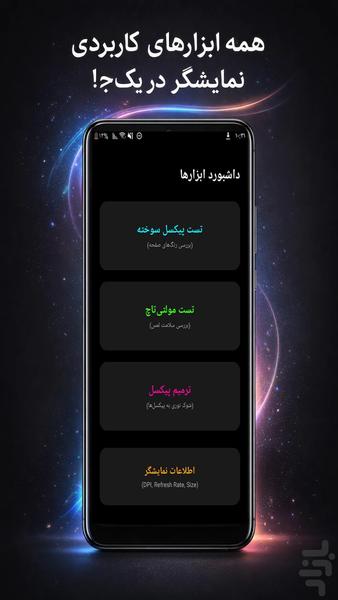
✨ PixelFix's magical features:
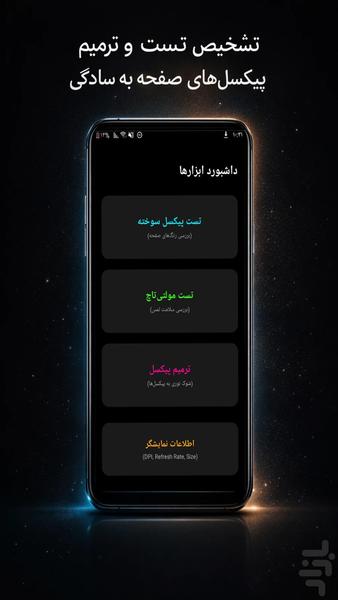
🔍 Dead Pixel Finder:
Easily find the smallest black dot or dead pixel by flipping through pure colors (red, blue, green, white, black) in full screen mode.
🛠 Pixel Repair:
A powerful tool that tries to stimulate "Stuck Pixels" and return them to their original state by creating color noise and changing high frequencies. (Suitable for shadows on the screen).
👆 Touch and Multi-Touch Test:
Check the health of the touch sensors by swiping your finger on the screen and see how many fingers your phone supports at the same time.
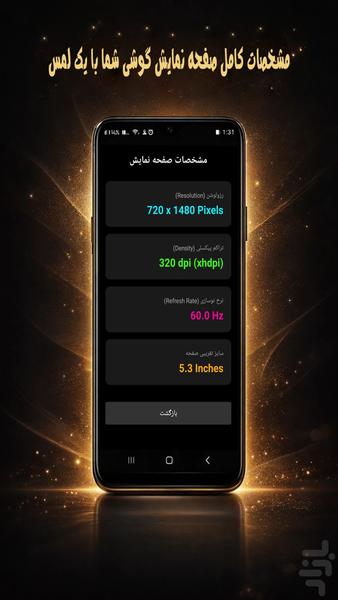
📱 Detailed display information:
Display resolution, pixel density (DPI), refresh rate and screen manufacturing technology.
💡 Why should you install it?
Be sure to test with this program before buying a used phone.
If you see strange spots or shadows on the screen.
Neon, beautiful and uncomplicated user interface.
Completely free and offline.
Note: The repair feature is designed for "stuck" (colored) pixels and may not work on completely burned (totally black) pixels that are hardware damaged, but it doesn't hurt to try!
Download now and check your phone's eyes!