- Applications
- Tools
Forward: Automatic SMS Forwarding

| Install | 110 |
| From 5 Rates | 5 |
| Category | Tools |
| Size | 11 MB |
| Last Update | 2026 August 4 |

| Install | 110 |
| From 5 Rates | 5 |
| Category | Tools |
| Size | 11 MB |
| Last Update | 2026 August 4 |
Images
Introduction
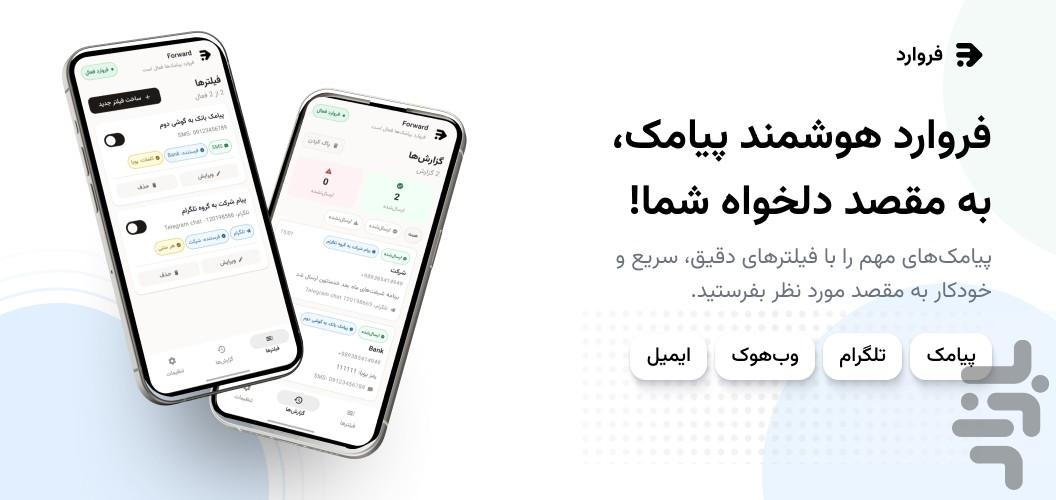
With Forward, you can automatically send incoming SMS messages to a destination of your choice. Create a separate rule for each type of message and decide which messages are forwarded, which senders they come from, and where they should go.
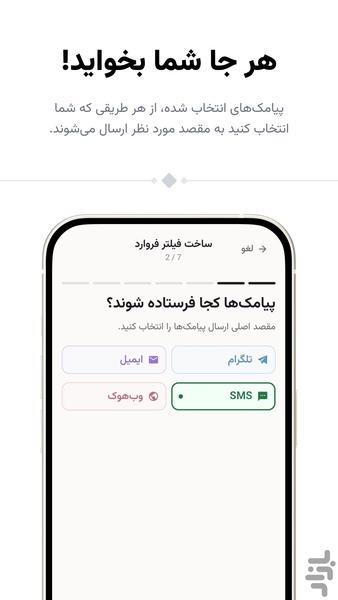
Available destinations:
• Another phone number
• A Telegram chat, group, or channel
• Email
• An HTTPS webhook
Key features:
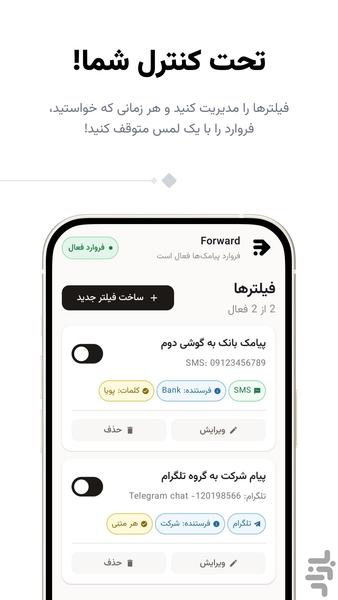
• Create multiple independent forwarding rules and enable or disable each one
• Select a sender from your contacts or enter a name or phone number
• Filter messages using required and blocked keywords
• Customize the forwarded message with the sender, received time, and message text
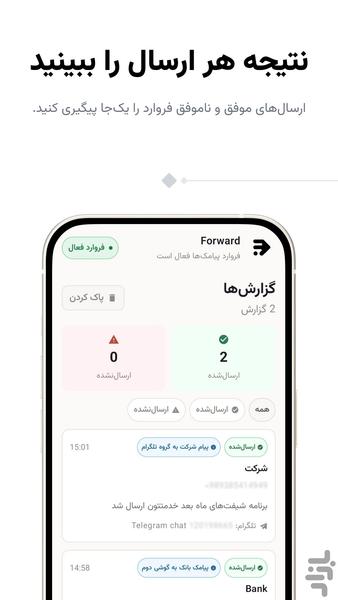
• View forwarding history and the result of each attempt
• Retry failed forwarding attempts
• Quickly pause forwarding from the app notification
Forward is useful when you want to receive work messages, important notifications, messages sent to another SIM card, or SMS messages from specific services at your preferred destination.
Privacy and security:
Forwarding is disabled by default and starts only after you approve and enable it. Only messages that match the rules you create are sent to your selected destinations. Sensitive app data is stored in the app's private storage, and supported off-device connections use secure protocols.
Important: Use this app only on a device and phone number that you own or have clear legal permission to manage. Forwarding an SMS message to another phone number may incur charges according to your mobile operator's rates.