
- Applications
- Tools
Akasak

| Install | <10 |
| From 0 Rates | 0 |
| Category | Tools |
| Size | 25 MB |
| Last Update | 2026 October 20 |

| Install | <10 |
| From 0 Rates | 0 |
| Category | Tools |
| Size | 25 MB |
| Last Update | 2026 October 20 |
Images
Introduction
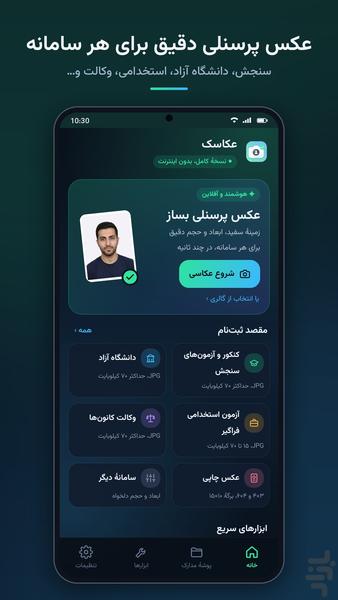
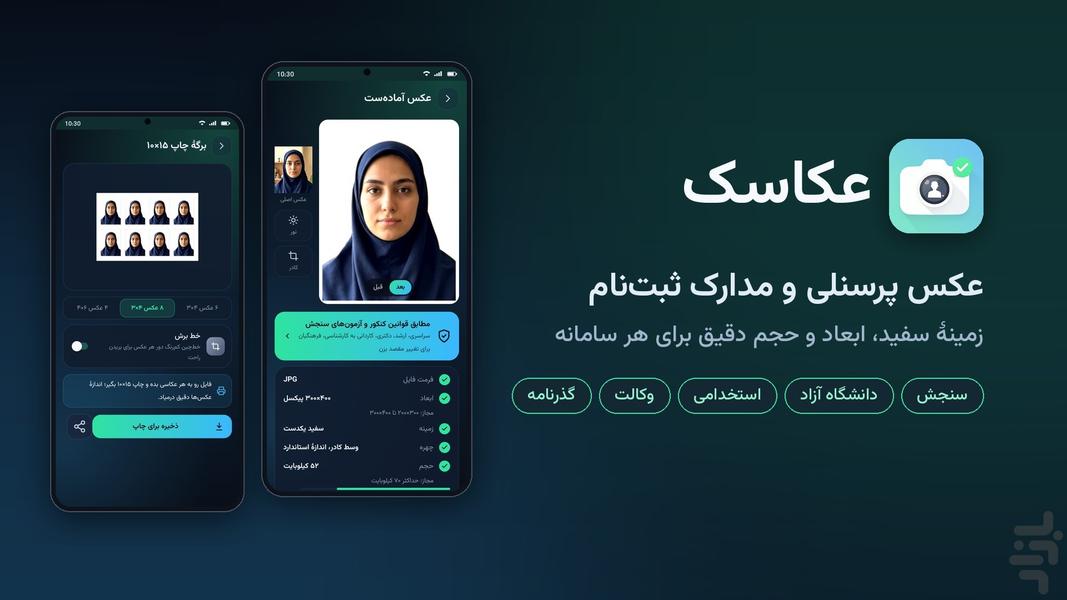
Akasak prepares ID photos and registration documents on your phone, with a white background, adjustable framing, pixel dimensions and file size.
ID photo tools
• Take a photo with camera guidance or choose one from your gallery
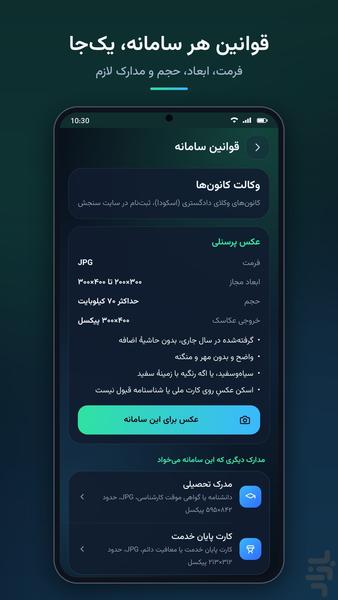
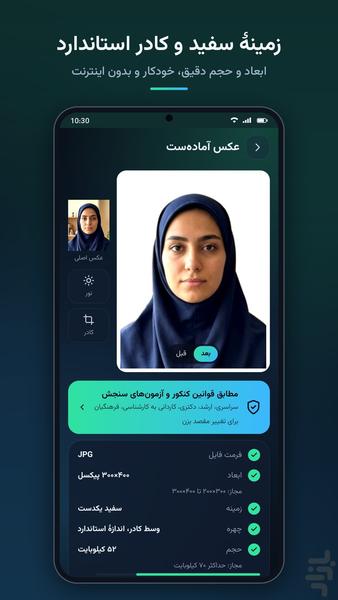
• Automatic background whitening and face framing
• Adjust brightness, face position, dimensions and file size
• Compare the original and result and check output specifications
• Presets for Sanjesh, Islamic Azad University, general employment exams, bar associations, the Judiciary bar exam, SIDA, pilgrimage passports and Mikhak
Document tools
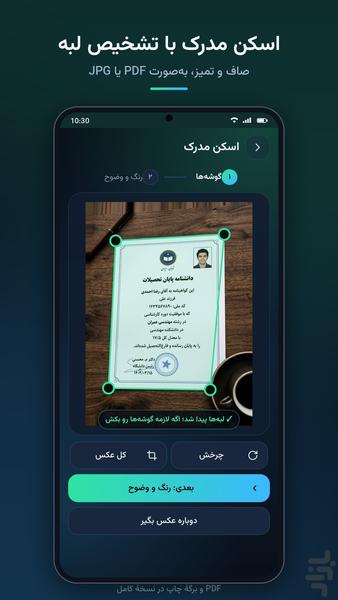
• Detect paper and card edges, with manual corner correction
• Perspective correction and readability filters
• Scan one page or both sides of a card to JPG
• Compress and resize photos
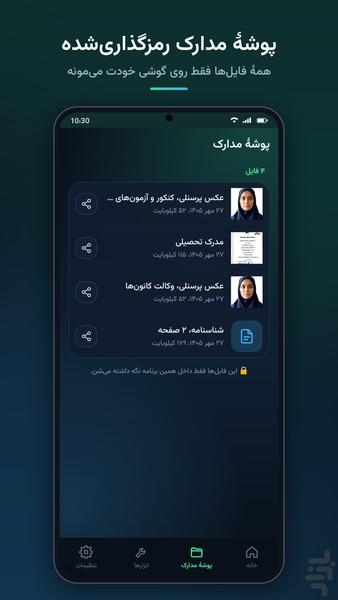
• Encrypted document folder, saving and sharing
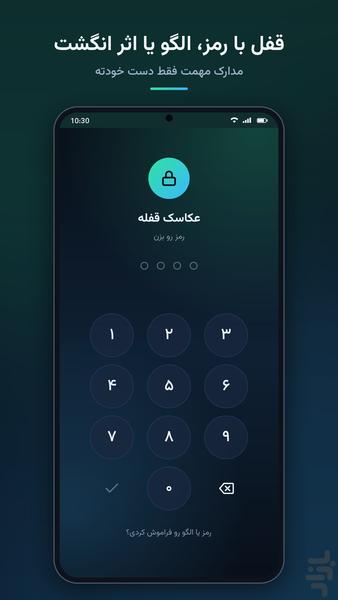
• Optional PIN, pattern or supported fingerprint lock
Free and full version
Every day you get one free ID-photo output and two free JPG scan outputs. Each free scan can contain one page or both sides of a card. Compression, the document folder and app lock are free.
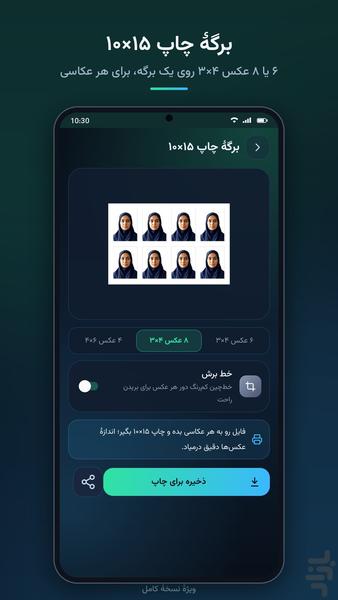
The full version unlocks unlimited photos and scans, multi-page PDF, A4 layouts, 10×15 cm print sheets and custom portal settings. It is a one-time lifetime purchase, not a subscription. Restore your purchase using the same Bazaar account.
Privacy
Photo and document processing happens on your phone. Files are not uploaded for processing. The in-app document folder uses AES-256 encryption. Copies exported to your gallery or other apps are outside this folder. Uninstalling or clearing app data can permanently remove access to local documents. Restoring a purchase does not restore deleted documents.
No ads or trackers. A Bazaar account is required. Internet access is needed for initial access, purchases, restoration, periodic purchase confirmation and optional support messages, not for image processing.
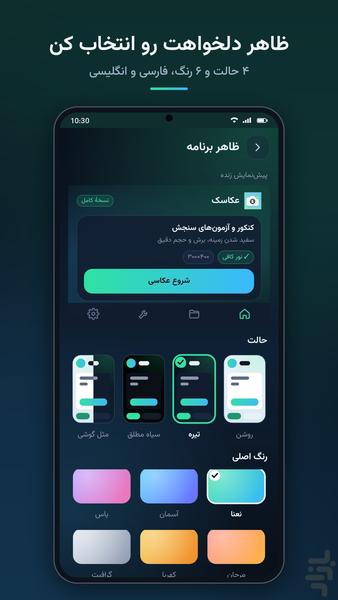
Persian and English interface, four display modes and six accent colors. Contact support through the in-app feedback page.
Important
Registration requirements can change. Check the current instructions for the exact portal or exam before submitting. Akasak does not guarantee acceptance or replace in-person identity checks.
Akasak is an independent Shabtab Studio product, not affiliated with the organizations or portals mentioned.