- Applications
- Education
Photos To Computer - By Date
| Install | <100 |
| From 0 Rates | 0 |
| Category | Education |
| Size | 13 MB |
| Last Update | 2026 November 3 |
| Install | <100 |
| From 0 Rates | 0 |
| Category | Education |
| Size | 13 MB |
| Last Update | 2026 November 3 |
Images


Introduction
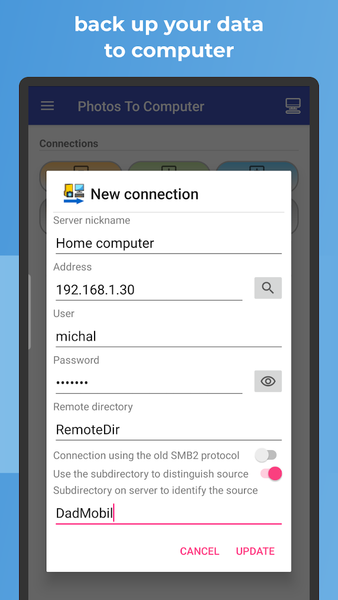
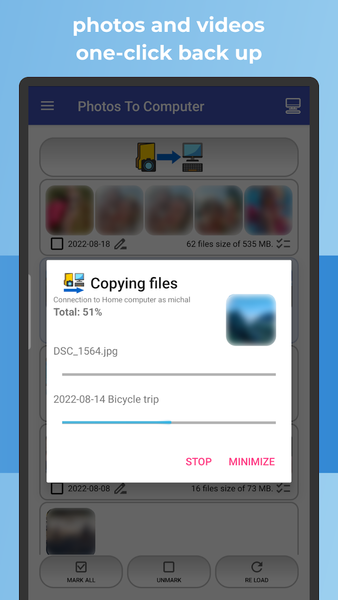
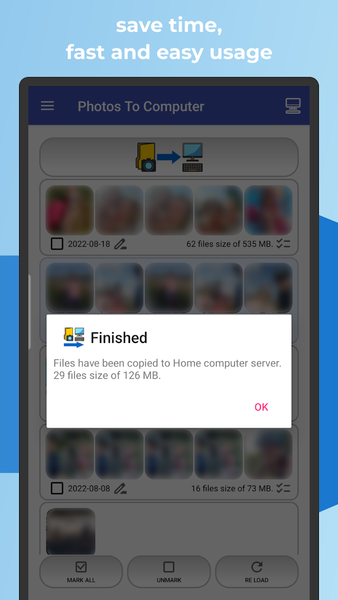
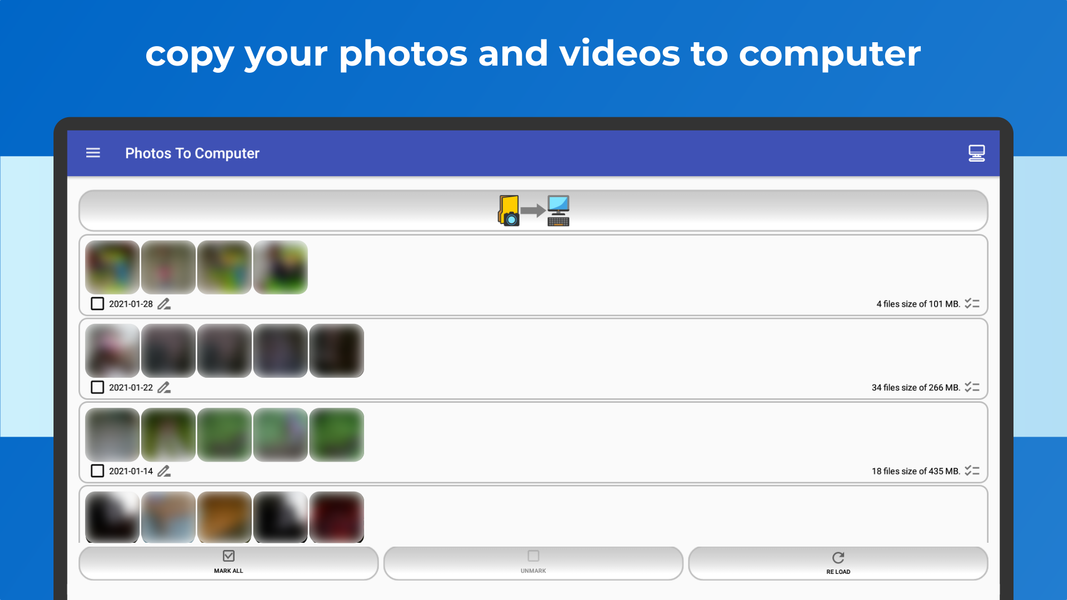
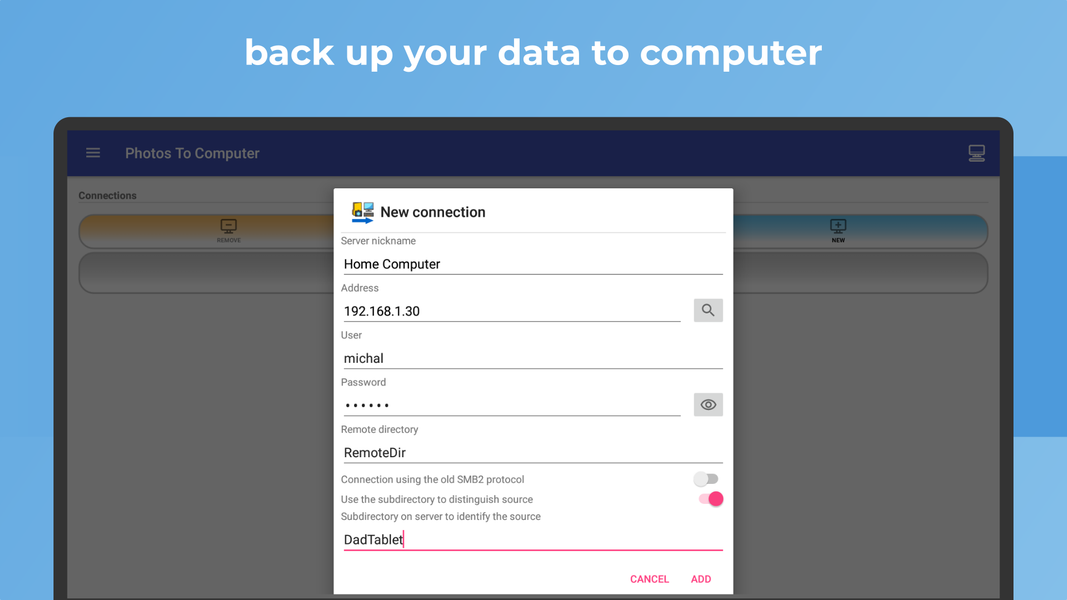
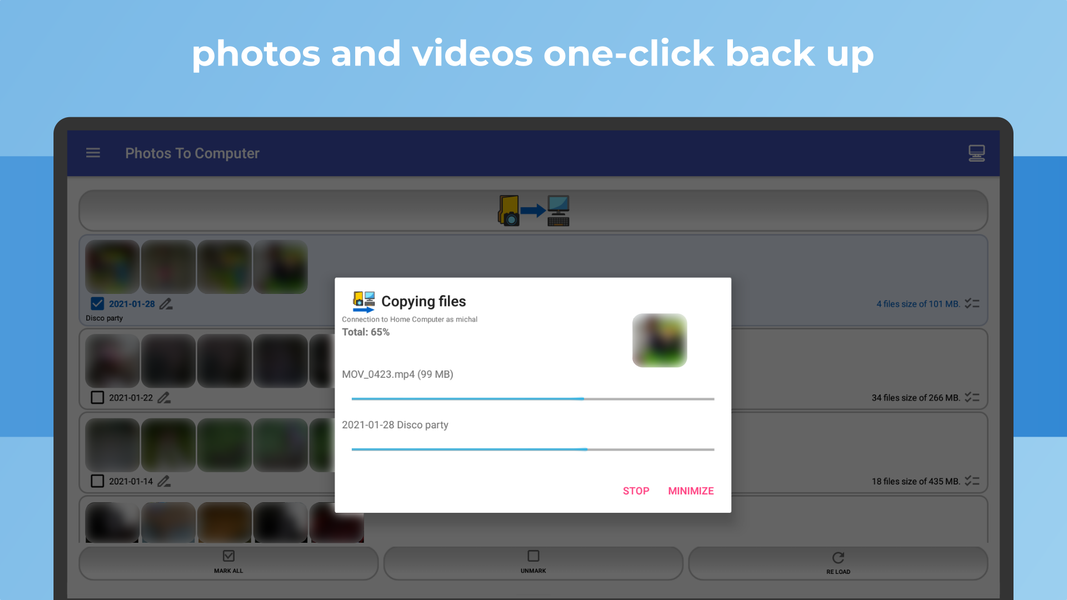
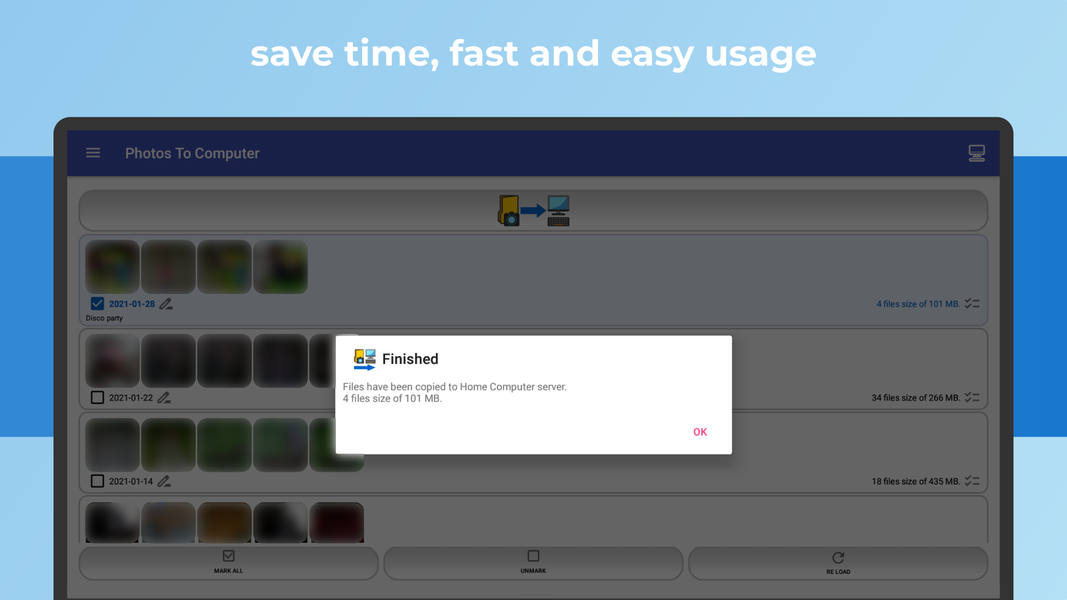
The 📷 PHOTOS TO COMPUTER app lets you back up and archive your photos and videos to a 🖥️ PC, NAS, or file server via 📁 SMB, 🔐 SFTP, or 📂 FTP with a single tap.
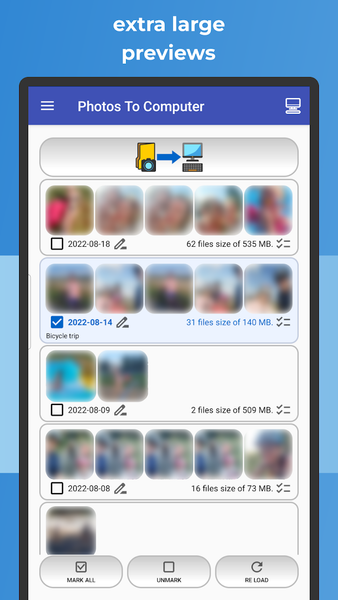
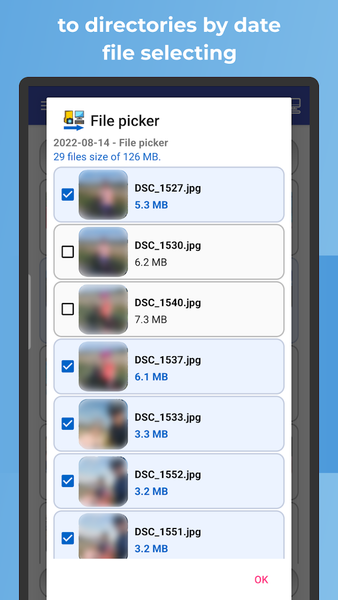
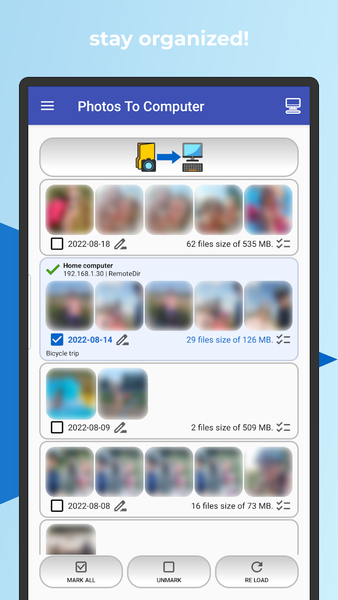
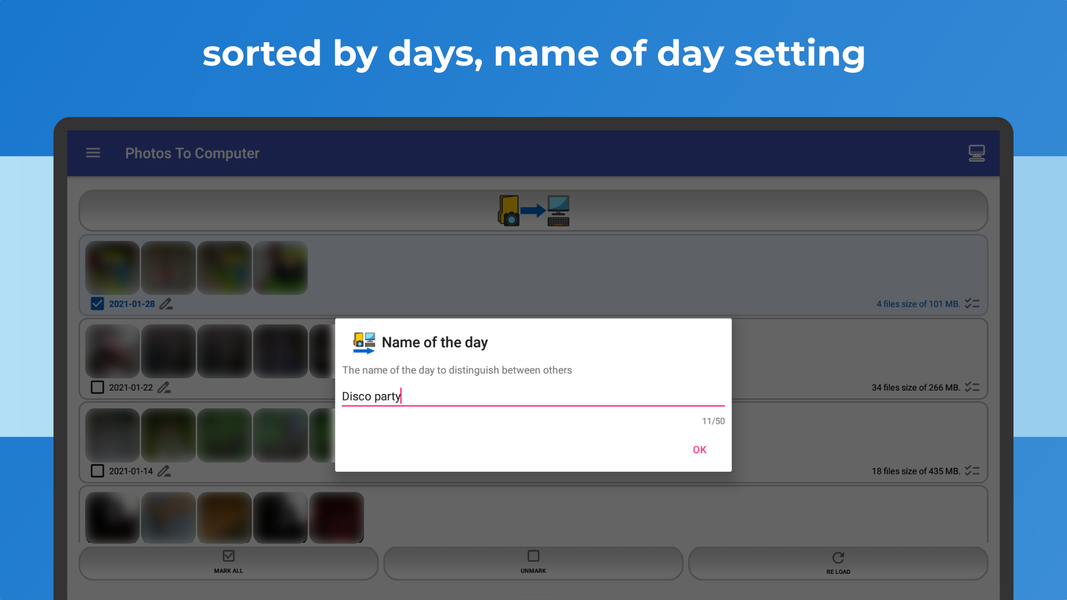
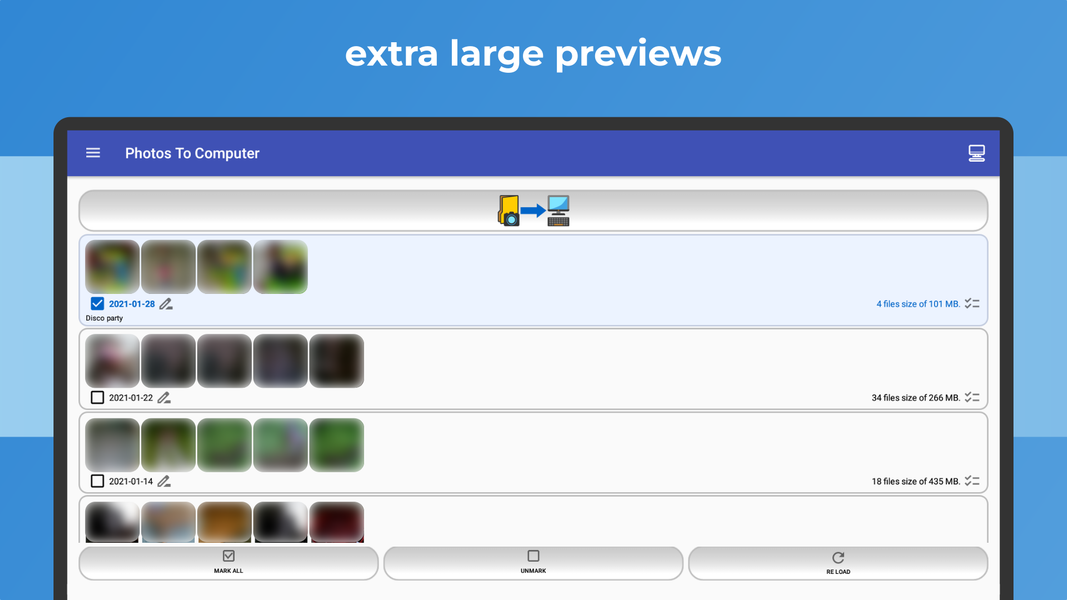
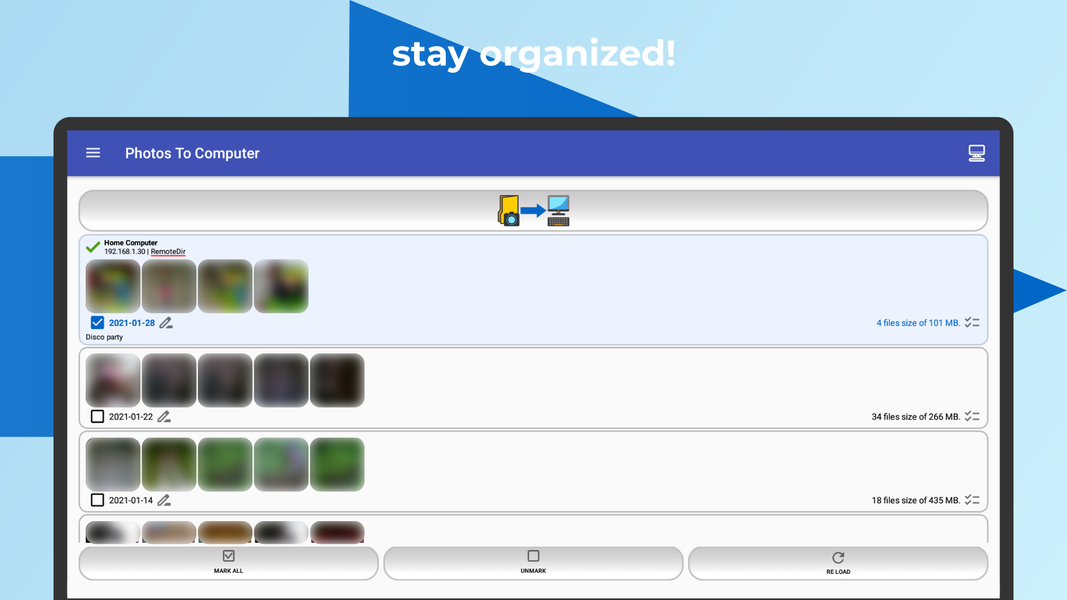
Once initiated, files are automatically organized into date-based folders (YYYY-MM-DD), making your archive easy to browse and manage. You can also transfer and download files using QR codes or URL links within your local Wi-Fi network.
🚀 KEY FEATURES:
✅ One-tap backup: Start transferring photos from your phone to your computer or NAS instantly.
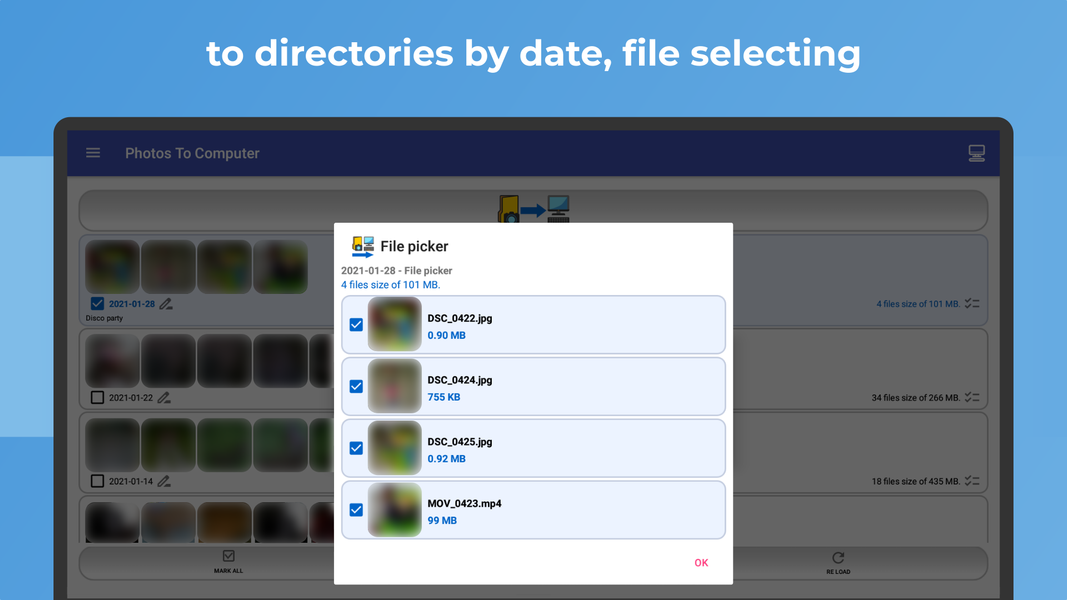
✅ Smart organizing: Copied media is automatically sorted into folders named by date (YYYY-MM-DD).
✅ Browse with ease: View your archive in chronological order on your computer.
✅ Multi-device support: Archive multiple phones into separate or shared folders.
✅ Smart sync: Subsequent transfers automatically skip files that already exist on the destination.
✅ Simple setup: Quick configuration means you are ready to transfer in seconds.
🆕 NEW: QR CODE & URL TRANSFERS
Share and download files using QR codes or URL links over your local Wi-Fi network without complicated setup. For privacy and security, these transfers work strictly within the same local network. Ideal for users who do not want to configure SMB/FTP connections.
🌐 ADVANCED FILE TRANSFER PROTOCOLS:
• 📁 Samba (SMB): Access shared directories on Windows, macOS, Linux, and NAS.
• 🔐 Secure File Transfer Protocol (SFTP): Secure transfer via SSH.
• 📂 File Transfer Protocol (FTP): Quick connection to standard FTP servers.
🛡️ PRIVACY & SECURITY FIRST:
• No App-Provided Cloud Storage: Files are transferred directly to the PC, NAS, or server you choose.
• Full Control: You decide where your photos and videos are stored.
• File Privacy: The developer has no access to your transferred photos and videos.
⚠️ IMPORTANT NOTE:
The app allows you to delete photos from your phone by individual days after a successful backup. Always verify that your backup is complete before deleting files from your device.
Download PHOTOS TO COMPUTER today and keep your memories safely archived and perfectly organized!
Related Applications









Users Also Installed








Similar Applications