- Applications
- Tools
WhatsApp Manager | Tools

| Install | <10 |
| From 1 Rates | 5 |
| Category | Tools |
| Size | 9 MB |
| Last Update | 2026 October 20 |

| Install | <10 |
| From 1 Rates | 5 |
| Category | Tools |
| Size | 9 MB |
| Last Update | 2026 October 20 |
Images
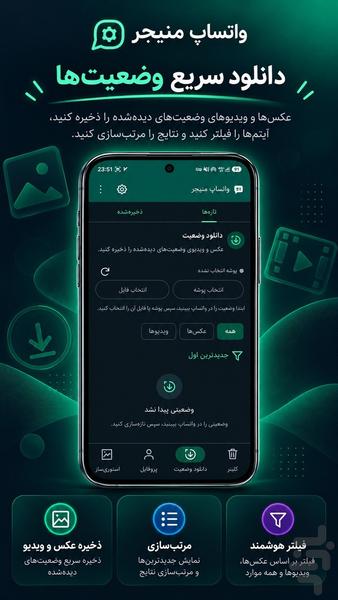
Introduction
WhatsApp Manager | Cleaner, Story Maker & Profile Editor
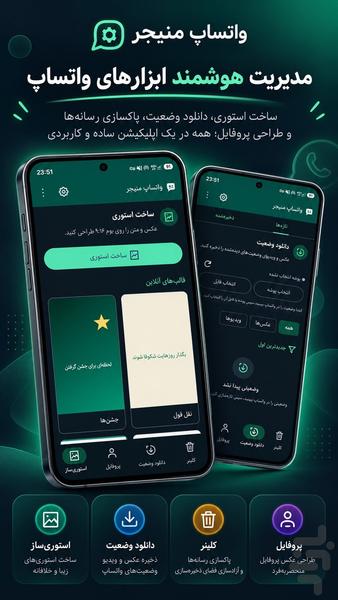
Get useful tools for WhatsApp in one convenient application with WhatsApp Manager.
Review accessible WhatsApp-related media, create personalized stories, edit profile pictures, and use supported bot-creation tools when available.
✨ Key Features
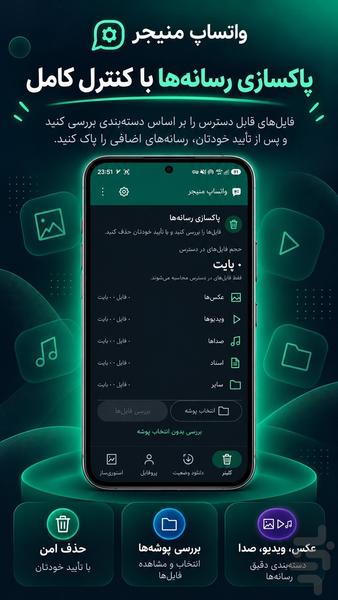
🧹 1. WhatsApp Cleaner
Review and manage accessible media files associated with WhatsApp.
📂 File Management
Browse and review accessible WhatsApp-related files and media.
🖼️ Photo Management
Review saved images and select files you no longer need.
🎬 Video Management
Find accessible videos and manage unnecessary media files.
📦 Large File Review
Identify large files and review storage usage.
♻️ Duplicate File Detection
Find duplicate files where supported and review them before deletion.
🗑️ Selective File Removal
Review files before deleting and select only the items you want to remove.
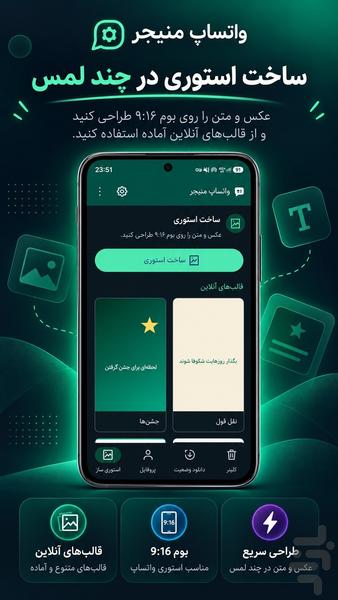
🎨 2. WhatsApp Story Maker
Create personalized visual content for sharing through WhatsApp Status.
📸 Photo Stories
Choose your favorite photos and prepare them for your story designs.
🎬 Video Stories
Prepare videos for sharing as a WhatsApp Status.
📝 Add Text
Add custom text and captions to your story designs.
😊 Decorative Elements
Personalize your stories with the editing tools available in the app.
✂️ Crop & Adjust
Adjust image and video framing to suit your design.
🎨 Content Customization
Prepare photos and videos before sharing them on WhatsApp.
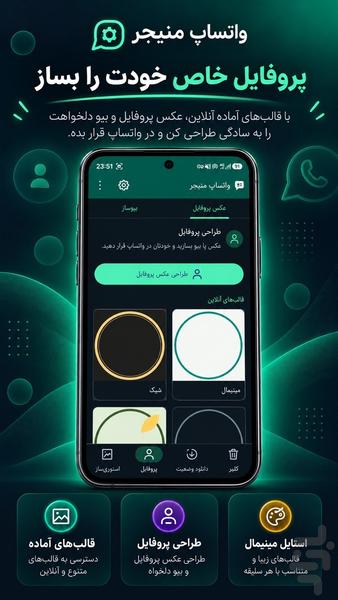
👤 3. WhatsApp Profile Editor
Edit and prepare images for your WhatsApp profile.
🖼️ Profile Photo Editing
Choose an image and prepare it for use as your profile picture.
✂️ Crop & Adjust
Adjust the image size and framing to fit your profile.
🎨 Image Customization
Personalize your profile image using the available editing tools.
✨ Create Personalized Profile Images
Prepare profile pictures that match your preferred style.
📱 Profile Image Preparation
Save your edited image and prepare it for use on WhatsApp.
🤖 4. WhatsApp Bot Maker
Use the available bot-creation tools to create or configure supported bots.
🚀 Bot Creation
Start creating a bot through the supported bot-making workflow.
⚙️ Bot Settings
Manage supported bot configuration options.
📝 Customize Bot Information
Edit available bot details and configuration settings.
🧰 Bot Management
Access supported tools for managing your bots.
Note: WhatsApp bot creation and automation depend on authorized access to WhatsApp Business Platform or other permitted APIs. Keep this section only if this feature is implemented in your app.
🔥 Perfect for:
✔ WhatsApp Tools
✔ WhatsApp Cleaner
✔ WhatsApp File Management
✔ WhatsApp Story Maker
✔ WhatsApp Story Editor
✔ WhatsApp Profile Editor
✔ WhatsApp Profile Photo
✔ WhatsApp Photo Editing
✔ WhatsApp Bot Maker
✔ Supported Bot Management
✔ Story Creation
✔ Profile Picture Editing
✔ WhatsApp Utility App
💎 Four Useful WhatsApp Tools in One App
With WhatsApp Manager, access four practical tools in one place:
🧹 WhatsApp Cleaner: Review and manage accessible WhatsApp-related files.
🎨 Story Maker: Create and prepare personalized stories with photos and videos.
👤 Profile Editor: Edit and prepare profile images.
🤖 Bot Maker: Create and configure supported bots when the feature is available.
Keep your files organized, prepare creative content, customize your profile image, and access supported bot tools from one convenient application.
WhatsApp supports photo, video, text, sticker, and GIF updates through its official Status feature, and its official help center documents tools for reviewing and deleting large media files to manage storage.
WhatsApp Manager — useful tools for WhatsApp, all in one app.