- Applications
- Personalization
Liquid Glass Lock Screen
| Install | 310 |
| From 2 Rates | 5 |
| Category | Personalization |
| Size | 5 MB |
| Last Update | 2026 October 27 |
| Install | 310 |
| From 2 Rates | 5 |
| Category | Personalization |
| Size | 5 MB |
| Last Update | 2026 October 27 |
Images
Introduction
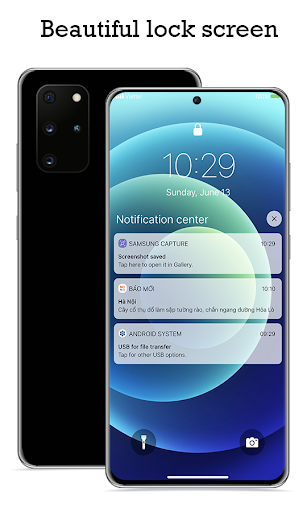
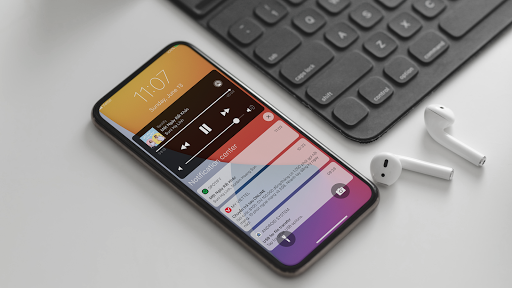
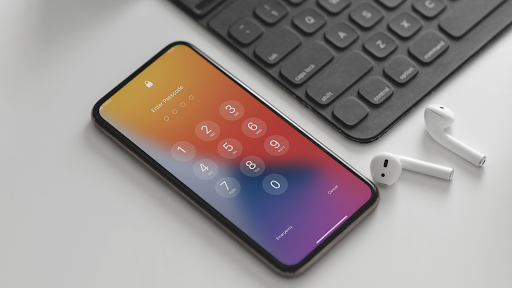
Transform your Android lock screen and notification center with a fresh Liquid Glass look os 26 — smooth, elegant, and highly customizable.
Lock Screen brings a refined unlock experience with powerful controls for everyday use.
KEY FEATURES
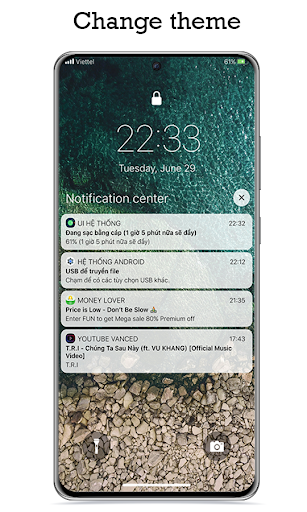
Lock screen themes: Liquid Glass, Liquid Glass Lite, Modern Group, or classic group-by-time / group-by-app layouts
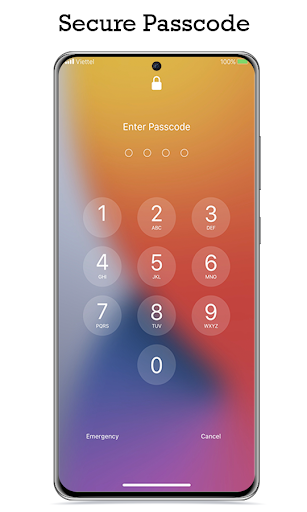
Passcode options: choose 4, 5, or 6 digits
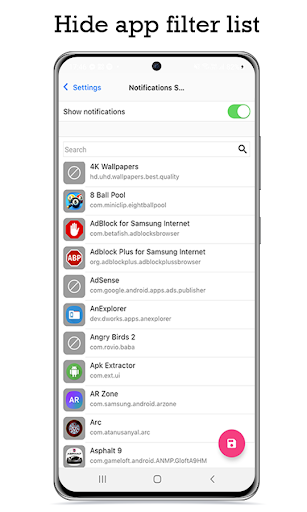
Notification control: show or hide content, choose apps, adjust notification size
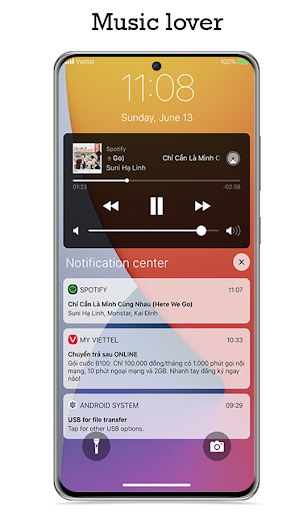
Music player widget: show or hide on the lock screen, with album art and playback controls
Wallpaper personalization: pick your own image, default backgrounds, or solid colors — plus background blur
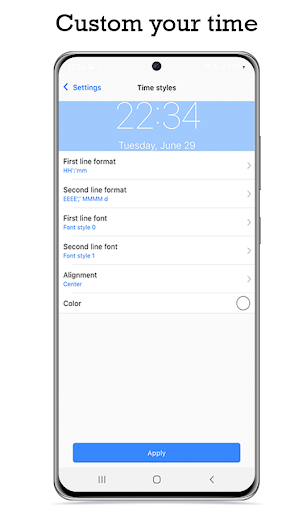
Clock styles: Classic, Stacked, Inline, Seconds, Analog, and more
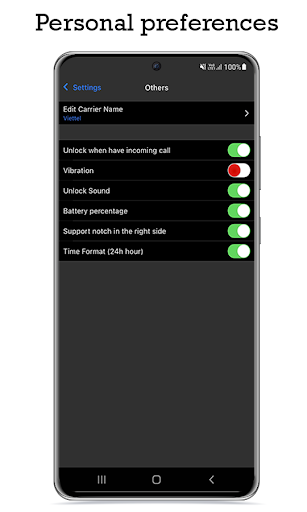
Status bar: dual SIM signal icons, Wi‑Fi, battery percentage, and custom carrier name
Quick lock: swipe down or tap the lock icon to turn off the screen
Smart call handling: unlock for incoming calls, re-lock when the call ends
Shortcut buttons: Flash, Camera, or any app on the lock screen
Unlock feedback: vibration and sound settings
Date & time format options
Swipe unlock text you can customize
Enjoy beautiful animations and a clean Liquid Glass interface designed for everyday use.
LANGUAGE SUPPORT The app supports 20+ languages. Some translations may not be perfect — if you’d like to help improve them, email us at Megavietbm@gmail.com. We truly appreciate your support.
FEEDBACK We’re actively improving the app and respond quickly to suggestions and bug reports. Don’t hesitate to share your feedback by email. Thank you!
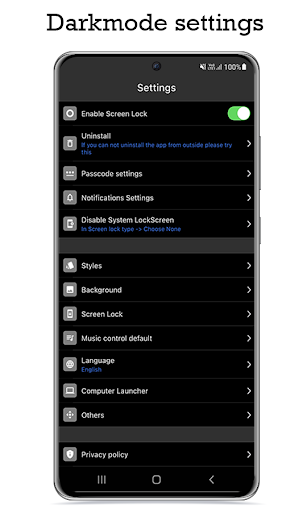
To uninstall the app: open the app and tap the “Uninstall” button.

Related Applications

Users Also Installed


Similar Applications