- Applications
- Tools
Update Software - Apps Updater
| Install | 13 K |
| From 54 Rates | 4.3 |
| Category | Tools |
| Size | 12 MB |
| Last Update | 2026 September 28 |
| Install | 13 K |
| From 54 Rates | 4.3 |
| Category | Tools |
| Size | 12 MB |
| Last Update | 2026 September 28 |
Images


Introduction
How to check app updates available for my phone? How to check available app updates using a Software Updater app for Android?
Phone Software Update 2026
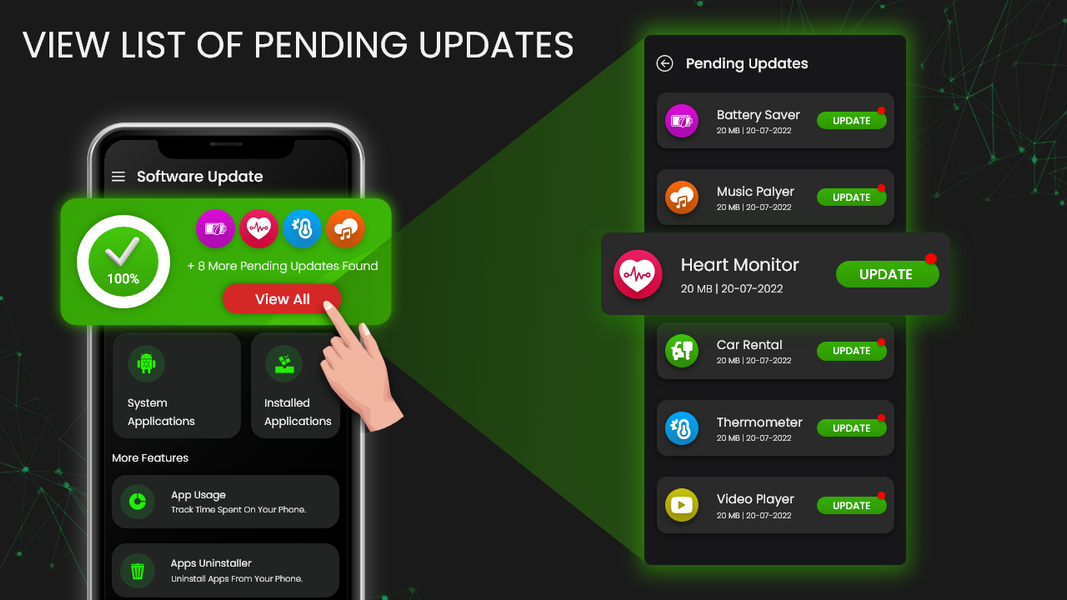
This Software Update app for Android helps you check available updates for your installed applications. The Apps Updater - Software Update Checker lets you view available app updates for your installed apps in one place. Stay informed about the latest app versions and device system information with ease.
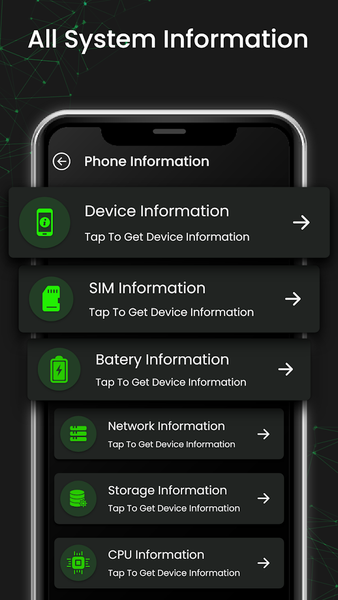
Check the latest app updates available on the Google Play Store. Stay informed about new versions of your installed apps and quickly identify apps with available updates. You can also view detailed device information, including important hardware and software details, in one convenient place.
How does the Software Updater help?
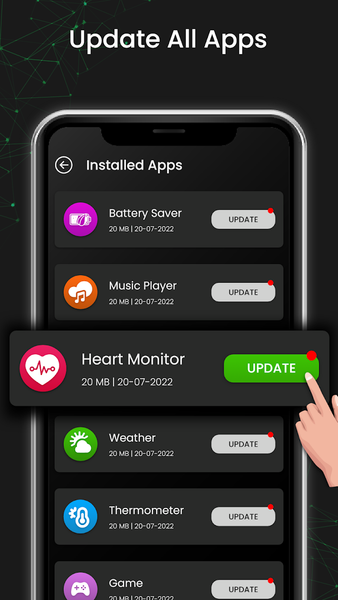
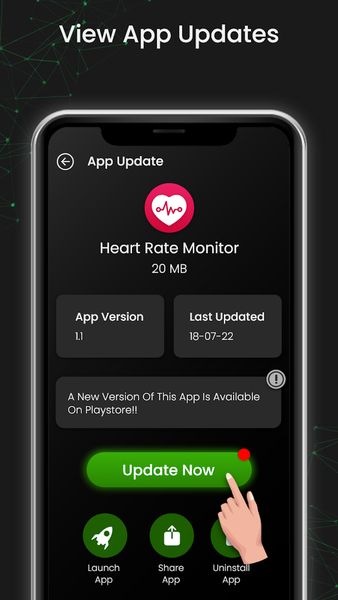
This App Update Checker scans your installed apps and checks for newer versions available on the Google Play Store. View all available app updates from a single interface. The App Updater displays apps with newer versions available, making it easier to review and manage your installed applications.
Stay up to date with the latest features and improvements released for your apps. You do not need to open each app individually to check for available updates. The Latest Update Checker helps you view available app updates in one place, making it easier to manage your apps.
How to check phone software and app updates?
Open the Software Updater app for Android to check available app updates and access your phone's system update settings. The Update My Phone Apps Updater scans your installed apps and displays apps that have updates available on Google Play. Then, users can open the corresponding Google Play Store page to install available app updates manually.
Features of Software Update Checker - Apps Updater
The Software Update features include:
Update Software App Checker: Device System Info
The tool helps you scan installed apps and check for available updates. View available app updates in one place and quickly identify which apps have new updates available. The app also provides quick access to your device's system update settings, where you can check for available system updates and install available updates manually using your device's official update process.
Check Available Updates for All Apps
The Software Update Checker helps you check available Android app updates. View available updates for your installed applications in one place. Apps are organized separately for system apps and downloaded apps, making it easier to check app update availability on the Google Play Store.
Apps Usage Information
View app usage information and screen time for your installed applications. The App Update Checker also provides app usage details, helping you better understand how your apps are used.
Apps Privacy Details
View privacy-related information and permissions used by your installed applications. The Software Update Checker helps you review app permissions and privacy details in one place, making it easier to understand the permissions requested by each app.
Disclaimer
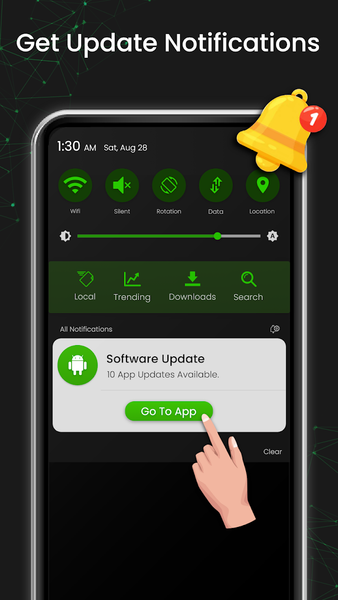
This app cannot update your phone or other apps automatically. It only displays a list of apps that have updates available. You must update your apps manually through the Google Play Store. For phone software updates, the app takes you to your device's original system update settings.


Related Applications








Users Also Installed




Similar Applications