

- Install
- <100
- Category
- Photography
- Last updated
- 2024 September 8
- Size
- 12 MB
View antivirus results
checking the app
App screenshots


About this app
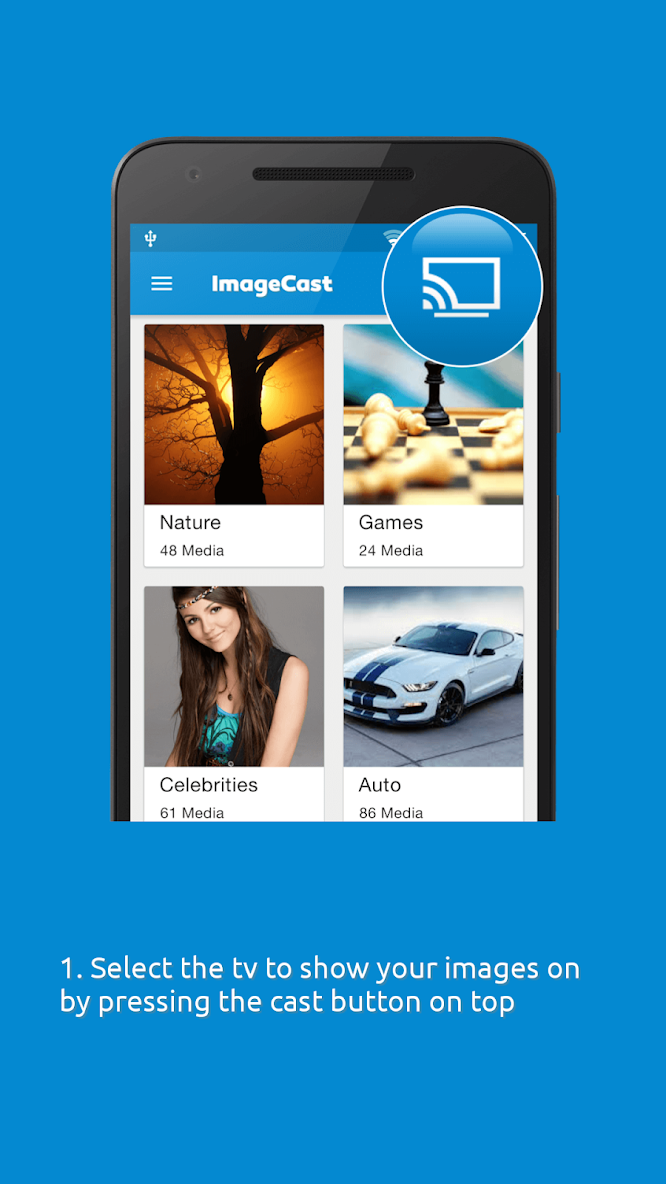
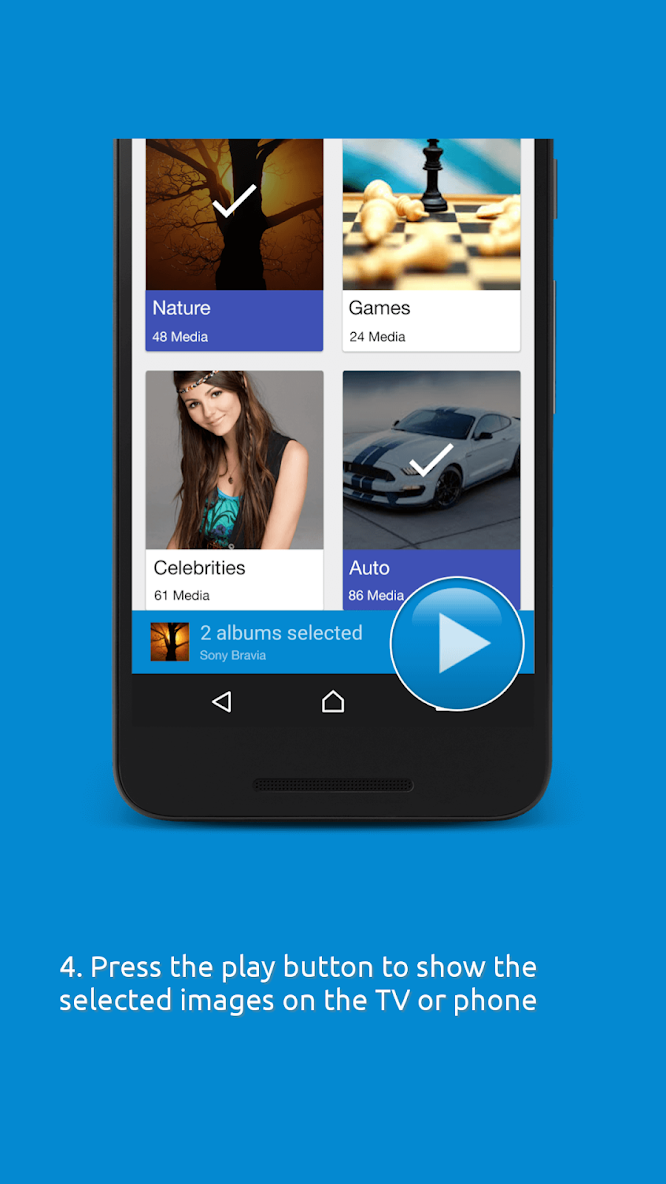
Want to show the photos on your device on the big screen? With ImageCast you can display them on any Smart TV, as long as it is on the same wifi network. So if you have any photos to share in a group, at a party or just want to view your photos in a big size, use ImageCast!
ImageCast will check your device for any photos, sort them, and have them ready at your fingertips, for viewing on your device or the big screen.
You can also log in to your Instagram account through ImageCast, and view the Instagram images directly on the big screen. This is a pro feature.
ImageCast uses DLNA/UPnP to discover and initiate/control playback on devices in your home network.
ImageCast supports the following devices for TV display:
- Western Digital Media Players (WD TV Live, WD TV Live Plus, WD TV Live Hub)
- Samsung SmartTVs
- Sony Bravia SmartTVs
- Panasonic Viera TVs
- Philips SmartTVs
- Toshiba SmartTVs
- Sharp TVs
- LG Connected TVs
- Xbox 360
- Xbox One
- XBMC
- Chromecast, Chromecast Audio, Nexus Player, Nvidia Shield, and other Google Cast devices
- DLNA TVs and music receivers from popular TV and HiFi brands
- BubbleUPNP Media Renderer and similar UPnP / DLNA renderers
- Roku | Streaming TV & Media Player
- Xiaomi Box and Huawei MediaQ box
- Amazon Fire TV and Fire TV Stick
- Windows Media Player
Enjoy ImageCast! For any comments, please write to us at support@sparklingapps.com
What’s new
- Bug in Instagram login fixed


