- Applications
- Tools
Screen Mirroring: Cast to TV
| Install | 1.3 K |
| From 7 Rates | 3.9 |
| Category | Tools |
| Size | 11 MB |
| Last Update | 2026 August 9 |
| Install | 1.3 K |
| From 7 Rates | 3.9 |
| Category | Tools |
| Size | 11 MB |
| Last Update | 2026 August 9 |
Images



Introduction
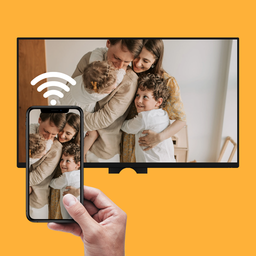
Screen Mirroring: Cast to TV enables you to mirror your Android phone to a compatible smart TV using Miracast, Smart View, and wireless display technologies. Screen Cast your videos, photos, games, and presentations from a small phone screen to a large TV screen.
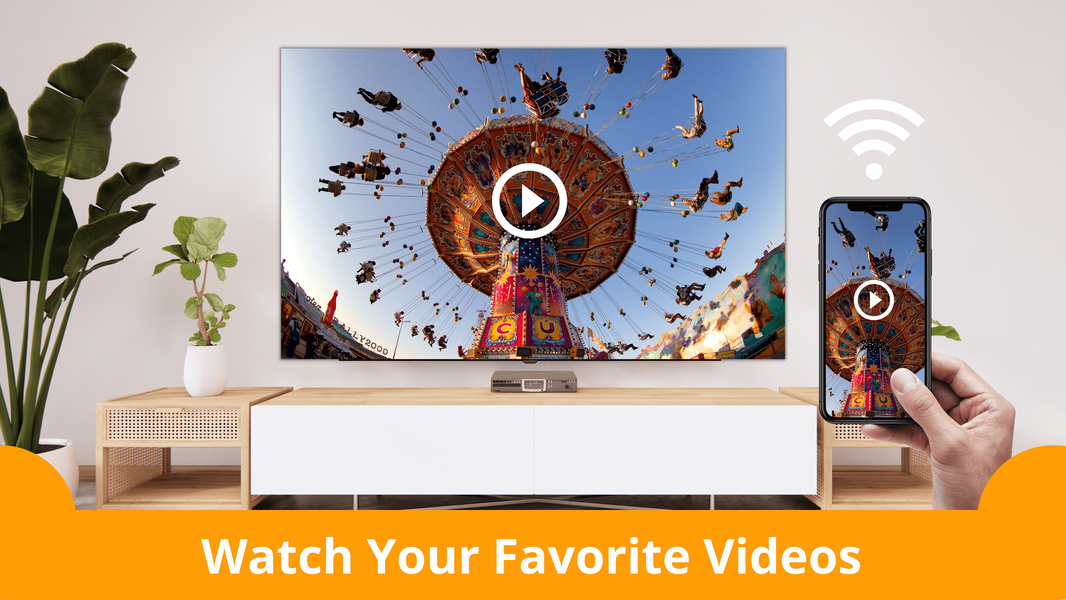
With the Screen Mirroring: Cast to TV app, you can mirror your phone to a compatible TV and watch your favorite movies with family and friends!
Screen Mirroring: Cast to TV is ideal for sharing presentations, documents, and other content on a larger screen during meetings, in classrooms, and in office presentations, using Wi-Fi display technology.
📺 Compatible Devices
The app supports a wide range of smart TVs and streaming devices, including -
- Most Smart TVs such as Samsung, LG, Sony, TCL, Hisense, Xiaomi, Vizio, and more
- Roku TV / Roku Stick
- Chromecast
- Amazon Fire TV / Fire Stick
- DLNA-compatible devices and Wi-Fi display adapters.
- Most devices that support Smart View, Wireless Display, or Miracast technology.
⭐ Why Choose Screen Mirroring: Cast to TV App?
The app makes it easy to cast your photos, documents, and mobile games to a larger TV. Enjoy fast and stable screen mirroring with no extra cables on compatible devices. No more struggle for a simple phone-to-TV and screen-sharing experience. It's easy!
Just tap the "Screen mirroring" button and enjoy your Android phone screen on a big TV. Screen Sharing app is designed to make it easy to mirror your Phone to a TV for entertainment, movies, and day-to-day sharing. Mirror your phone to TV for videos, photos, presentations, and games.
✨ Core Features
📺 Screen Mirroring with Smart View Support
Mirror your Android phone to TV with Miracast connection. Enjoy fast Screen Sharing for entertainment, presentations, photos, and games on a larger TV over Wi-Fi display.
⚡ Fast Wireless Display
Cast to compatible TVs using compatible wireless display technology for stable screen sharing and mirroring. Enjoy videos, photos, and apps on a larger screen.
🖼️ In-app Media Gallery
Choose photos and videos directly from the app for casting. It lets you zoom in and inspect images with hand gestures and enjoy casting selected media directly to your smart TV screen.
🎬 Built-in Video Player
Play your device's local videos with our Built-in video player, designed for a clean and distraction-free viewing experience. Browse saved videos for casting to TV, and enjoy smooth screen mirroring.
🌐 Web Browser to TV
Browse websites inside the app and open compatible web content to mirror your phone to a larger TV, and enjoy your favorite website content on a larger screen using wireless display.
🔒 Privacy First
Your privacy comes first. On Android 14 and above, we support partial photo and video access, allowing you to select only the media you want to cast on TV instead of granting permission for full gallery access.
🚀 How to Use
1. Connect your Android phone and smart TV to the same Wi-Fi network.
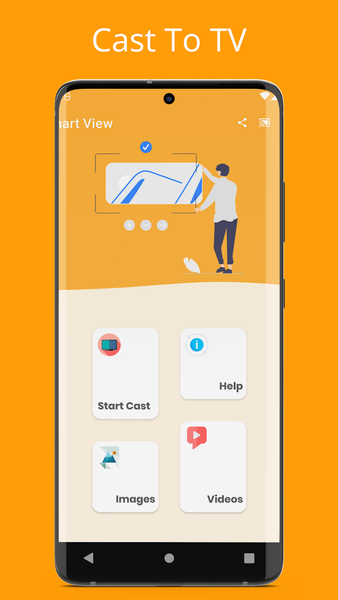
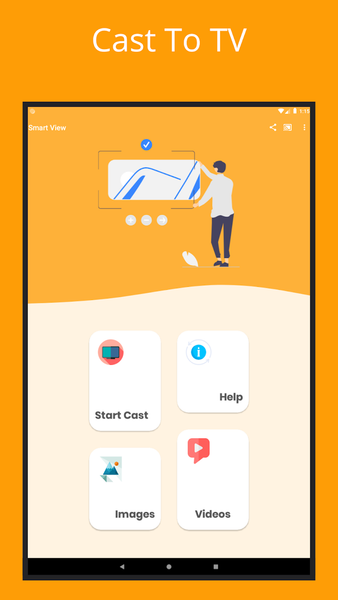
2. Open the Cast to TV app and tap the "Screen Mirroring" button.
3. Select your TV from the list.
4. Start Screen Mirroring.
ℹ️ Important Information
• Compatibility: Screen Mirroring works only with compatible Android devices and TVs that support Miracast, Smart View, or wireless display. Features may vary by Android device and Android version.
• Streaming Services: Some apps and streaming services may restrict screen mirroring due to DRM or copyright protection.
• Trademarks: Android, Google Chromecast, Miracast, Smart View, Roku, Amazon Fire TV, Samsung, LG, Sony, TCL, Hisense, Xiaomi, Vizio, and other product names are trademarks of their respective owners and are used only to indicate device compatibility.
📩 Need Help?
Contact us at: feedback.moonbow@gmail.com


Related Applications








Users Also Installed



Similar Applications