- Applications
- Tools
QR & Barcode Scanner, Launcher
| Install | 130 |
| From 0 Rates | 0 |
| Category | Tools |
| Size | 62 MB |
| Last Update | 2026 August 29 |
| Install | 130 |
| From 0 Rates | 0 |
| Category | Tools |
| Size | 62 MB |
| Last Update | 2026 August 29 |
Images




Introduction
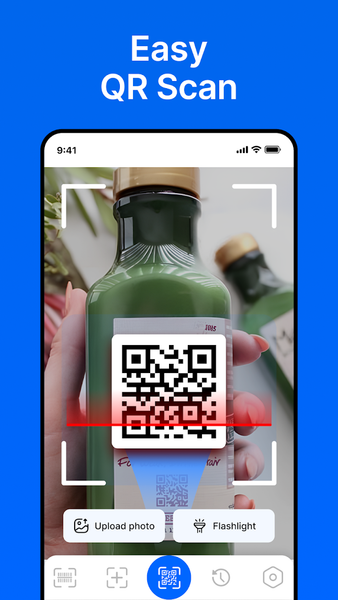
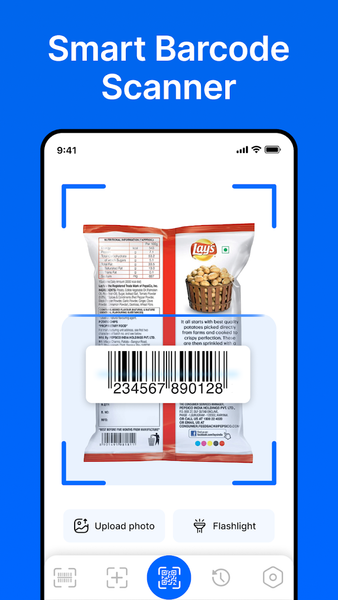
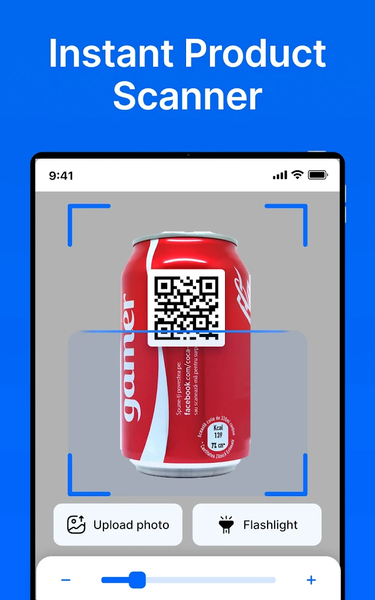
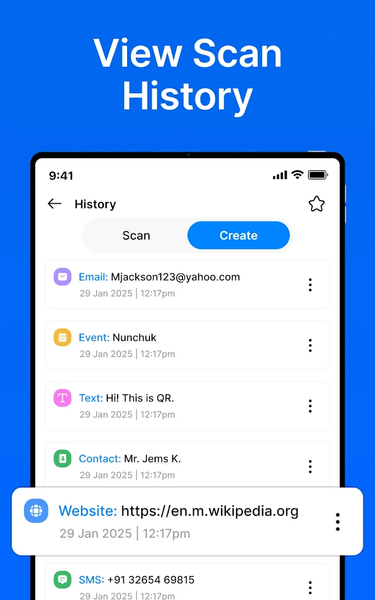
QR & Barcode Scanner, Launcher is a simple tool for scanning QR codes and barcodes, creating QR codes, and keeping a history of previous scans. It also provides home-screen features for quick access to the scanner.
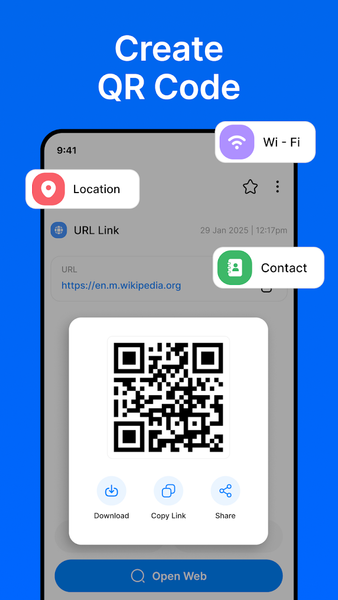
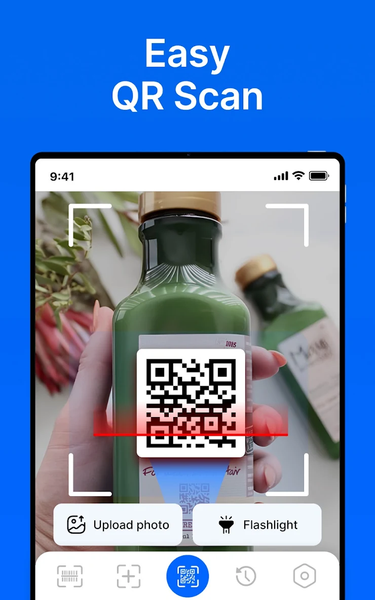
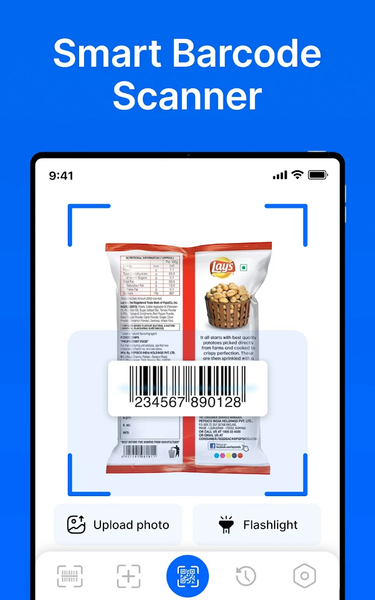
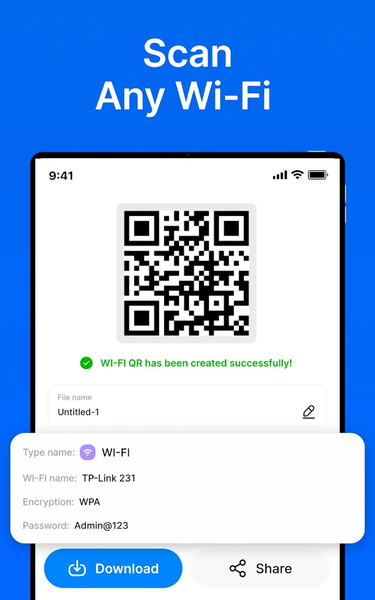
Use your device camera to scan supported QR codes and barcodes and view the information contained in them. You can also create QR codes for supported content such as websites, contact information, and Wi-Fi details.
The app works as an Android Home app, providing quick access to the QR scanner and supported home-screen features.
🔍 QR & Barcode Scanner
Scan QR codes and supported barcode formats using your device camera.
✨ Create QR Codes
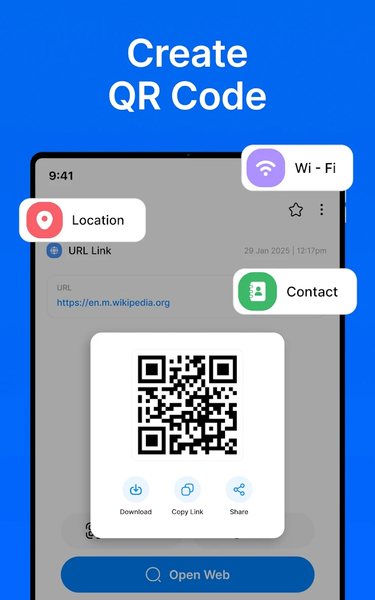
Create QR codes for supported information such as:
Website URLs
Contact information
Wi-Fi details
Other supported content
Enter the required information and generate a QR code that you can save or share.
📜 Scan History
Keep track of previous scans with the built-in scan history. Open your history to review previously scanned QR codes and barcodes when needed.
🏠 Home Screen Features
QR & Barcode Scanner, Launcher works as an Android Home app and provides access to supported scanner features from your home screen.
The launcher includes home-screen customization features such as wallpaper,
📌 Changing Your Launcher
When you use QR & Barcode Scanner, Launcher as your Home app, your home-screen layout may change.
You can change or revert the launcher directly from the app:
Home Screen > Launcher Settings > Home Screen > Change Default Launcher
Follow these steps whenever you want to switch to another launcher or return to your previous launcher.
Your installed apps and personal data are not removed when changing the launcher. Only the home-screen experience may change.
📤 Save and Share
Save supported QR codes and scan results for later use or share information from the app using the sharing options available on your device.
🔐 Privacy
Camera access is used for scanning QR codes and barcodes. Other permissions, if requested, are used for the corresponding features of the app.
Please review our Privacy Policy for information about how the app handles data and permissions.
Privacy Policy: https://appspecials.blogspot.com/2018/04/at-app-specials-we-recognize-that.html
📱 Simple and Convenient
Scan QR codes, read barcodes, create QR codes, review scan history, and access supported scanning features from your home screen with QR & Barcode Scanner, Launcher.
Related Applications




Users Also Installed








Similar Applications