- Applications
- Tools
All Recovery - Photos, Videos

| Install | 9.7 K |
| From 121 Rates | 4.5 |
| Category | Tools |
| Size | 28 MB |
| Last Update | 2026 September 29 |

| Install | 9.7 K |
| From 121 Rates | 4.5 |
| Category | Tools |
| Size | 28 MB |
| Last Update | 2026 September 29 |
Images

Introduction
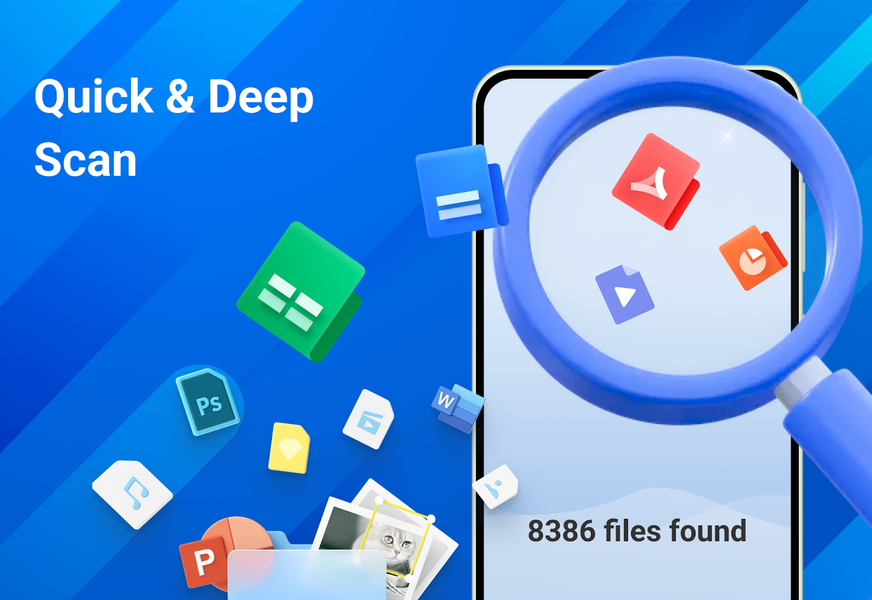
All Recovery - Photos, Videos is designed to scan available device storage for photos, videos, documents, and other supported files that may still be recoverable.
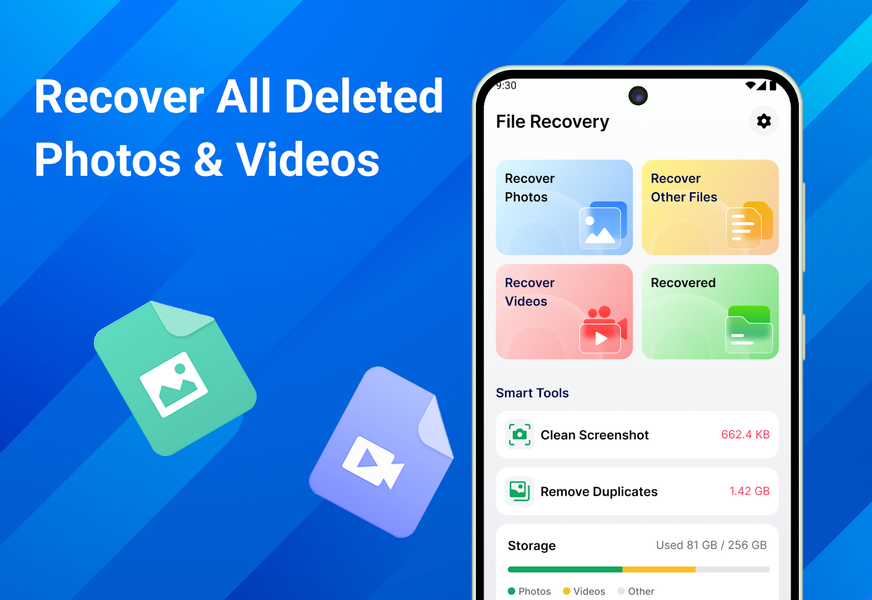
Whether you accidentally removed a photo, deleted a video, or lost an important document, All Recovery helps you check phone memory and supported SD card locations, preview detected results, and restore selected items when recovery is possible.
📷 Deleted Photo Recovery
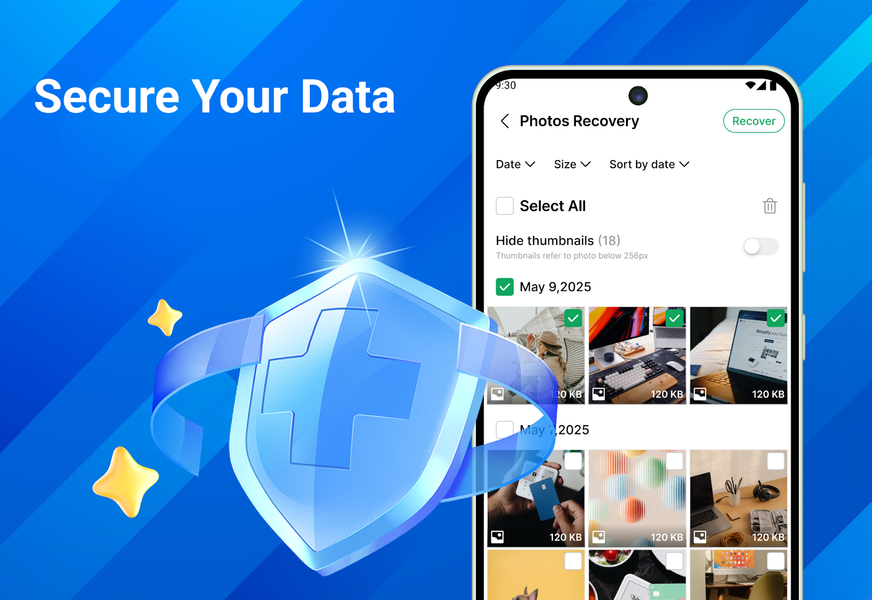
Scan available phone storage for lost or deleted photos. Preview detected images before restoring them and select only the photos you want to recover.
The app can search for recently deleted photos as well as older pictures that remain available in supported storage locations.
🎬 Old Video Recovery
Search device storage for deleted or missing videos. Review detected clips before recovery and choose the videos you want to restore.
The app supports common video formats such as MP4, MOV, and MKV when they are available for recovery.
📂 File and Document Recovery
Scan for documents, audio recordings, and other supported files that may remain in phone memory or selected SD card folders.
Supported results may include PDF, DOCX, XLSX, PPT, audio files, and other commonly used file formats.
♻️ View Supported Notification Records
Review supported message notification records that were previously received and stored on your device. This feature displays available notification records and does not directly retrieve deleted messages.
You can also scan available storage for WhatsApp-related photos, videos, audio recordings, and documents that may still be recoverable.
🔍 Preview and Restore Files
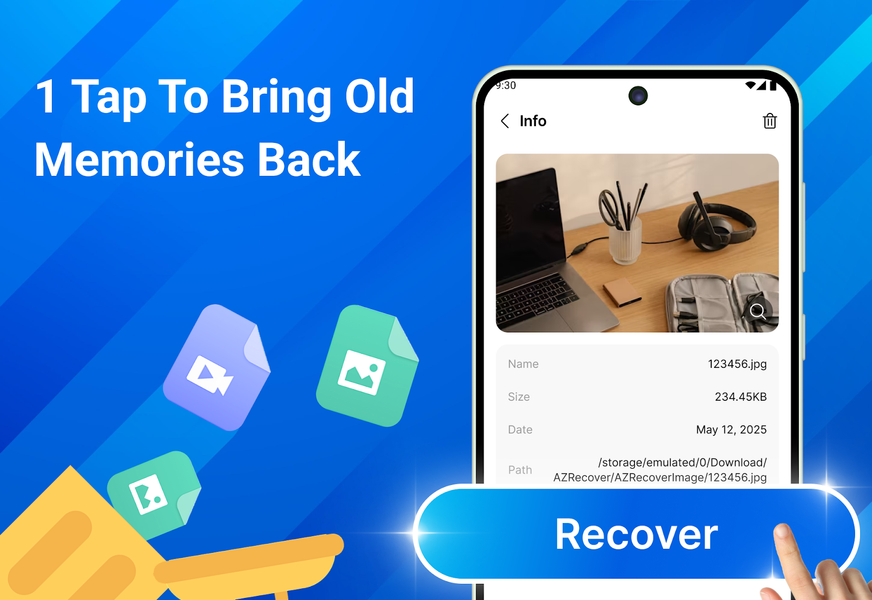
Preview detected photos, videos, documents, and other supported files before recovery. Restore individual items or use batch restore to recover multiple selected files at once.
Each recovery action remains under your control, allowing you to review results before saving files back to your device.
🔒 Device Storage Scanning
Scanning, previewing, and recovery use data that remains available in supported device storage locations. No root access is required.
⚠️ Important Information
Results depend on the device, Android version, storage activity, file type, and how long ago the content was removed.
The app cannot recover:
• Files that have already been overwritten
• Data removed after a factory reset
• Content stored only in cloud services
• Encrypted or securely erased files
Successful recovery cannot be guaranteed. To improve the likelihood of finding deleted photos, videos, and files, scan the device as soon as possible and avoid saving new data before scanning.
All Recovery - Photos, Videos brings tools for scanning and restoring supported photos, videos, documents, and other files together in one app for checking available data in phone memory and supported storage locations.

Related Applications









Users Also Installed





Similar Applications