
- Applications
- Tools
نئو فایل

| Install | <10 |
| From 0 Rates | 0 |
| Category | Tools |
| Size | 19 MB |
| Last Update | 2026 November 9 |

| Install | <10 |
| From 0 Rates | 0 |
| Category | Tools |
| Size | 19 MB |
| Last Update | 2026 November 9 |
Images
Introduction
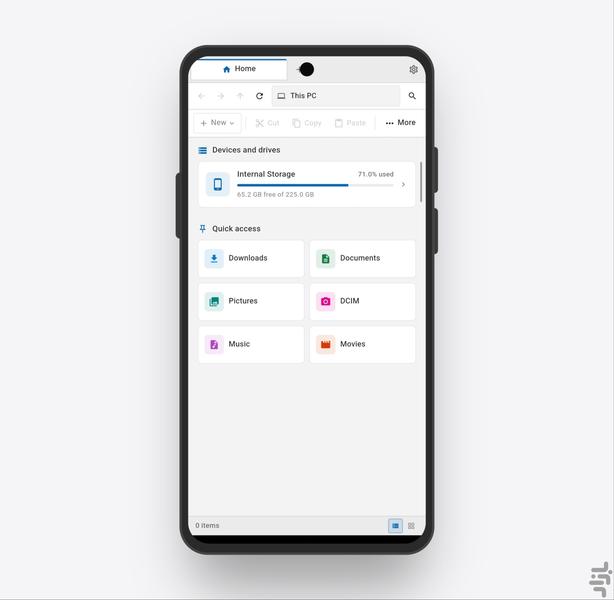
NeoFile is an Android file manager inspired by the familiar layout of Windows Explorer. It is designed for users who like the classic sidebar, address bar, and toolbar experience and want a similar, easy-to-understand file management flow on their phone.
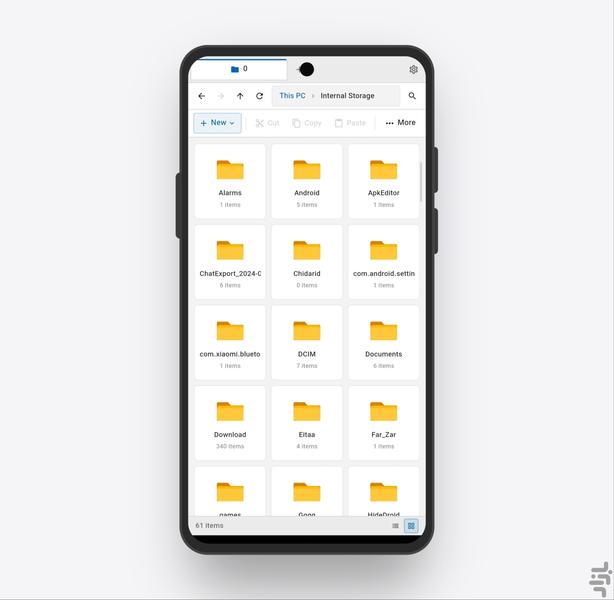
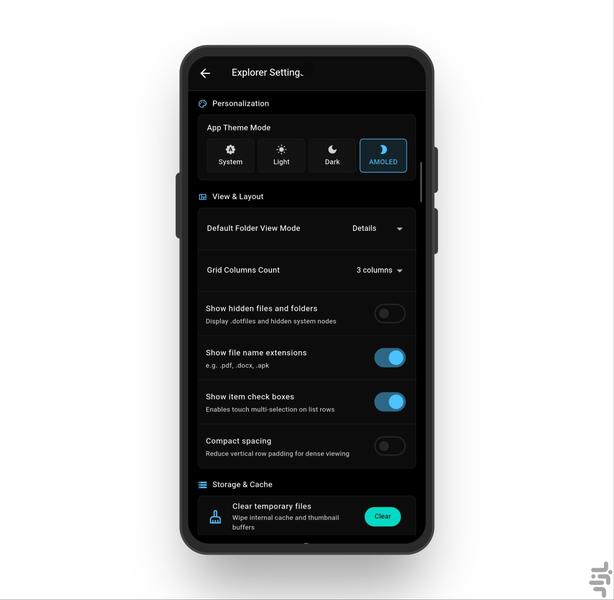
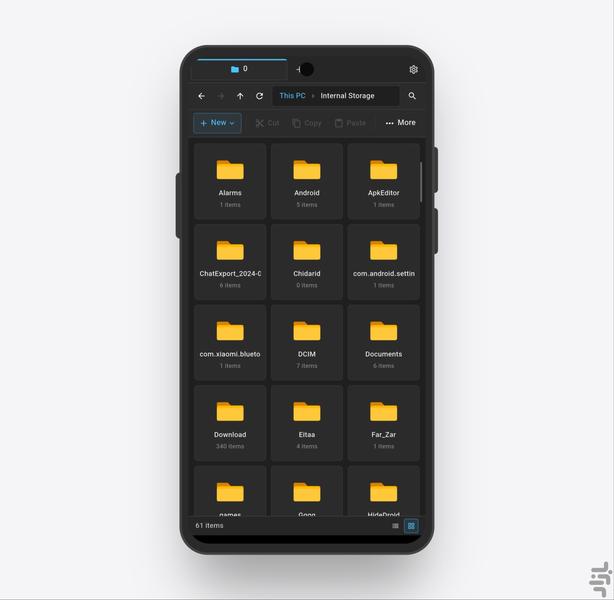
With NeoFile, you can browse, organize, and manage your files and folders with a clean and familiar interface. The Windows Explorer-inspired design makes navigation straightforward and helps you handle everyday file tasks quickly and comfortably.
Features:
Familiar Windows Explorer-inspired interface
Quick access to internal storage, SD card, and commonly used folders
Browse folders in list and details views
Search and sort files
Common file operations: copy, move, rename, delete, and create folders
Quick file sharing
Lightweight, simple, and designed for everyday use
NeoFile is a good fit for users who want a simple, organized, and familiar file manager without unnecessary complexity.