

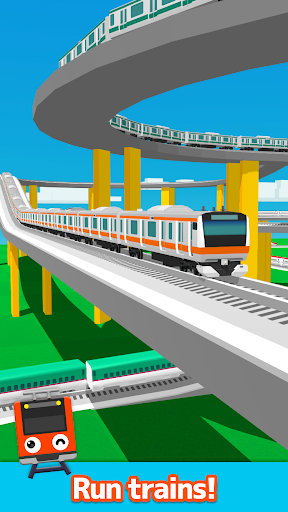
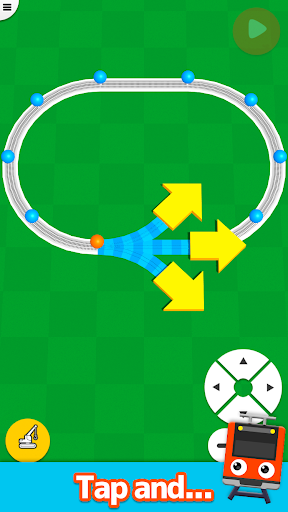
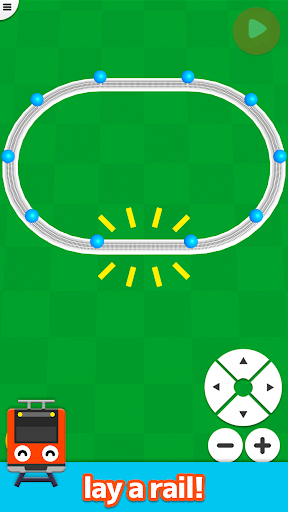
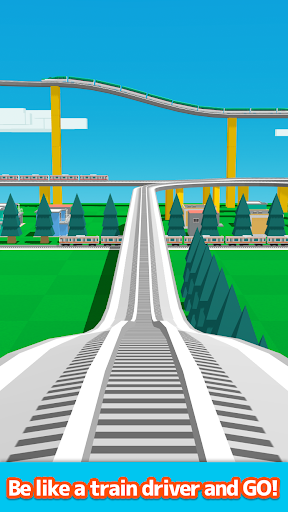
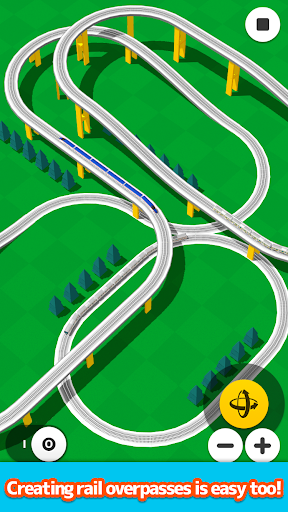
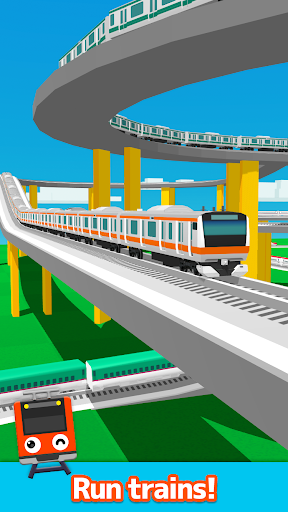
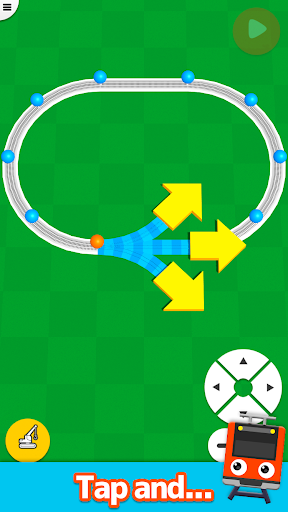
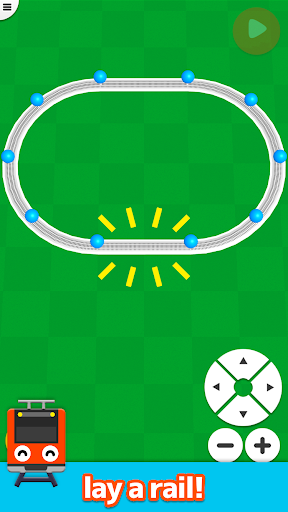
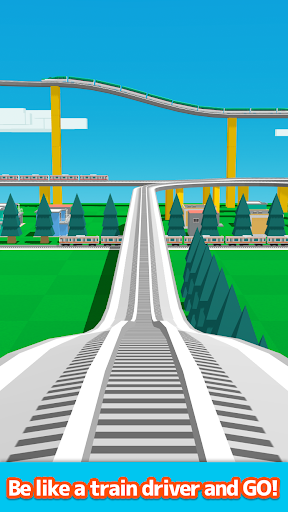
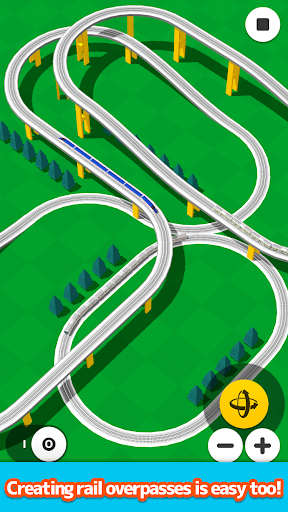
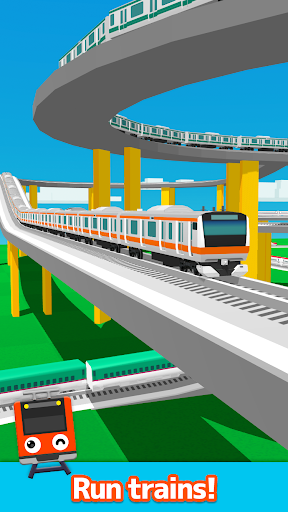
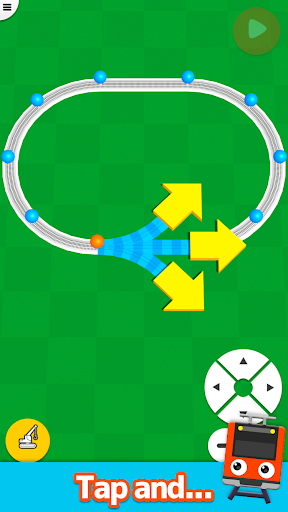
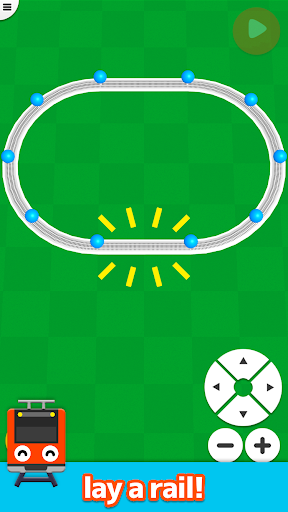
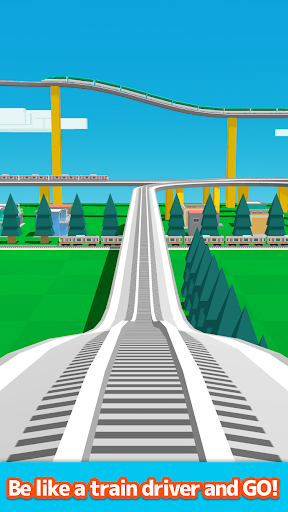
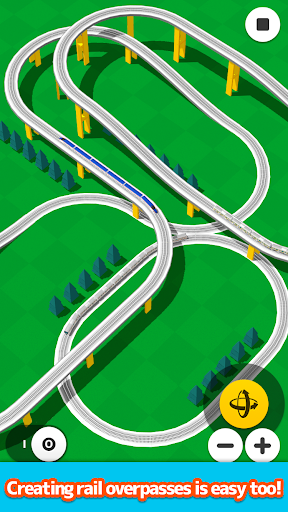
Select the desired rail and connect it.
Just tap to lay rails.
Create a railway with elevated rails, forking rails, etc., as you want.
Create a railway for your favorite train or bullet train and exercise your imagination and creativity.
Great fun to run a train on a railway you created, and a great sense of accomplishment!
Add train stations and tunnels to customize it. Then run trains on it!
Instructions
Tap the screen to add the desired rail.
Tap the arrow in the direction you want to lay the rail. Very easy to lay rails.
Tap on a background part to add buildings and trees wherever you want.
After building the railway, tap on the Put Train button and select a train!
You can add and delete trains and change the running direction.
After you are done, tap the Start Train button to start running the train.
When the train approaches a fork, use the following Fork button to switch the train's direction.
Camera Mode
Press "+" to zoom in.
Press "-" to zoom out.
Press the arrow to change the camera angle.
Train tracking: Press ON to track a train.
v4.6.1
- Fixed an issue that prevented placing slope rails on blocks.
v4.6.0
- Added 5 Trains Pack 26 to the shop!
- Added camera draw distance settings.
- Optimized performance for large layouts.
- Updated the game engine and SDKs.
v4.5.0
- Added 5 Trains Pack 25 to the shop!
v4.4.0
- Added 7 Apartment Buildings Pack to the shop!
v4.3.0
- Added Overhead Line Pole and 7 Buildings Pack.
v4.2.0
- Added a master controller!
v4.1.0
- Added Stage Size Expansion!


