
- Applications
- Tools
ir word | پی دی اف ساز فارسی
| Install | <100 |
| From 3 Rates | 5 |
| Category | Tools |
| Size | 37 MB |
| Last Update | 2026 July 20 |

| Install | <100 |
| From 3 Rates | 5 |
| Category | Tools |
| Size | 37 MB |
| Last Update | 2026 July 20 |
Images
Introduction
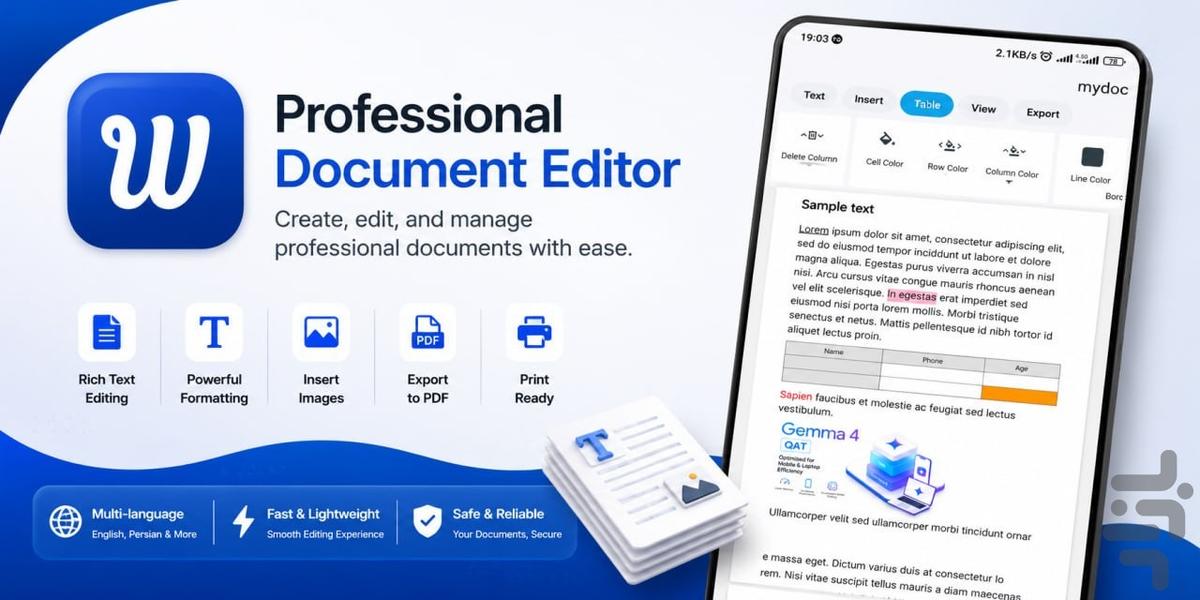
Professional Document Editor
Create, edit, and manage professional documents with ease. This powerful yet lightweight rich text editor provides all the tools you need to write, format, and organize your documents directly on your Android device.
Whether you're writing reports, taking notes, creating articles, or preparing documents for printing, this app offers a smooth and intuitive editing experience.
Key Features
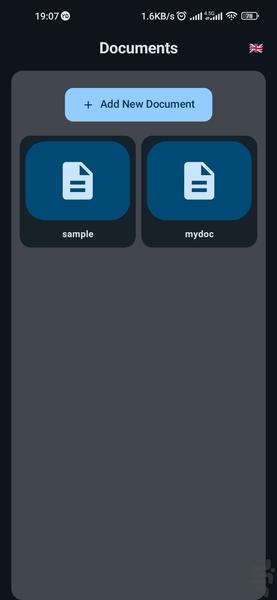
• Create and edit unlimited documents
• Export PDF from documents
• Smart multi-page document layout
• Full support for English, Persian, and other languages
• Change font family
• Adjust font size
• Change text color
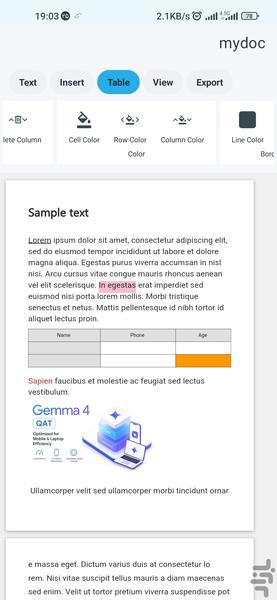
• Highlight text with background colors
• Bold, Italic, Underline
• Left, Center, Right, and Justified text alignment
• Paragraph spacing control
• Insert images anywhere in your document
• Resize images
• Copy, Cut, and Paste with formatting support
• Rich text formatting preservation
• Quick text selection
• Undo and Redo support
• Fast document editing
• Smooth scrolling for large documents
• Multi-page document editing
• Automatic page breaking
• Save and reopen documents without losing formatting
• Print-ready document layout
• High-quality PDF export
• Clean, modern, and user-friendly interface
Perfect For:
• Students
• Teachers
• Writers and Authors
• Journalists
• Bloggers and Content Creators
• Business Professionals
• Office Employees
• Report Writing
• Letters and Official Documents
• Research Papers
• Articles
• Daily Notes
• Educational Materials
Designed with performance, simplicity, and reliability in mind, this app delivers a desktop-like document editing experience on your mobile device.
If you're looking for a fast, feature-rich, and easy-to-use document editor for everyday writing or professional work, this app is the perfect choice.


