- Applications
- Books & Reference
Gax Gaming Hub: Game Launcher
Images
Introduction
Welcome to GAX Gaming Hub: Game Launcher – your ultimate personal game hub, gaming launcher, and smart game manager designed to simplify your Android gaming experience.
Tired of clutter and searching for your favorite games? Look no further! GAX Gaming Hub provides a sleek custom game launcher interface designed to organize all your applications in one dedicated game space and organized game folder, making app management completely effortless.
Key Features:
- Custom Gaming Hub: Centralize your entire games collection in one organized game hub folder for quick and easy access.
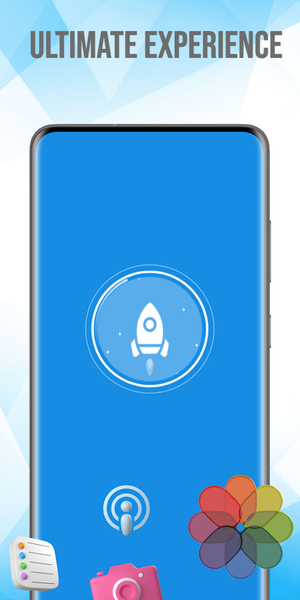
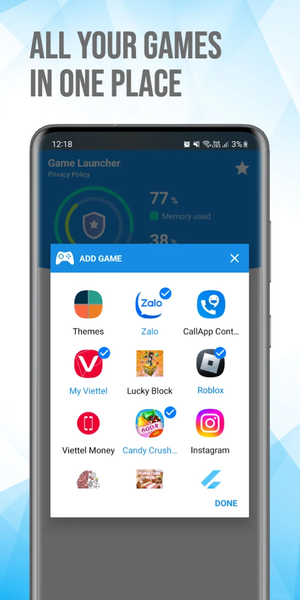
- Smart Game Launcher: Easily group and launch your favorite games and apps instantly through our gaming launcher interface.
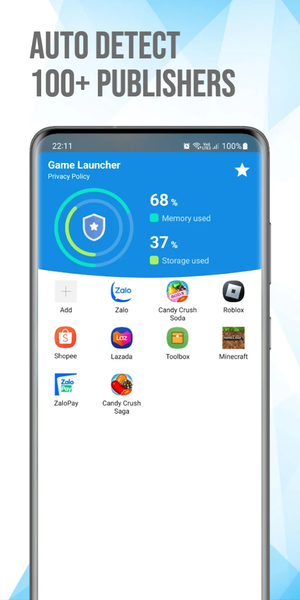
- Automatic Game Organizer: Let our smart organizer detect installed games from various publishers and group them into your game space library.
- Device Performance Monitor: Keep an eye on your RAM usage and track storage status inside your custom game hub before you play.
Important User Notice:
GAX Gaming Hub: Game Launcher acts as an independent all-in-one management center and custom app launcher tool.
Please note the following to ensure the best experience:
1. Not a Game Booster: This gaming hub application is a utility for organization. It does not directly optimize hardware, alter system settings, increase FPS, or act as a mobile performance booster.
2. Independent Alternative: GAX Gaming Hub is a third-party application. It is NOT the factory-installed Gaming Hub or stock Game Launcher software developed by specific smartphone manufacturers (such as Samsung Electronics). It is designed as an independent game launcher alternative for users seeking a customized gaming center experience.
How to Use:
1. Open the GAX Gaming Hub app.
2. Let the system auto-detect your titles, or manually add your favorite games to your game space.
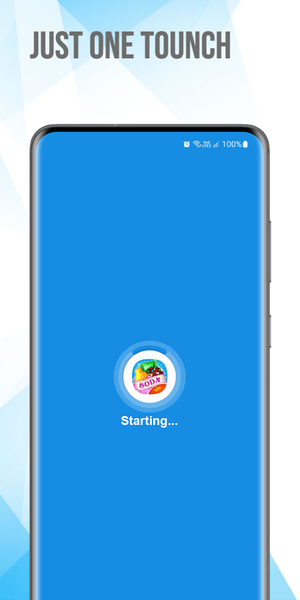
3. Tap any icon to launch your game instantly through our customized gaming launcher interface.
Experience the convenience, speed, and simplicity of GAX Gaming Hub: Game Launcher – your personal game hub solution for everyday game organization!
Disclaimer:
GAX Gaming Hub is an independent application developed by enthusiasts. It is not affiliated with, authorized by, endorsed by, or in any way officially connected to any device manufacturer, game publisher, or third-party brand. All product names, logos, and brands are property of their respective owners.
Additional Note:
Features may vary depending on device compatibility.


Related Applications









Users Also Installed









Similar Applications