
- Applications
- Tools
MAXST AR View


Images
Introduction
MAXST AR View app lets you experience Maxst’s AR technology at a glance. Here are 6 key features of MAXST AR SDK.
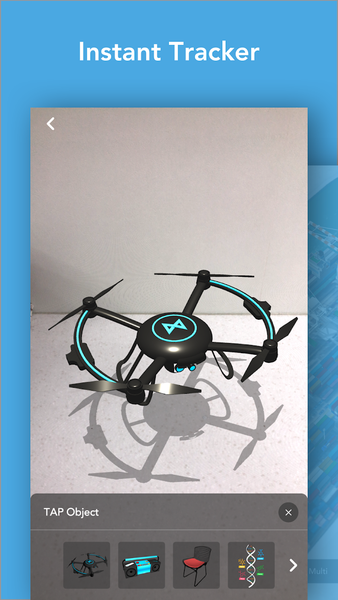
1. Instant Tracker
Instant Tracker detects a horizontal plane and recognizes space with sensor. You can place 3D objects instantly.
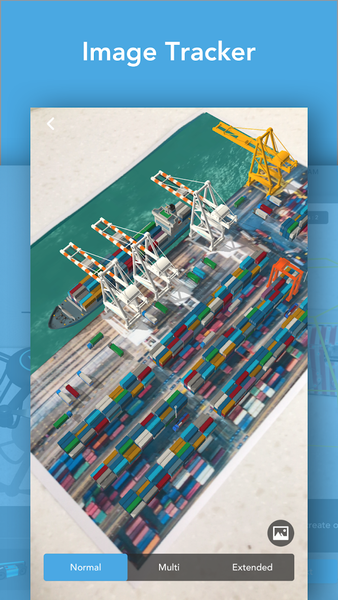
2. Image Tracker
Image Tracker recognizes and tracks images. Extended mode makes you track an image at a far distance and Multi-target mode lets you track up to 3 images at once.
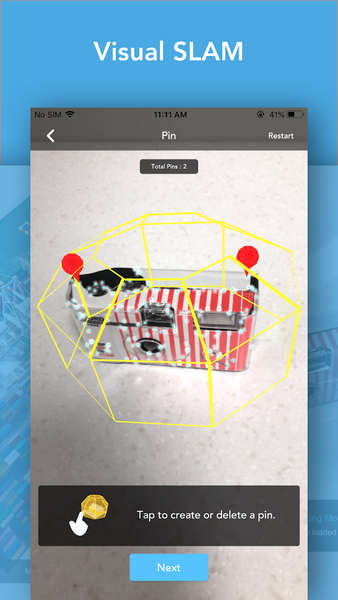
3. Visual SLAM
MAXST’s innovative SLAM technology helps you scan a specific area more accurately. We support the Pinning function so that you can place 3D objects more easily. After mapping, you can check the result in Object Tracker.
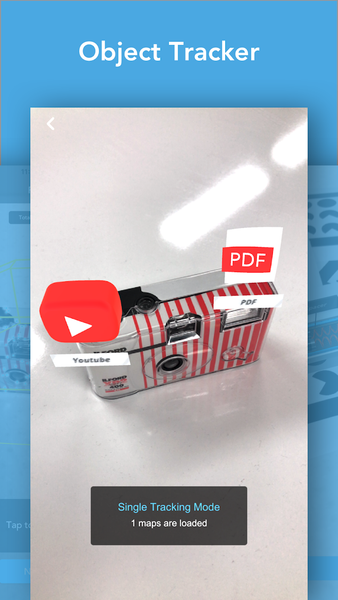
4. Object Tracker
Object Tracker recognizes and tracks the maps made by Visual SLAM.
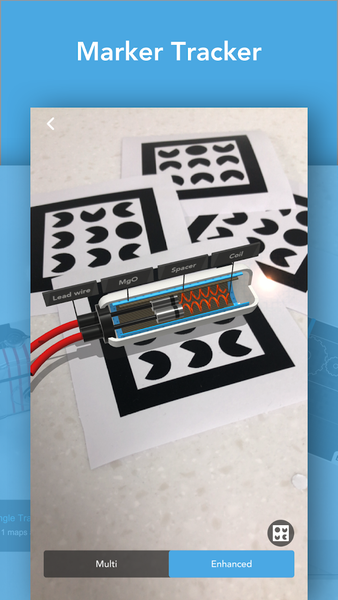
5. Marker Tracker
Marker Tracker recognizes and tracks MAXST’s Markers.
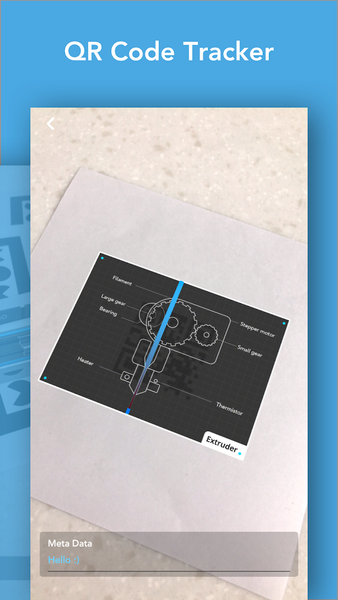
6. QR Code Tracker
QR Code Tracker recognizes and tracks QR codes and shows information of the code.
+ QR/Barcode Reader
QR/Barcode Reader allows you to scan the QR/Barcodes and shows information of the code.
For more information about MAXST AR SDK: https://developer.maxst.com/