- Applications
- Tools
Chat Lock For Whats Chat App

| Install | 370 |
| From 0 Rates | 0 |
| Category | Tools |
| Size | 11 MB |
| Last Update | 2025 December 22 |

| Install | 370 |
| From 0 Rates | 0 |
| Category | Tools |
| Size | 11 MB |
| Last Update | 2025 December 22 |
Images
Introduction
Note: This app is not sponsored or endorsed by, or affiliated with, Whatsapp Inc.
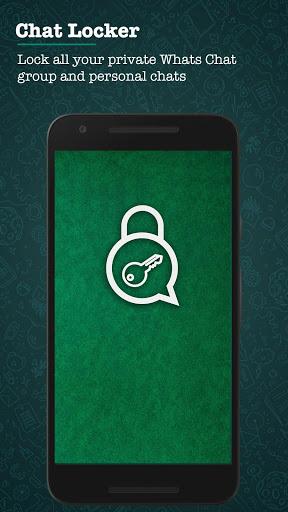
Easily secure your private and group Whatsapp conversations and maintain their privacy using a passcode.
Features
- Free for use
- Best app for locking whatsapp chats
- Hide your personal whatsapp chats from others
- Uses very less space and resources
- Simple design and easy to use interface
- Only Minimum permissions required
How to use the app:
- Download and install the app on your Android device.
- Launch the app by tapping on Chat Lock For Whats Chat App icon.
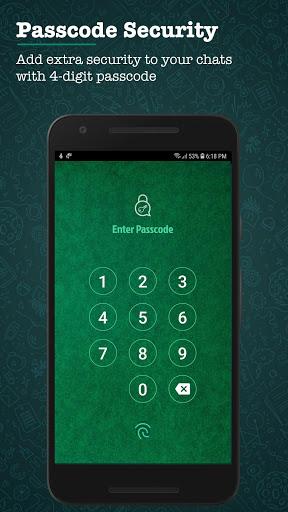
- Create a four-digit passcode and re-confirm the same. (The password you set is set for all the chats that you add to the locker)
- Grant accessibility permissions to the app to start using it.
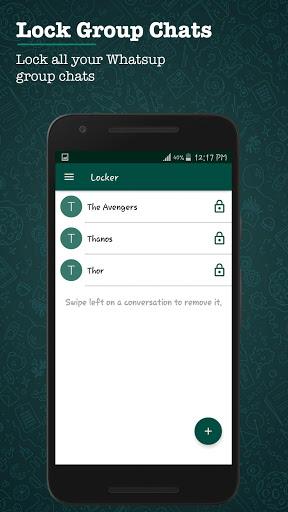
- Now, tap on the ‘+’ icon to add the chat you need to lock.
This app is unique and very useful as it focuses on your privacy and security. By tapping on the ‘+’ icon, you can secure your private whatsapp chats and stop worrying about them being accessed by others when your Android device is left unlocked. Concealing your private data is very easy with Chat Lock For Whats Chat App.
Note
Accessibility permission is required to protect user WhatsApp chat, lock private chats and group chats. The user’s private information is not collected or stored. Nobody is given access to it.
Related Applications









Users Also Installed









Similar Applications