- Applications
- Tools
PDF to Text
| Install | <10 |
| From 1 Rates | 5 |
| Category | Tools |
| Size | 8 MB |
| Last Update | 2026 October 25 |
| Install | <10 |
| From 1 Rates | 5 |
| Category | Tools |
| Size | 8 MB |
| Last Update | 2026 October 25 |
Images
Introduction
📄 PDF to Text Converter | Fast, Accurate & Professional
Struggling to extract text from your PDF files? This app uses advanced AI (OCR) technology to convert standard PDFs and even scanned documents or images into highly accurate, editable text.
✨ Key Features:
✅ Full Persian & English Support: Optimized for precise character and word recognition.
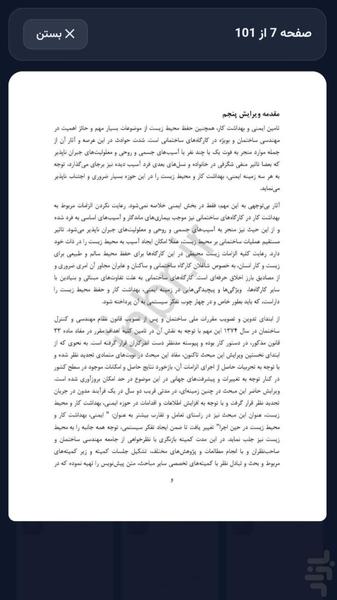
✅ Smart Scanned Document Conversion: Even if the text in the PDF is not selectable (scanned), our AI will read it for you.
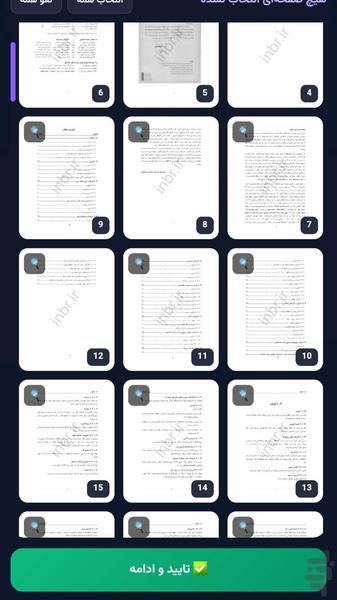
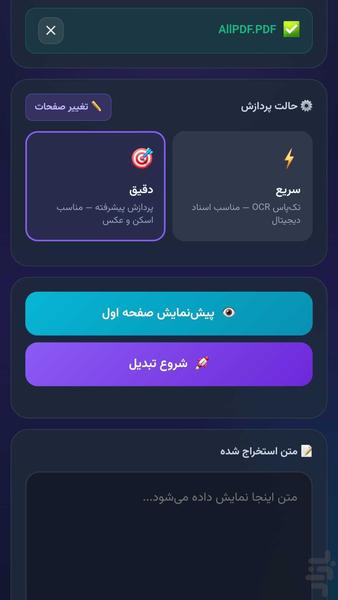
✅ Free Page Selection: No need to convert the whole file! You can select only the pages you need (e.g., pages 2, 5, and 10).
✅ Two Processing Modes:
⚡ Fast Mode: Best for digital text PDFs (high speed).
🎯 Accurate Mode: Best for images and scanned documents (maximum precision).
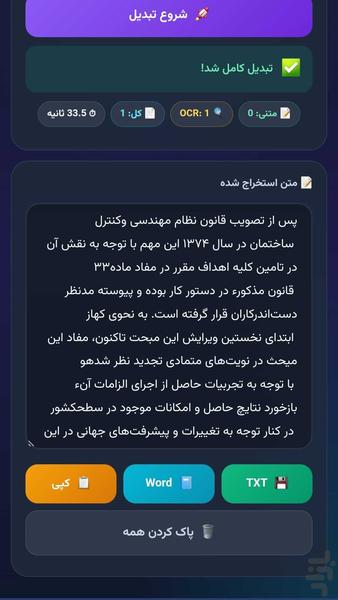
✅ Multiple Export Options: Save the extracted text as TXT, Word document, or copy it directly to your clipboard.
✅ Modern & User-Friendly UI: A beautiful and easy-to-use interface designed for mobile and tablet.
✅ Privacy First: Your files are processed securely, and no personal data is sent to external servers.
🚀 How it works:
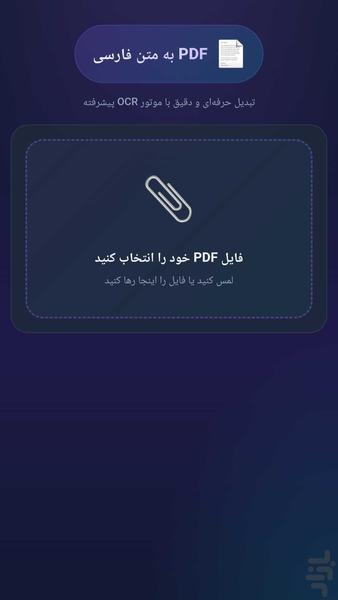
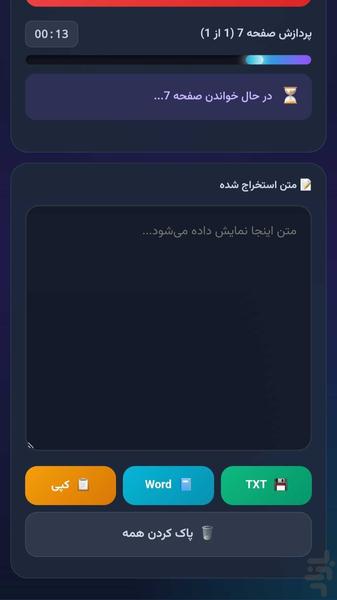
Select your PDF file, check the desired pages, and hit the start button. In just a few moments, the extracted text will be ready to copy or save.
⚠️ Important Note:
An internet connection is required for the AI to process images and convert them to text. (Digital text PDFs are extracted instantly).
Try it now and enjoy fast and accurate document conversion!