- Applications
- Finance
جیب چی

| Install | <100 |
| From 12 Rates | 5 |
| Category | Finance |
| Size | 78 MB |
| Last Update | 2026 November 5 |

| Install | <100 |
| From 12 Rates | 5 |
| Category | Finance |
| Size | 78 MB |
| Last Update | 2026 November 5 |
Images
Introduction
Take the guesswork out of everyday money with JIBCHI 💙
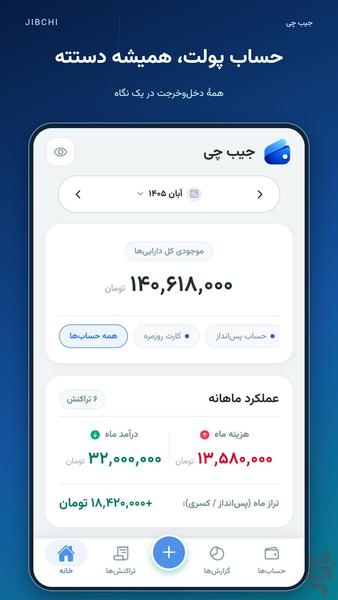
Ever reach the end of the month and wonder where your money went? JIBCHI helps you track spending, manage accounts, and build a clearer picture of your finances—all in one place.
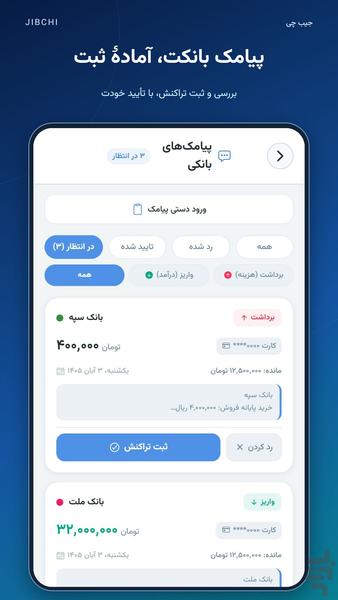
💬 Turn bank SMS messages into transactions
With your permission, JIBCHI scans supported bank messages and prepares transaction details for your review. Check the amount and account, then confirm to save. You’re always in control.
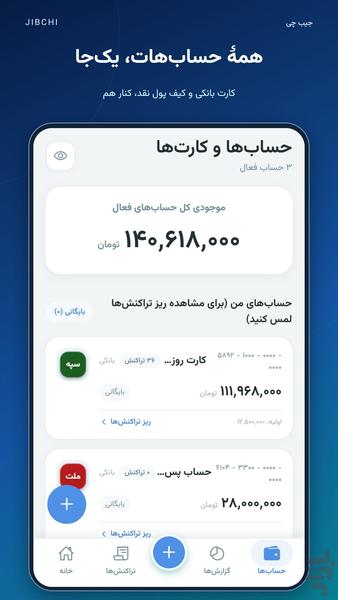
💳 Keep your accounts together
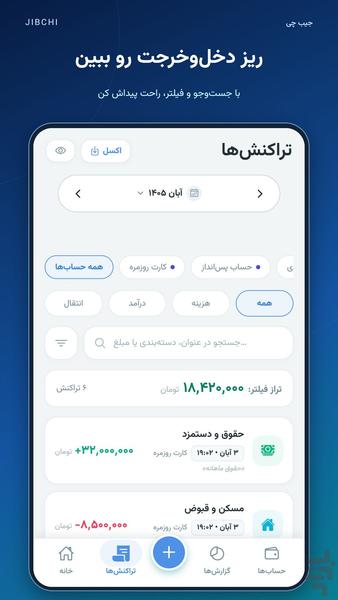
Add your bank accounts, cards, and cash wallets. View balances and track transactions for each account separately.
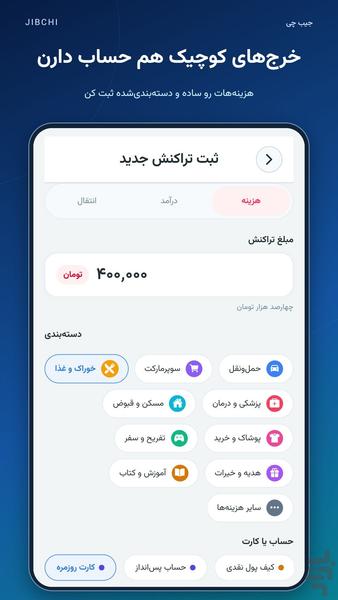
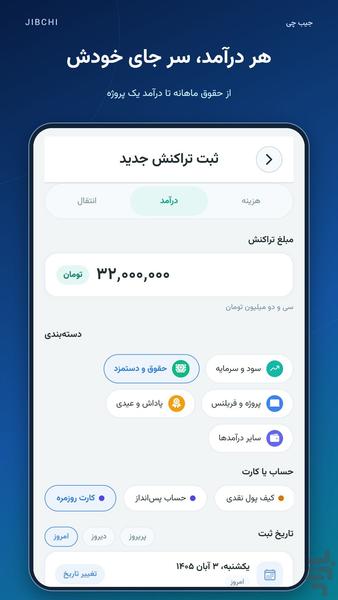
📝 Record income, expenses, and transfers
From your morning coffee to your monthly salary, keep everyday transactions organized with categories that make sense to you.
📊 Understand your spending
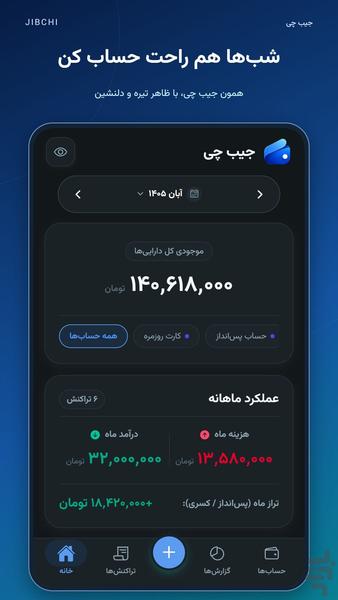
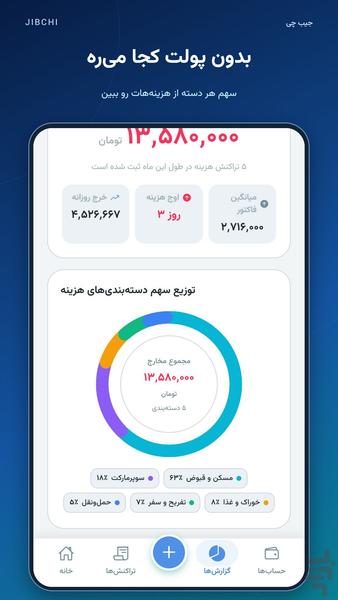
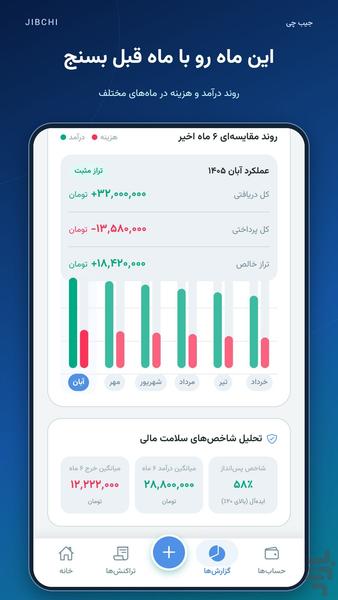
Explore financial reports, compare months, and see where your money goes so you can make more informed decisions.
🎯 Plan with budgets
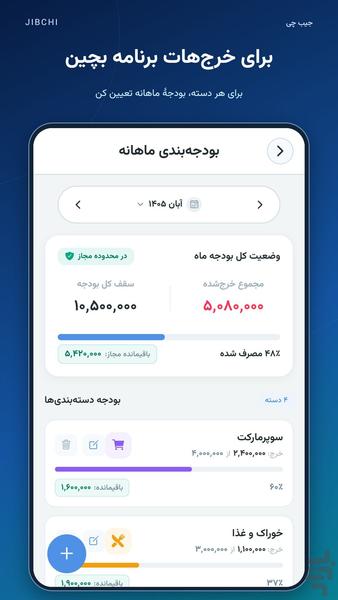
Set budgets for different spending categories and follow your progress throughout the month.
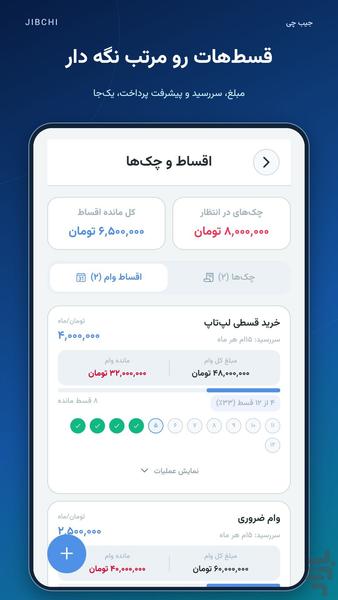
🗓️ Stay on top of installments and checks
Organize payments and due dates. Enable notifications to receive reminders.
🔐 Your financial data stays on your device
Your financial records and SMS message contents are stored locally and aren’t uploaded to JIBCHI’s servers. You can also enable the app lock for extra protection.
✨ Enjoy the Persian calendar, Toman and Rial display options, light and dark themes, and CSV exports compatible with Excel.
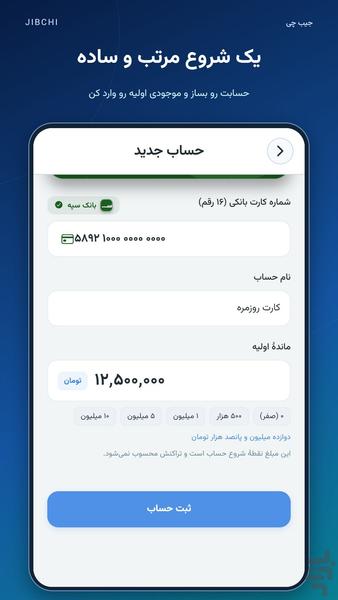
Getting started is simple: sign in with your mobile number, add your first account, and let JIBCHI guide you from there 🌱
SMS and notification permissions are optional. You can always enter transactions manually. Bank SMS recognition is designed for supported Iranian bank messages. Since financial records are stored on your device, export any information you need before uninstalling the app or clearing its data.
Need a hand? Contact us at support@myjibchi.ir