- Applications
- Personalization
Auto Wallpaper Changer 4K & HD
Images
Introduction
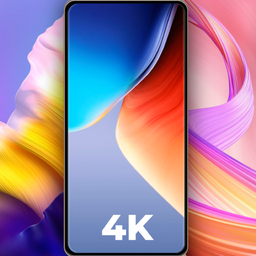
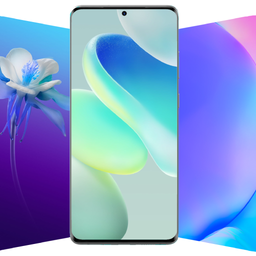
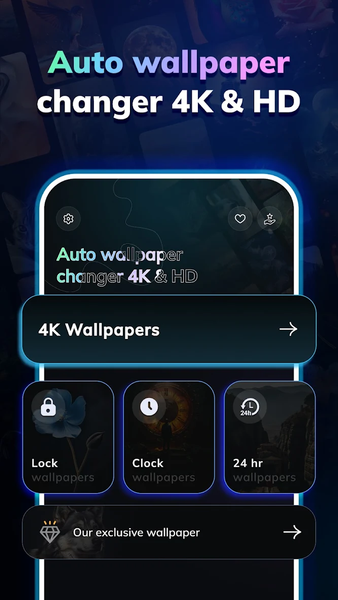
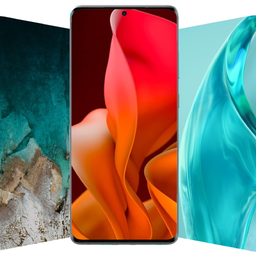
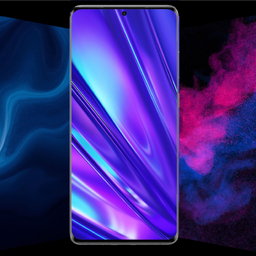
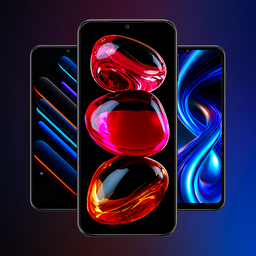
Make your screen more personal with Auto Wallpaper Changer 4K & HD. Explore wallpapers, create depth-style wallpapers, set automatic wallpaper changes, and customize your Home and Lock screens.
KEY FEATURES
1. Depth Wallpaper
• Create depth-style wallpapers for your screen
• Give supported photos a layered depth effect
• Preview the wallpaper before applying it
• Personalize your screen with a different visual style
2. Auto 4K Wallpaper
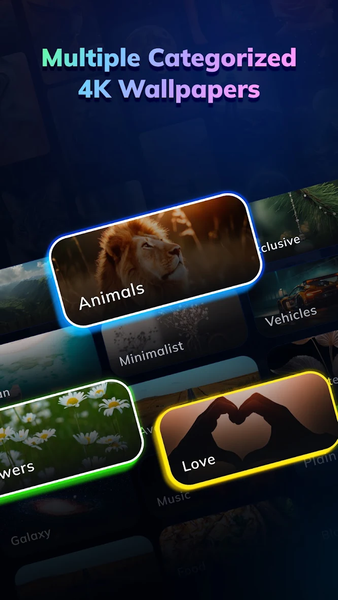
• Browse wallpapers organized by category
• Choose wallpapers from the app collection
• Select your own photos from the gallery
• Capture a photo using the camera
• Automatically change wallpapers based on your selected time interval
• Enable supported actions such as double-tap or device unlock to change wallpapers
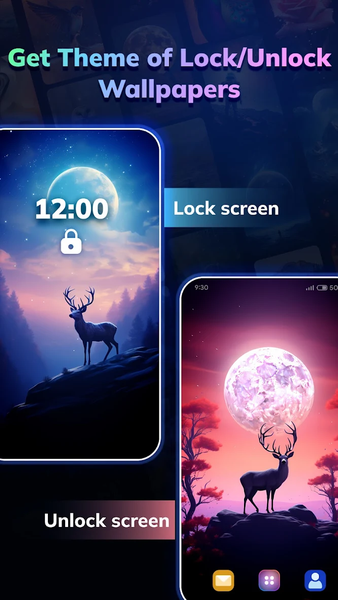
3. Lock / Unlock Wallpaper
Customize wallpapers shown when your device is locked or unlocked. Choose supported wallpapers or your own gallery images to personalize your screen.
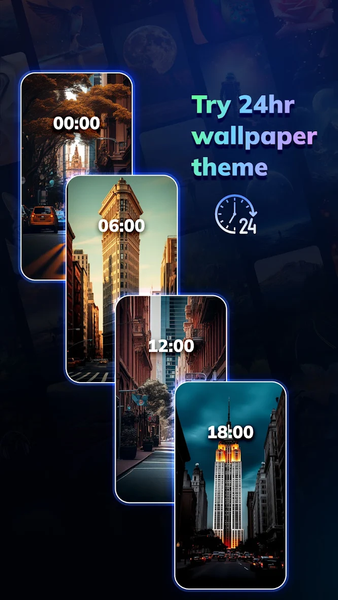
4. 24hr Wallpaper
Create a set of four wallpapers that can change throughout the day at scheduled intervals.
Choose images from:
• Your device gallery
• Available app wallpapers
• Photos captured using the camera
5. Today’s Wallpaper
Discover a daily wallpaper that you can preview and apply to your device.
6. Explore All Wallpapers
Browse the available wallpaper collection and choose any wallpaper you want to preview and apply.
PERSONALIZE YOUR SCREEN
Use Auto Wallpaper Changer 4K & HD to:
• Create depth-style wallpapers
• Automatically change wallpapers
• Browse wallpapers by category
• Use your own photos as wallpapers
• Customize Home and Lock screens
• Schedule wallpaper changes throughout the day
• Explore and apply available wallpapers
Choose the wallpaper style and changing options that work for you and personalize your device screen.
Related Applications


Users Also Installed



Similar Applications