- Applications
- Tools
Image To Text
| Install | 570 |
| From 12 Rates | 4.3 |
| Category | Tools |
| Size | 38 MB |
| Last Update | 2026 October 7 |
| Install | 570 |
| From 12 Rates | 4.3 |
| Category | Tools |
| Size | 38 MB |
| Last Update | 2026 October 7 |
Images


Introduction
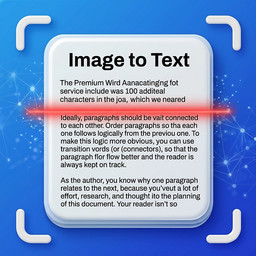
Image to Text with OCR Scanner or Text Scanner
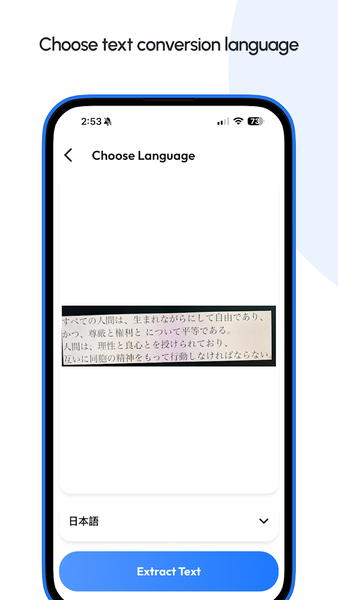
Convert photos, documents and screenshots with image to text. This image to text app combines an OCR Scanner, Text Scanner and OCR Reader.
Use image to text for notes and screenshots. The OCR Scanner recognizes content. This OCR Scanner is quick. OCR Scanner. This OCR Scanner. The Text Scanner captures words. This Text Scanner. Text Scanner. The OCR Reader makes text easy to reuse. This OCR Reader is simple. OCR Reader. This OCR Reader. OCR Reader.
Image to Text Conversion:
Turn photos into text. Use image to text for notes. The OCR Scanner reduces typing and keeps image to text simple.
OCR Scanner for Documents:
Scan pages and receipts with the OCR Scanner, then use image to text to extract content. OCR Scanner makes text capture convenient.
Smart Text Scanner:
Run the Text Scanner to convert visual content into editable words. The Text Scanner is useful for notes. Select an image and use the Text Scanner to review extracted content.
Accurate OCR Reader:
The OCR Reader extracts text from supported files. Use OCR Reader to review or copy information. This OCR Reader helps make scanned content easier to use.
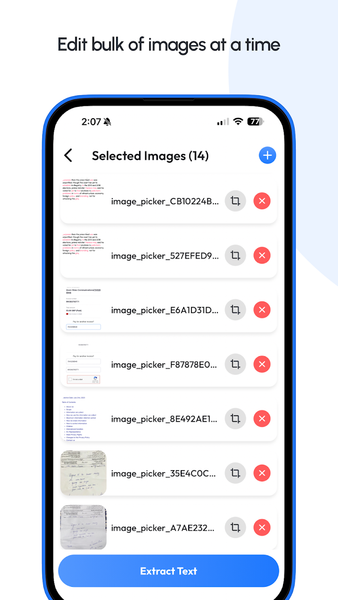
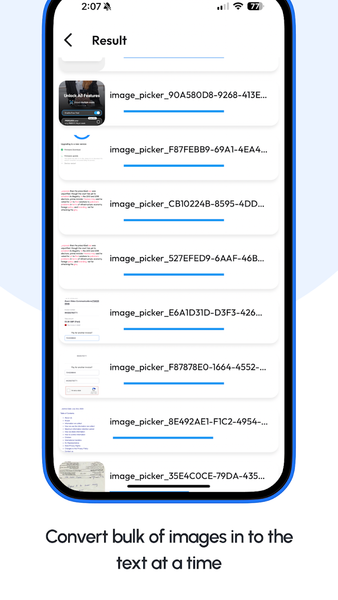
Bulk Image Scanning:
Process images with OCR Scanner. Use the OCR Scanner for repeated scanning and document tasks. The Text Scanner helps process multiple images efficiently.
PDF Text Extraction:
Use OCR Reader for supported PDFs. Use image to text tools to edit or share. The OCR Reader also helps you review scanned PDF content.
Easy Editing and Sharing:
After scanning, image to text lets you copy and share. The OCR Scanner, Text Scanner and OCR Reader are designed for daily use.
How to use:
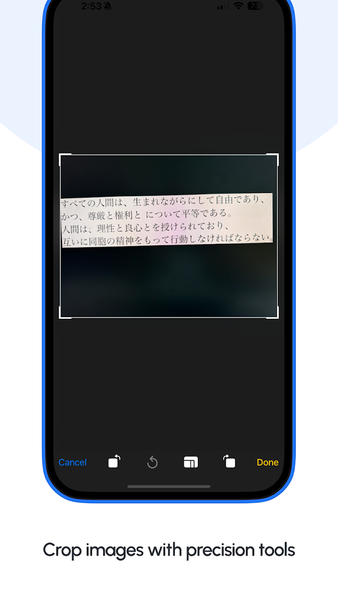
• Select a photo, document or supported PDF
• Open the OCR Scanner and scan the content
• Review the result with the Text Scanner
• Use the OCR Reader to check extracted text
• Copy, edit or share your result
Use image to text for notes and receipts. Students, teachers and office users can digitize documents and reduce manual typing. Choose image to text for quick scanning, image to text for document capture, or image to text when you need editable content.
With image to text, you can quickly turn visual information into usable text. The OCR Scanner, Text Scanner and OCR Reader work together for simple text extraction.
Start using the OCR image to text app and enjoy unlimited image to text conversion!

Related Applications






Users Also Installed