| نصب | ۲.۴ هزار |
| از ۳ رأی | ۲.۳ |
| دستهبندی | ابزارها |
| حجم | ۵ مگابایت |
| آخرین بروزرسانی | ۲۲ آبان ۱۴۰۰ |
| نصب | ۲.۴ هزار |
| از ۳ رأی | ۲.۳ |
| دستهبندی | ابزارها |
| حجم | ۵ مگابایت |
| آخرین بروزرسانی | ۲۲ آبان ۱۴۰۰ |
تصاویر برنامه
معرفی برنامه
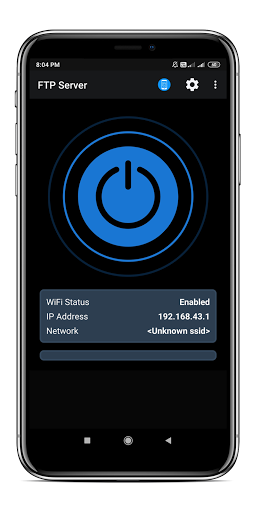
Convert your android phone/tablet into a FTP Server! Use this free app to host your own FTP Server on your phone/tablet. Use the FTP Server to transfer files, photos, movies, songs etc...to/from your android device using a FTP client like FileZilla.
Key features:
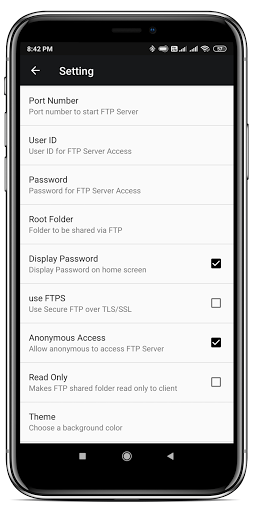
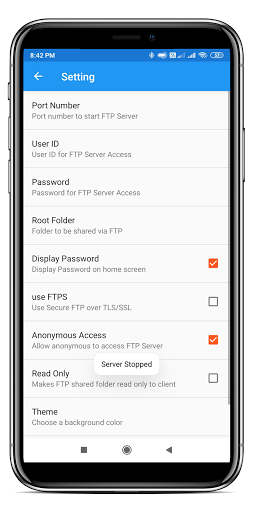
• Complete FTP server with configurable port number
• Configurable anonymous access
• Configurable home folder (mount point)
• Configurable user-name/password
• Avoid using USB cables for file transfer and copy/backup files over Wifi
• Works over Wifi and Wifi tethering mode (hotspot mode)
Steps to use the app:
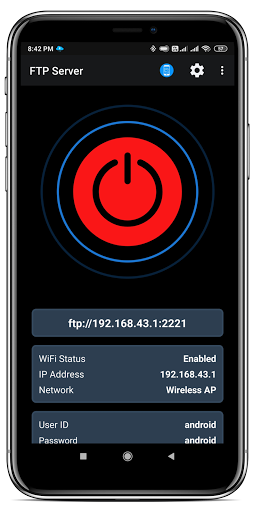
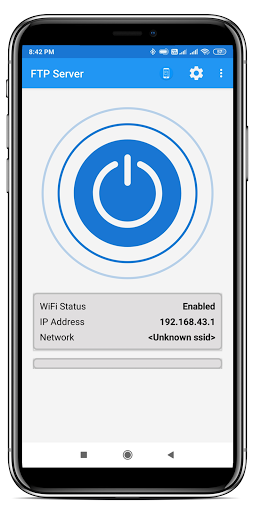
1. Connect to WiFi network and open app.
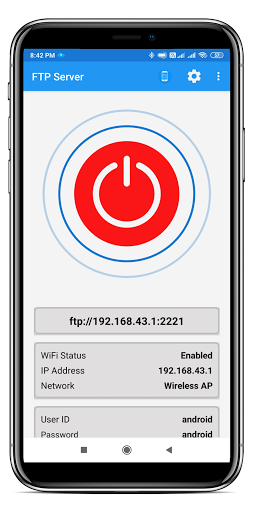
2. Click the start Icon button
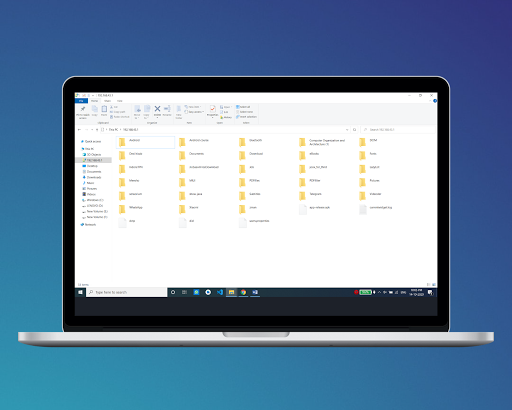
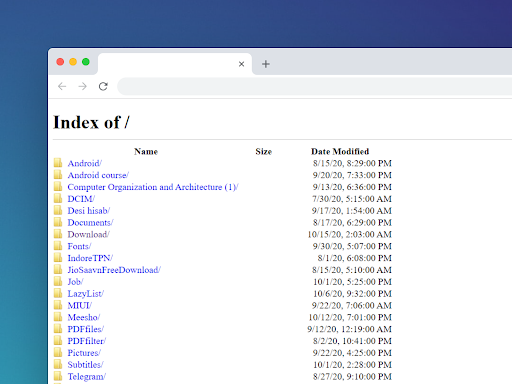
3. Key in the server URL in a FTP client or windows explorer and transfer files
Please email feedback/bugs to the support email-id. please note that the server URL would be ftp:// and not ftps://
Port number should be greater than 1024 as binding to ports like 21 will not be possible on non-rooted phones. The default port number is configured to 2221 and can be changed from settings screen.
If you dont have a FTP client, you could download Filezilla from https://filezilla-project.org/download.php?type=client You can also access the ftp server from windows file explorer.


برنامههای مرتبط







دیگران نصب کردهاند