- Applications
- Tools
WiFi Analyzer: Channel Scanner


Images





Introduction
WiFi Analyzer turns your phone into a pocket Wi-Fi scanner and signal meter. See every network around you, find the least crowded channel, and get the strongest, most stable connection in any room.
Whether you are setting up a new router, hunting down dead zones at home, or troubleshooting a slow connection, WiFi Analyzer gives you the data you need at a glance.
WHAT YOU CAN DO
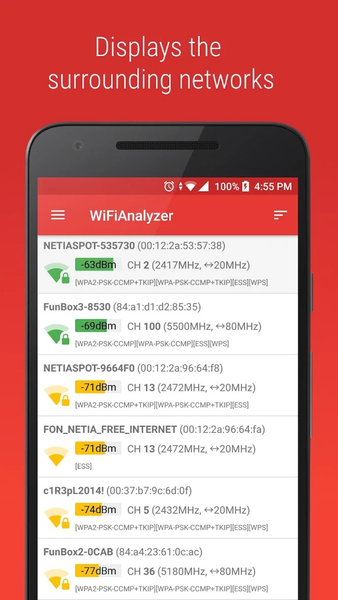
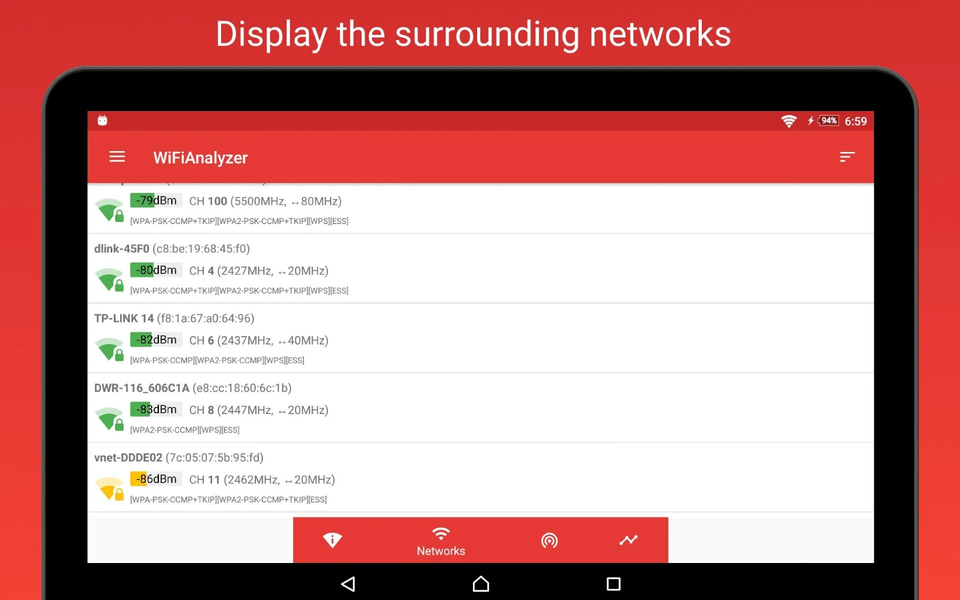
• Scan all nearby WiFi networks and compare their signal strength
• See every channel rated at a glance and find the best, least crowded channel for your router on 2.4 GHz, 5 GHz and 6 GHz
• Share a channel report with the recommended channels for every band
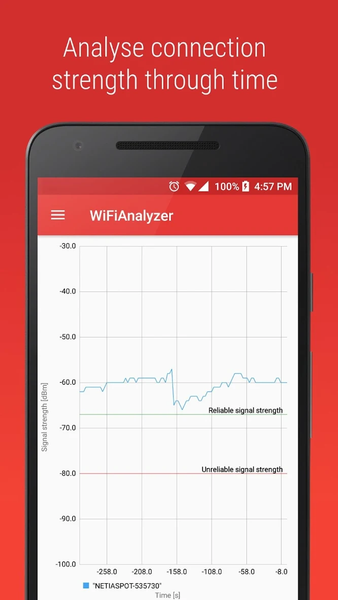
• Watch signal strength change over time on a live timeline graph
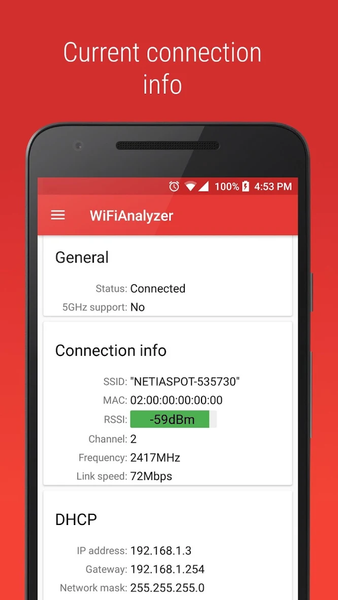
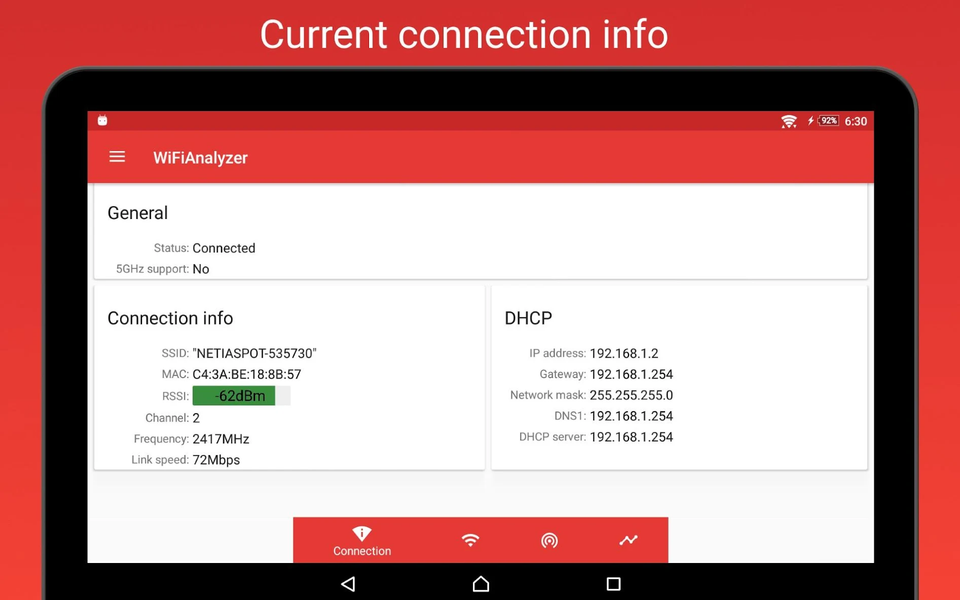
• Inspect your current connection in detail: SSID, MAC, RSSI, frequency, channel, IP, DHCP and DNS
• Read a clear signal-quality indicator so you know when a connection is reliable
FIND NETWORKS FAST
• Filter networks by name or band (2.4 GHz / 5 GHz / 6 GHz)
• Hide weak or hidden networks to focus on what matters
• Smart, stable sorting keeps the list steady instead of jumping as signals fluctuate
WI-FI 6, 6E AND 7
• Instantly see each network's Wi-Fi generation — Wi-Fi 4, 5, 6, 6E and 7
• Full 6 GHz band support: scan, graph and rate 6 GHz channels on Wi-Fi 6E and Wi-Fi 7 devices
EXTRA TOOLS
• Share any WiFi network as a QR code — others just scan to connect, no password typing
• Test your connection with the built-in ping tool
DESIGN
• Clean Material Design 3 interface
• Light and dark theme
PERMISSIONS
• Precise location — required by Android to scan for nearby WiFi networks. The app does not collect or share your location.
ANDROID 9 (PIE) AND NEWER
Starting with Android 9, the system limits WiFi scanning to about four times every two minutes, so newly appearing networks can take a moment to show up. On Android 10 and newer you can lift this limit: open Settings > System > Developer options and turn off "Wi-Fi scan throttling" for real-time results.
Related Applications







Users Also Installed