

- Install
- <100
- Category
- Tools
- Last updated
- 2026 October 8
- Size
- 13 MB
View antivirus results
| Antivirus | Status |
|---|---|
| Comodo | Clean |
| FSecure | No result |
Needs further review: this scanner has not returned a result for this version of the app. | |
| McAfee | Clean |
| DrWeb | Clean |
| Kaspersky | Clean |
| Symantec | Clean |
| ZonerMobileSecurity | No result |
Needs further review: this scanner has not returned a result for this version of the app. | |
| ClamAv | Clean |
| GooglePlayProtect | No result |
Needs further review: this scanner has not returned a result for this version of the app. | |
| Eset | Clean |
App screenshots

About this app
The Best Authenticator App for Free!
Protect your accounts by adding 2-factor authentication (2FA)!
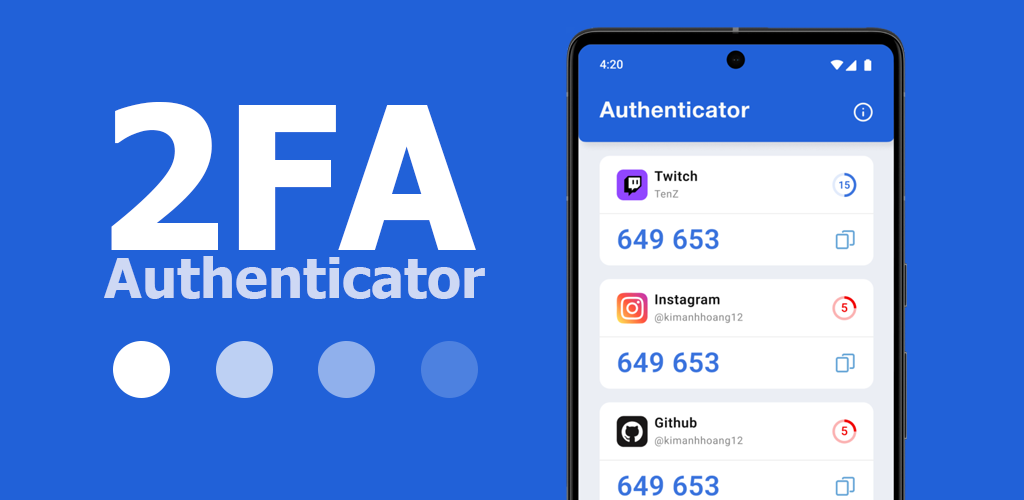
Are you looking for a reliable and easy-to-use Authenticator App? 2FA Authenticator App is the best choice for you. It is a super simple authenticator app that is very easy to use and works completely offline.
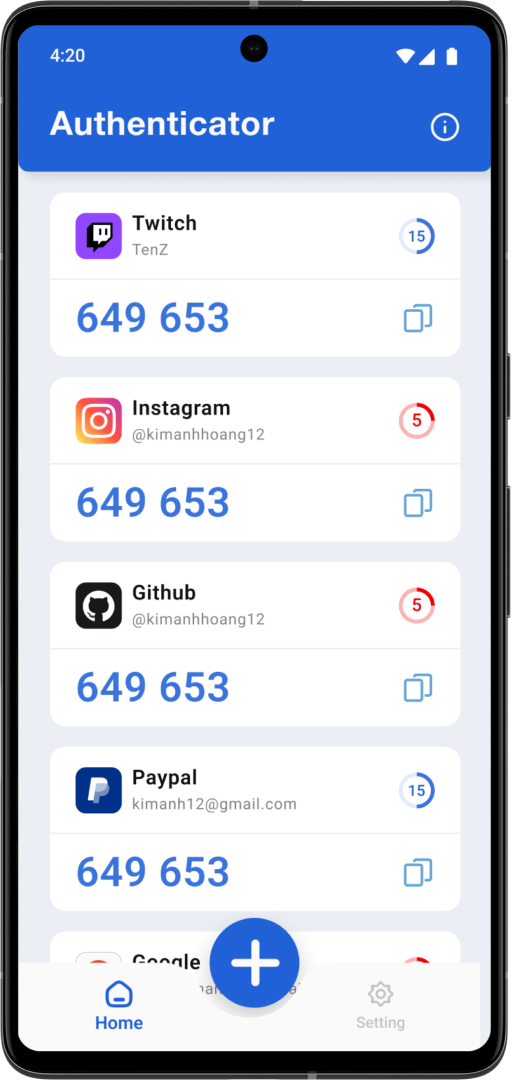
2FA Authenticator supports adding 2-step authentication for most types of online accounts today such as Google, Microsoft, Facebook, Instagram, Twitter, Amazon, Dropbox, LinkedIn, GitHub, ...
How it works?
- 2FA Authenticator uses the same time-based one-time password (TOTP) algorithms. When you sign in the one-time password (OTP) is generated by the app. The one-time passwords (OTP codes) have a 30 second timer counting down. The one-time password (OTP) doesn’t require you to be connected to a network.
Why Choose the 2FA Authenticator
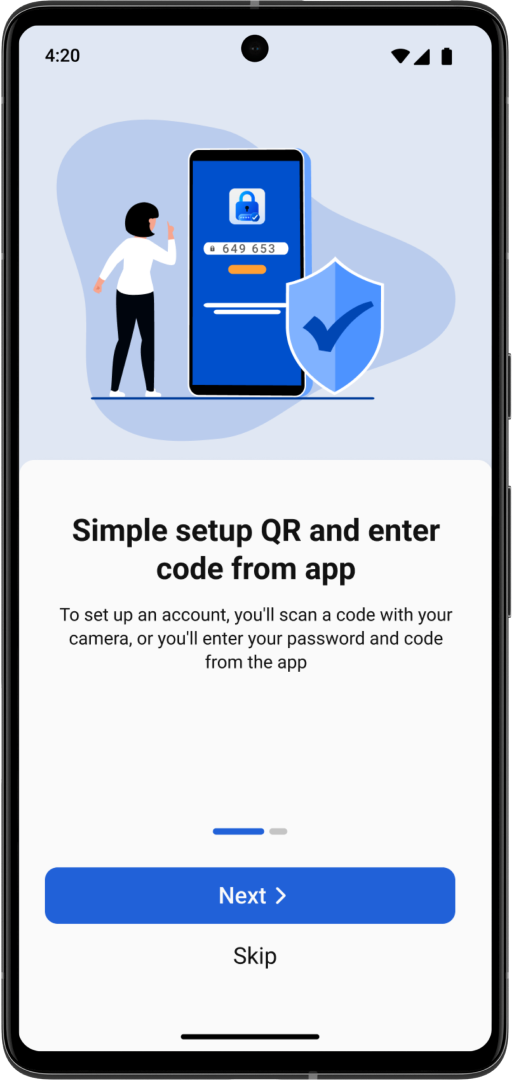
- Easily add a new account, just scan the QR code
- Support a lot of popular services
- Works offline
- Completely free
Permission require:
Camera: Needed to add accounts using QR codes


