- Applications
- Education
Optoma TapCast
| Install | <100 |
| From 0 Rates | 0 |
| Category | Education |
| Size | 2 MB |
| Last Update | 2023 April 2 |

| Install | <100 |
| From 0 Rates | 0 |
| Category | Education |
| Size | 2 MB |
| Last Update | 2023 April 2 |
Images
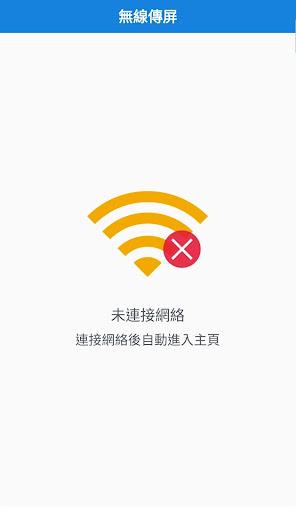
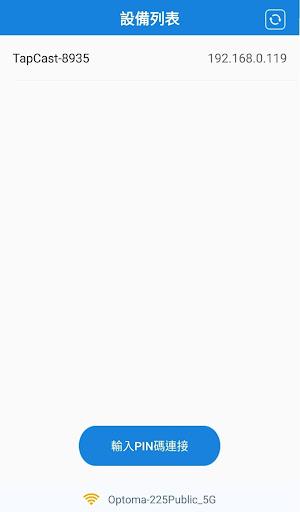
Introduction
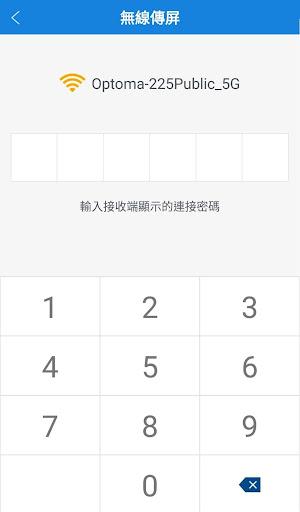
TapCast is a wireless display solution which offers a friendly and convenient user experience for home entertainment, corporate and education sharing and collaboration. To use this APP on your phone or tablet, you need an Optoma Projector / IFP with TapCast Server pre-installed.
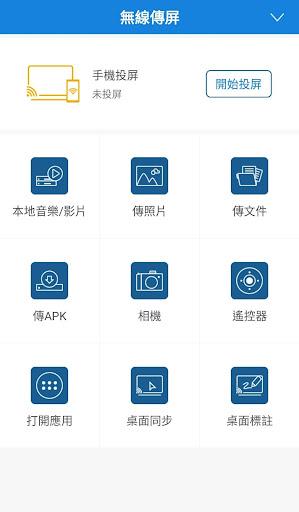
With TapCast you can:
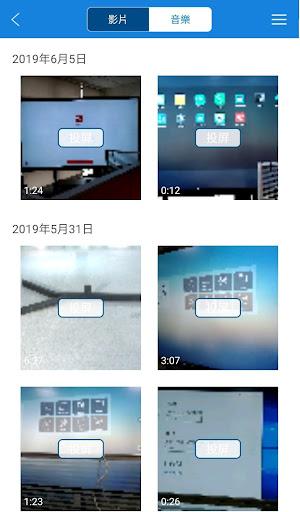
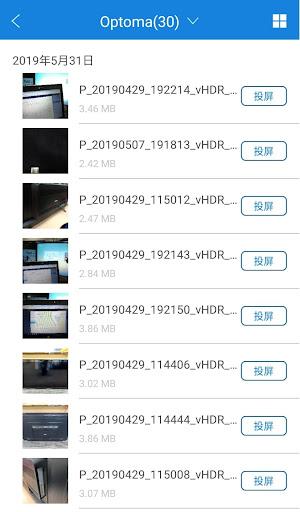
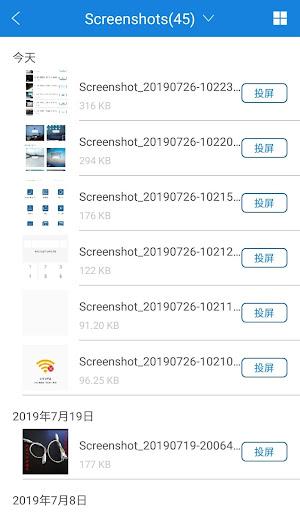
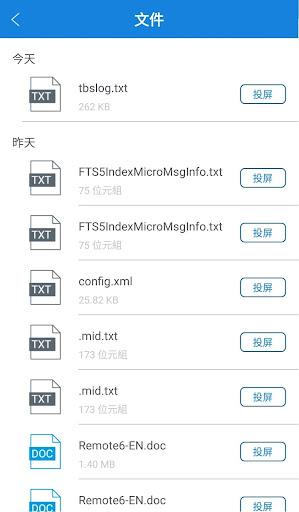
1. Stream any audio or video file to your Projector / IFP.
2. Use your smartphone as Remote Controller for your Projector / IFP.
3. Mirror your mobile screen to your Projector / IFP.
4. Mirror your desktop screen to your smartphone and touch the screen directly to control your Projector / IFP, as if you are touching your Projector / IFP.
This is the client side APP. The server APP is exclusively found on Optoma Projector / IFP that has TapCast Server built in.
Support Model: Optoma P1/P2/ZU720TST/ZU620TST/ZU620T/ZU720T Optoma IFP 5651RK/5751RK/5861RK/3651RK/3751RK/3861RK
Related Applications