- Applications
- Education
Clip Cloud - Clipboard Sync

Images
Introduction
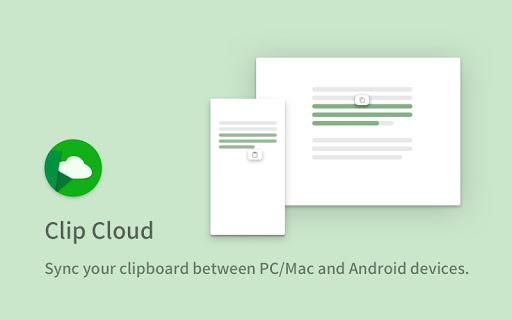
Clip Cloud - Sync your clipboard across all of your phones and computers.
Chrome Extension https://chrome.google.com/webstore/detail/njdmefplhdgmeenojkdagebgapfbabid
iOS
Search "Clip Cloud" on the App Store.
- How does it work?
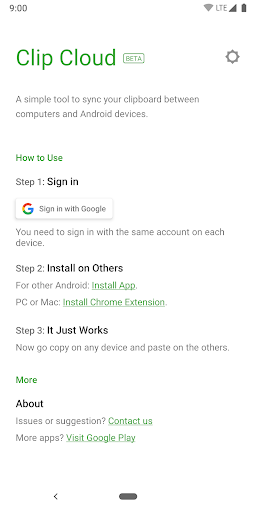
Copy text on one device, and paste it on another. It works on Android, iOS, PC, Mac, and Linux. Your clipboard data is encrypted and sent instantly via Google Cloud Message.
- Which platforms are supported?
It supports Android, iOS, and any desktop (PC, Mac, Linux) with the Chrome extension.
- Is it encrypted?
Yes. All transmissions are encrypted using the AES algorithm.
- Will it store my clipboard?
No. Clipboard data is sent directly through Google Cloud and is not stored on our servers.
- Support clipboard history?
Yes! We support local clipboard history. For security reasons, cloud history is not supported. Once cleared, it cannot be recovered.
- What is the maximum length of the clipboard?
Up to 3000 characters.
Related Applications







Users Also Installed








Similar Applications