
- Install
- <100
- Category
- Tools
- Last updated
- 2026 June 23
- Size
- 19 MB
View antivirus results
| Antivirus | Status |
|---|---|
| McAfee | Clean |
| FSecure | No result |
Needs further review: this scanner has not returned a result for this version of the app. | |
| Symantec | Clean |
| ClamAv | Clean |
| Kaspersky | Clean |
| Eset | Clean |
| DrWeb | Clean |
| Comodo | Clean |
| ZonerMobileSecurity | Clean |
| GooglePlayProtect | Clean |
App screenshots


About this app
Introducing the ultimate screen rotation app - 🎉 Custom Screen Rotation Controls 🎉! With a plethora of features, our app allows you to effortlessly customize the rotation settings of your device and individual apps. Say goodbye to your device set in to the wrong orientation and hello to a seamless rotating experience!
Here are just a few of the amazing features you'll enjoy:
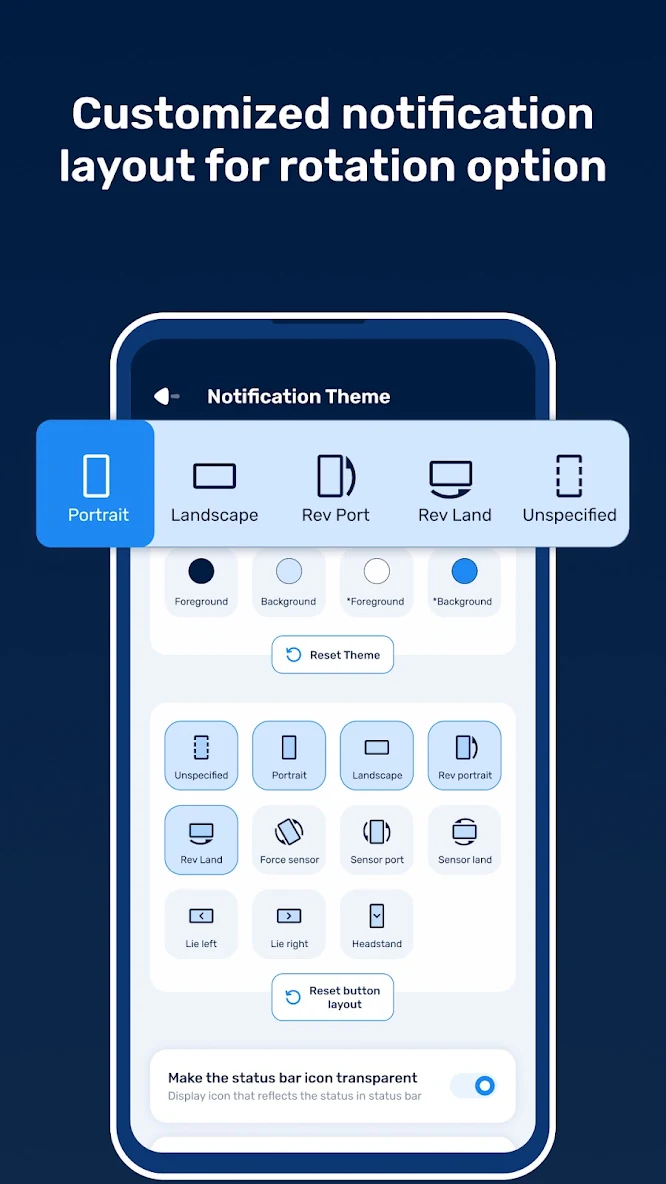
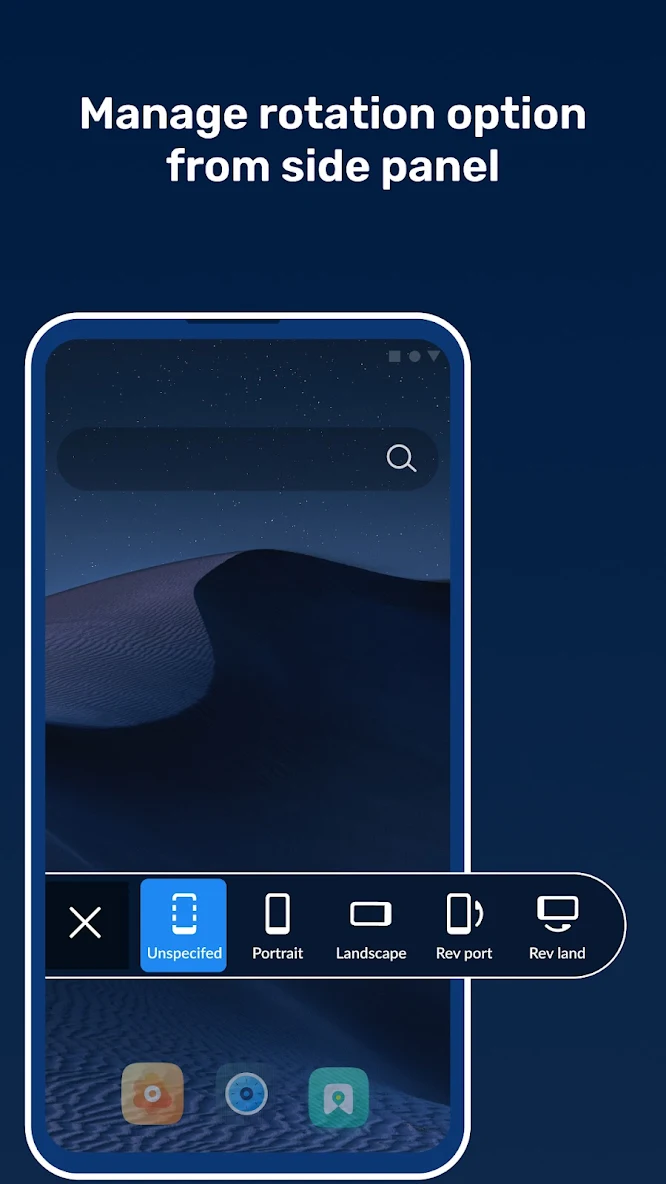
🔁 Device Rotation: With options like portrait, landscape, reverse portrait, and reverse landscape, you can choose the perfect orientation for your device. Plus, you can even force your device to auto rotate or set it to rotate based on sensor orientation!
📲 App Rotation: Want a specific app to always be in landscape mode? No problem! With Custom Screen Rotation Controls, you can set the rotation of any installed app individually.
🔔 Notification Theme: Our app makes it easy to set any rotation directly from the notification bar. And with customization options like transparent status bar icons, system settings warnings, and notification privacy, you can truly make it your own.
⚙️ App Settings: We've included a ton of convenient settings to make your life easier. From auto-start at device startup to a floating button for orientation changes, we've got you covered.
So what are you waiting for? Download Custom Screen Rotation Controls now and take control of your device's rotation settings. With our app, you can customize your device's orientation like never before! 😍


