- Applications
- Tools
Mosaic & Blur - Photo Editor

| Install | 270 |
| From 2 Rates | 4.5 |
| Category | Tools |
| Size | 39 MB |
| Last Update | 2026 October 29 |
| Install | 270 |
| From 2 Rates | 4.5 |
| Category | Tools |
| Size | 39 MB |
| Last Update | 2026 October 29 |
Images


Introduction
Pixelate or blur faces, license plates, text and anything else you want to hide in a photo.
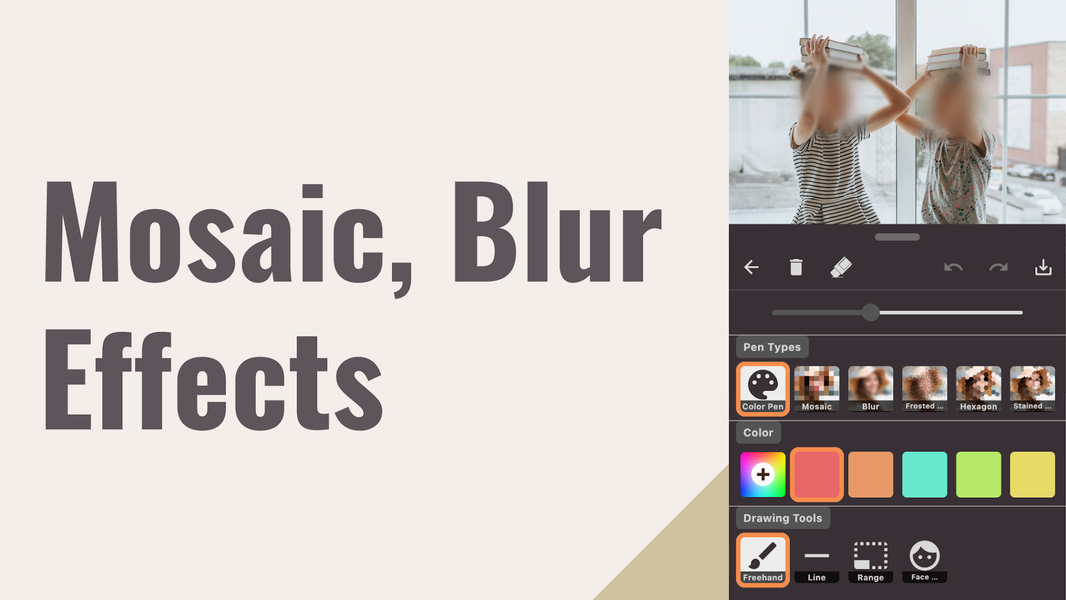
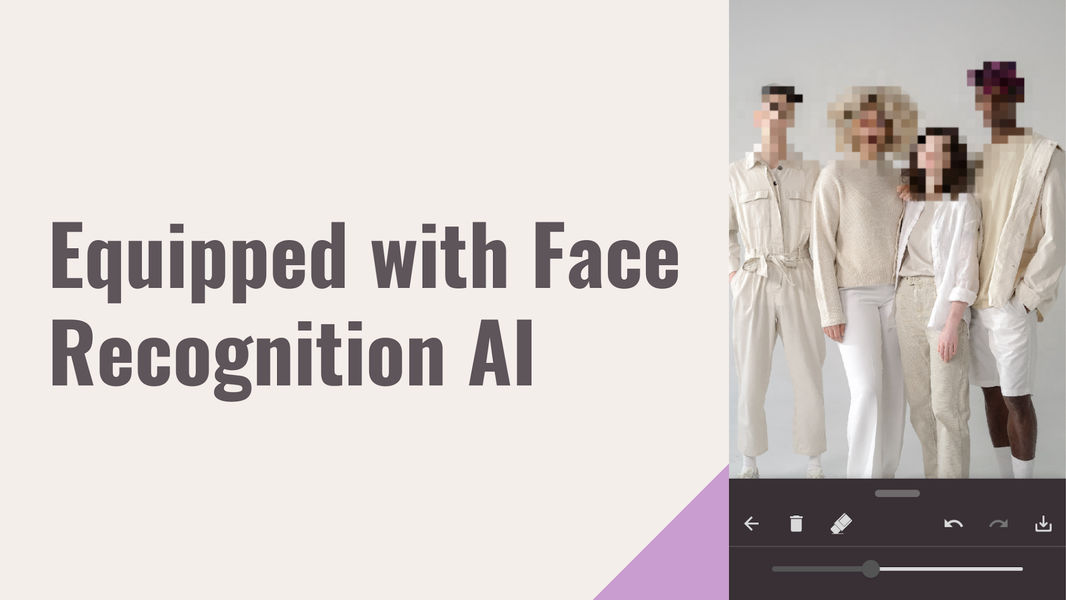
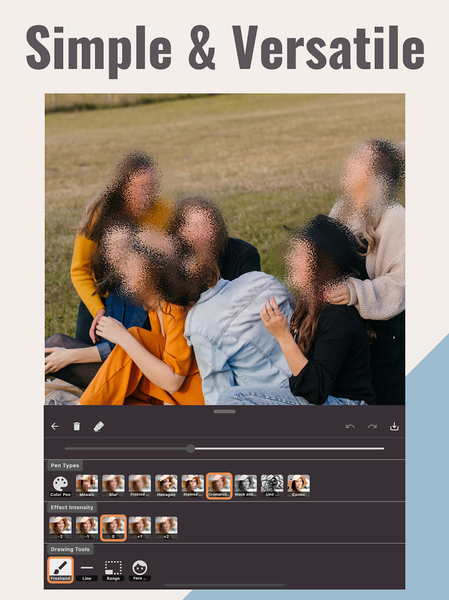
Mosaic & Blur is a simple app for hiding details in your photos. Trace with your finger to pixelate an area, or use the offline AI face detection to apply the effect to faces automatically.
What you can hide
- Blur faces before posting to social media
- Hide a license plate or number plate in a car photo
- Cover an address, name, phone number or ID card on a screenshot
- Cover a logo or text you don't want to show
- Pixelate children's faces in family photos
- Hide people in the background of a travel photo
How it works
1. Pick a photo from your gallery
2. Trace the area with your finger, or tap auto face detection
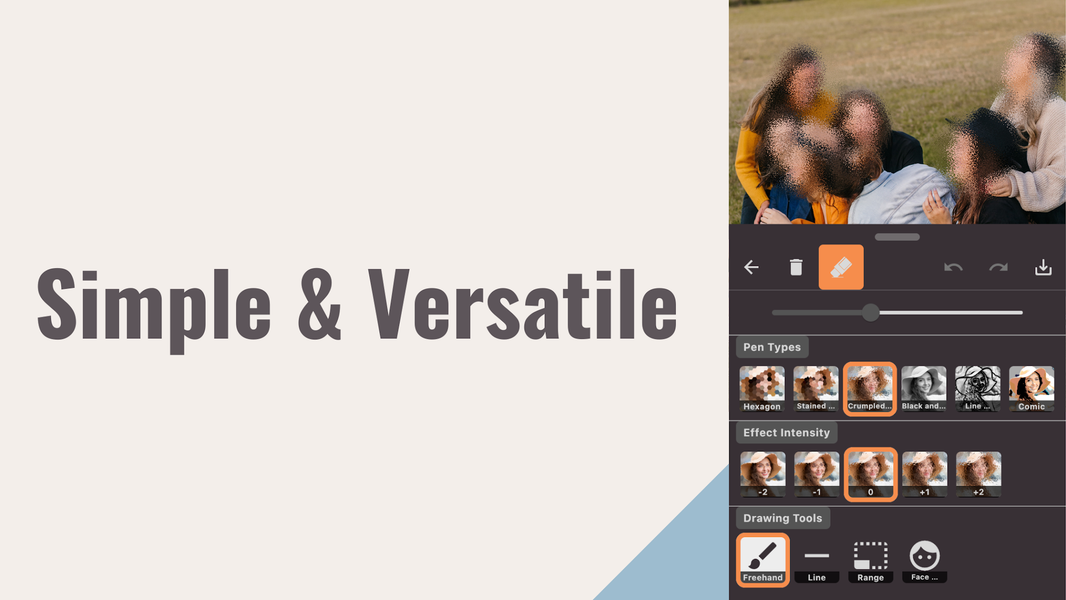
3. Adjust the strength of the mosaic or blur
4. Save as PNG or JPG, or share it
Features
- Pixelate (mosaic) with adjustable strength
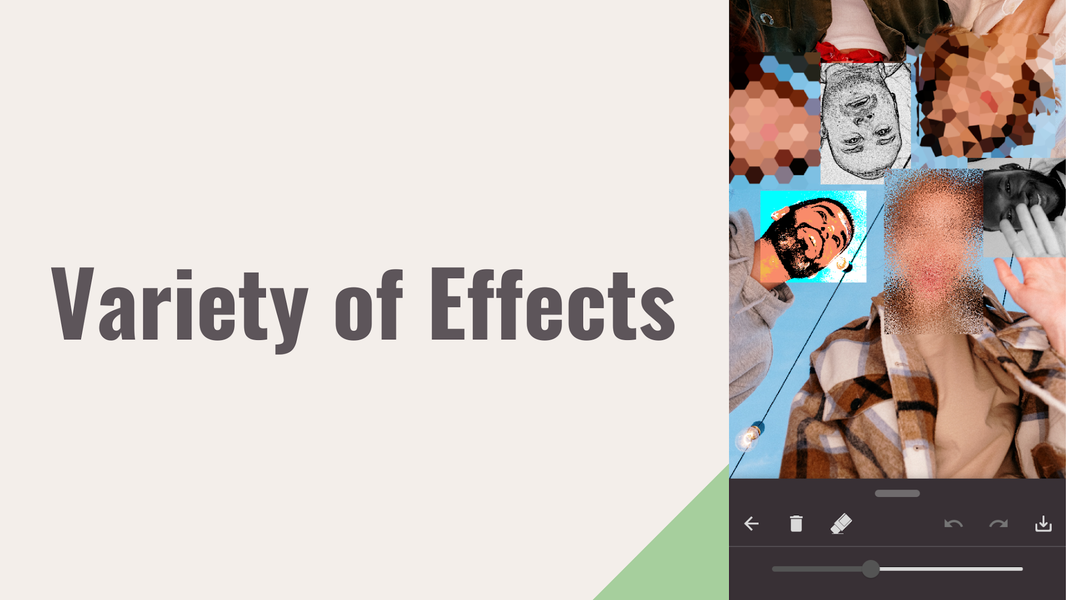
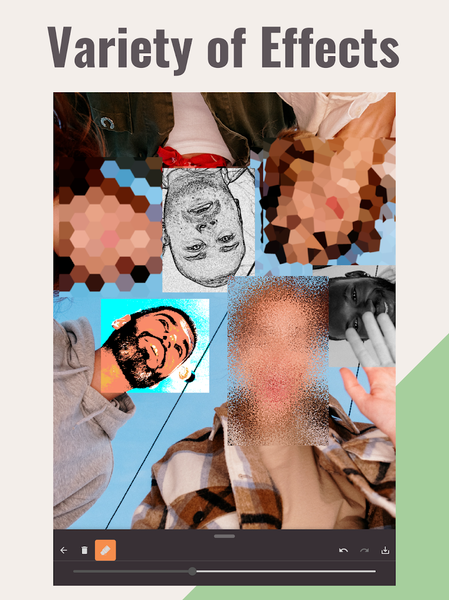
- Blur and frosted glass effects
- Automatic face detection that works offline
- Color pen tool
- Selection tools
- Undo and redo
- Save quality options
- PNG and JPG support
- Save history gallery
- Photo sharing
- Simple, easy-to-understand interface
Effects
Mosaic / pixelate, blur, frosted glass, hexagon, stained glass, paper, black & white, line art, comic
Privacy
Face detection works offline.

Related Applications








Users Also Installed






Similar Applications