- Applications
- Tools
FileFlow: File Transfer

| Install | <100 |
| From 0 Rates | 0 |
| Category | Tools |
| Size | 27 MB |
| Last Update | 2026 September 14 |

| Install | <100 |
| From 0 Rates | 0 |
| Category | Tools |
| Size | 27 MB |
| Last Update | 2026 September 14 |
Images
Introduction
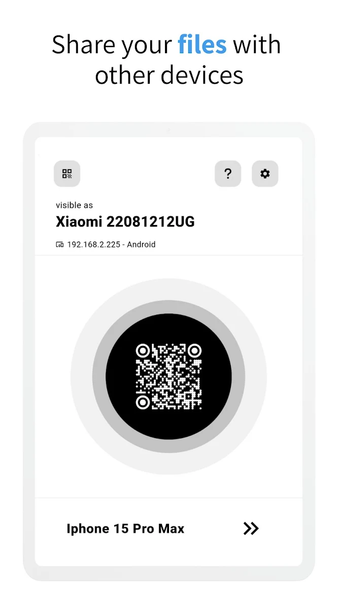
Your phone holds the moments. Your computer has room for them. FileFlow transfers photos, videos, documents and folders between your devices over Wi-Fi or a local network, without routing file contents through cloud storage.
KEEP A COPY. MAKE ROOM.
Move large videos and photo collections to your computer. Check that the transferred copies open correctly before choosing what to delete from your phone. FileFlow transfers your files; it does not automatically clean your device or replace a full system backup.
MORE THAN A FILE DROP
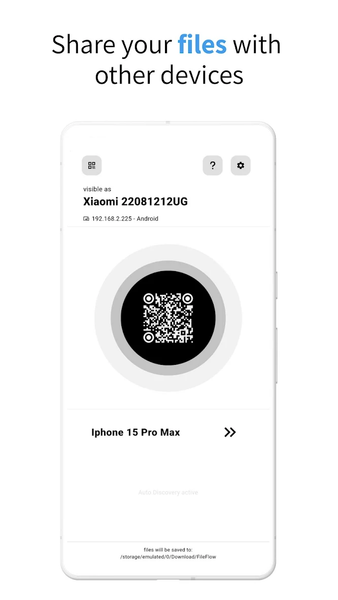
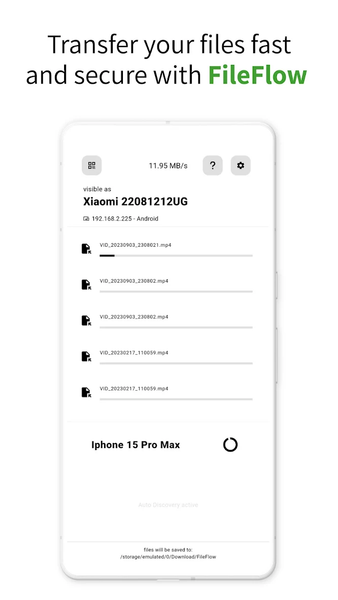
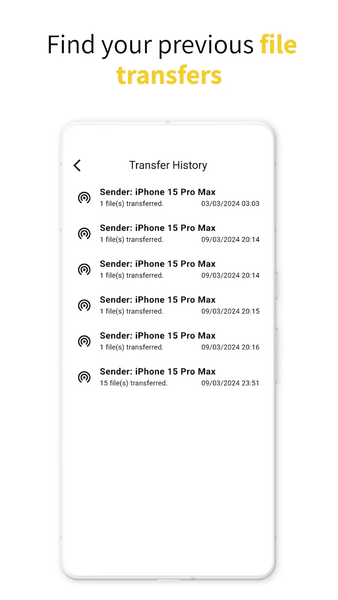
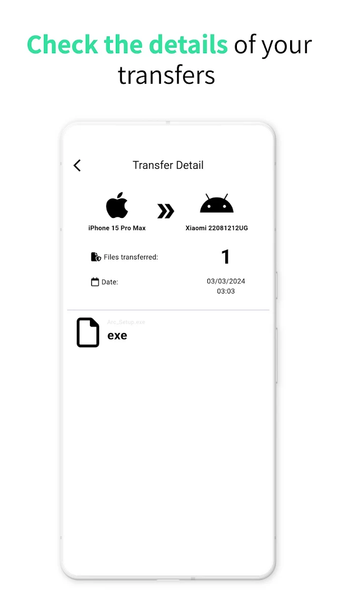
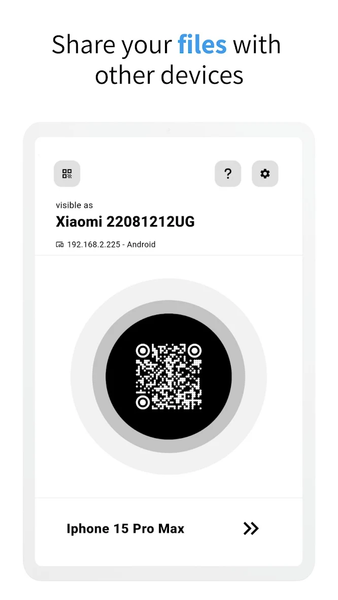
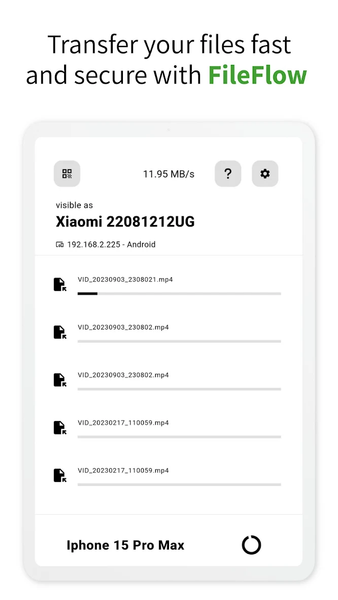
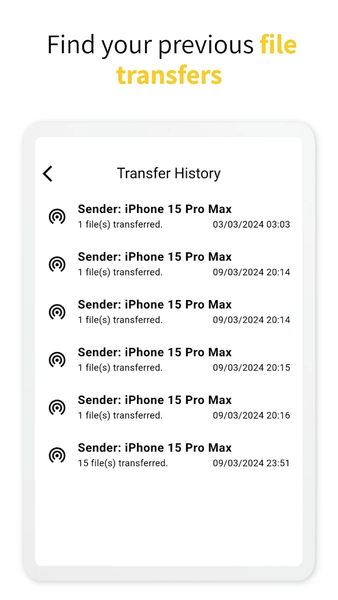
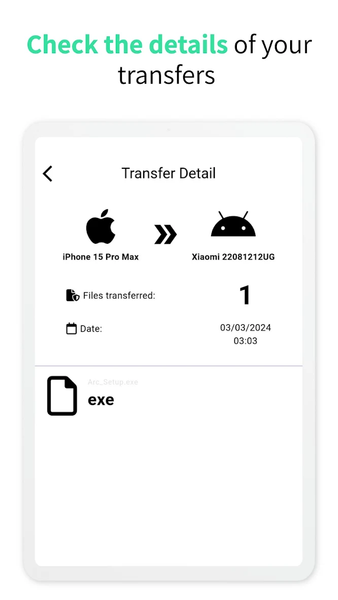
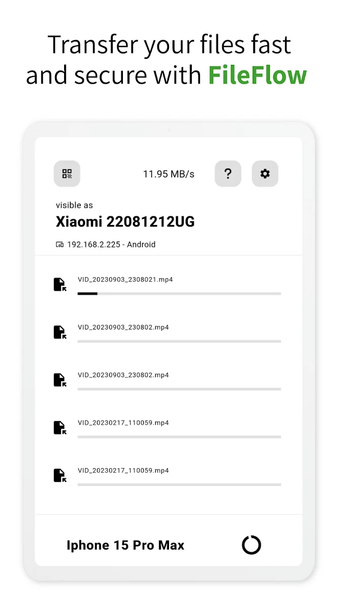
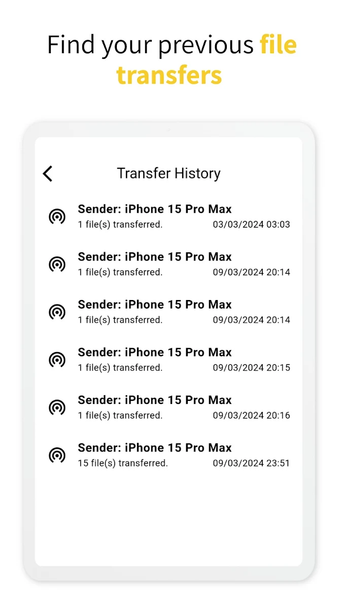
Share files, links and notes in a separate conversation with each device. Send folders, keep related files together and follow transfer progress. Use your computer to receive phone files or send documents back when you need them.
DIRECT ON YOUR NETWORK
Nearby devices discover each other on the same network. Transfer speed depends on your Wi-Fi, router and devices. Use a trusted network and keep both apps available during a transfer.
GET CONNECTED
1. Connect your devices to the same Wi-Fi or LAN.
2. Open FileFlow on both devices.
3. Select a device, choose your files and send.
FileFlow connects phones, tablets and computers: iPhone, iPad, Android, macOS, Windows and Linux. Available features and permissions vary by platform.
Free transfers have usage limits. Smart Backup on supported phones requires Premium. Current limits, purchase options and subscription terms are shown in the app. Back up selected photos and documents; this is not a complete phone restore or automatic cloud backup.
https://scorpionapps.com/fileflow
https://scorpionapps.com/fileflow/copyright.html
Related Applications









Users Also Installed