- Applications
- Education
SimLab AR/VR Viewer
| Install | <100 |
| From 1 Rates | 5 |
| Category | Education |
| Size | 244 MB |
| Last Update | 2026 August 4 |

| Install | <100 |
| From 1 Rates | 5 |
| Category | Education |
| Size | 244 MB |
| Last Update | 2026 August 4 |
Images
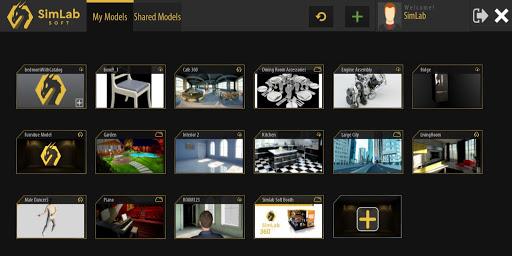
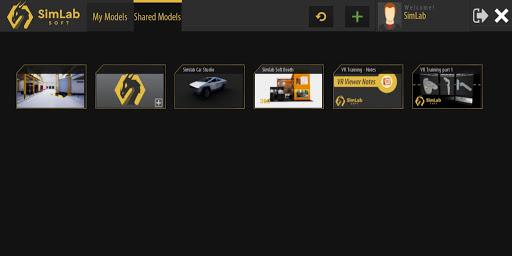
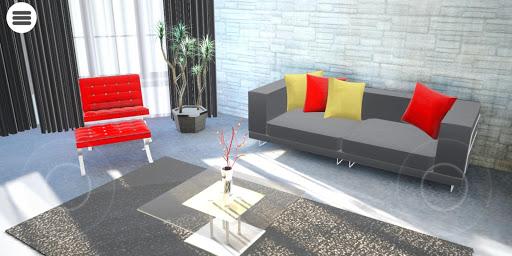
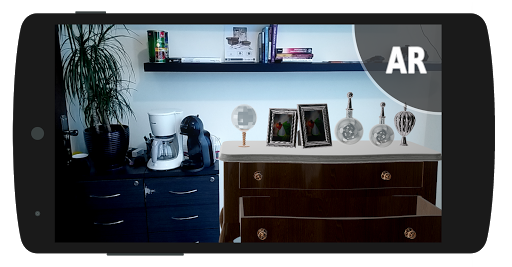
Introduction
SimLab VR Viewer brings interactive 3D and virtual reality experiences to your Android phone or tablet.
Use it to view, explore, and interact with VR scenes created using SimLab Composer or SimLab VR Studio.
Key Features
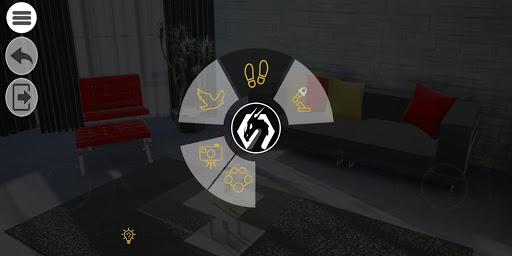
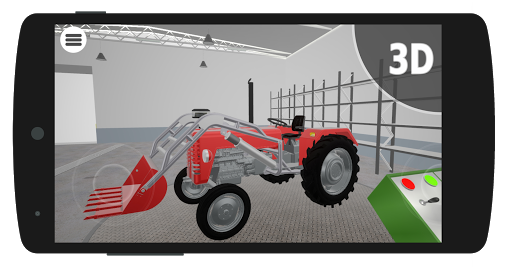
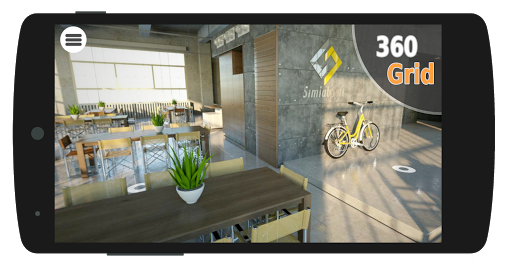
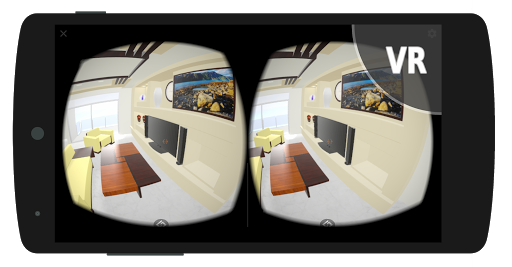
• Open and explore immersive 3D and VR scenes directly on your mobile device.
• Run VR training, educational, and simulation experiences anywhere.
• Interact with 3D objects, assemblies, and environments.
• Add notes and measurements for review and collaboration.
• Join multi-user sessions across desktop, mobile, and VR for real-time teamwork.
• Stay up to date with wireless sync from SimLab Composer or SimLab VR Studio.
How It Works
SimLab VR Viewer displays interactive scenes created in SimLab Composer or SimLab VR Studio.
Those tools support over 30 3D formats, including FBX, OBJ, STEP, and USDZ, which can be converted into full VR experiences for viewing on your Android device.
Direct import of raw 3D files into the Viewer is not available.
Who It’s For
Perfect for:
• Educators and Trainers – deliver engaging, hands-on learning.
• Architects and Engineers – present and review designs interactively.
• Designers and Marketers – showcase prototypes and products in VR.
• Teams – collaborate and communicate in shared 3D spaces.
To start creating VR experiences, visit:
SimLab Composer : https://www.simlab-soft.com/3d-products/simlab-composer-main.aspx
or SimLab VR Studio : https://www.simlab-soft.com/3d-products/vr-studio.aspx
Related Applications









Users Also Installed








Similar Applications