- Applications
- Photography
Add Watermark - Video Waterma

| Install | 490 |
| From 19 Rates | 3.7 |
| Category | Photography |
| Size | 33 MB |
| Last Update | 2024 September 29 |

| Install | 490 |
| From 19 Rates | 3.7 |
| Category | Photography |
| Size | 33 MB |
| Last Update | 2024 September 29 |
Images



Introduction
Video Watermark is the easiest and quick solution to add your own Watermark, Logo to your videos. Video Watermark is a very useful app for professional who upload videos to social network Instagram, Youtube, Facebook...
Features:
- Add Gif from Gallery/ URL to Video
- Finger paint (Touch to paint)
- Add your Watermark/ Photo/ Sticker to a video
- Allow adding Watermark/ Photo/ Sticker from an Url on the internet.
- Allow Add Text to a video
- Support video full screen. So Users easy to put Watermark, logo exactly
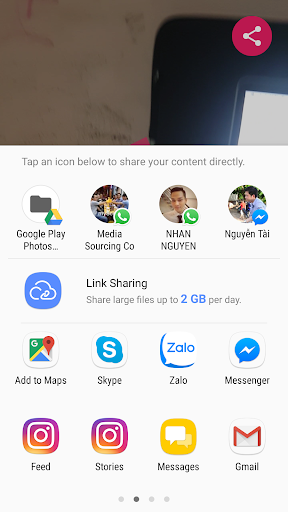
- Share your video on social apps: Youtube, Facebook, Skype, WhatsApp, Instagram...
- Support Watermark Opacity.
- Support high-resolution video: Full HD (60 fps), 2K (2560 x 1440), 4K (3840 x 2160)
- Support background processing
- You can move your Watermark to anywhere on the video
- Fast process
- Support portrait video (9:16) & landscape video (16:9)
- Add Multiple Watermark/ Logo to Video
- Rotate, Zoom in, Zoom out
- Save a video result on Gallery
How to add a watermark to the video
1. Select a video from Gallery
2. Choose a Logo or Watermark from Gallery or somewhere
3. Click the Process button
4. Wait a few seconds to get the video result
5. Enjoy and share :)
Please contact me (nhan.nguyen.5592@gmail.com) when you get issues on apps. I will fix it as soon as possible. Thank you so much


Related Applications










Users Also Installed








Similar Applications